FALCO Instrument User Manual V1.2R
Unrivalled Gas Detection. Page 27 of 46 ionscience.com
To access the settings menus, press the Right key from the Normal Running Mode screen. If a passcode has
been set, the Lock screen will be displayed. Otherwise, the i1 menu will be displayed.
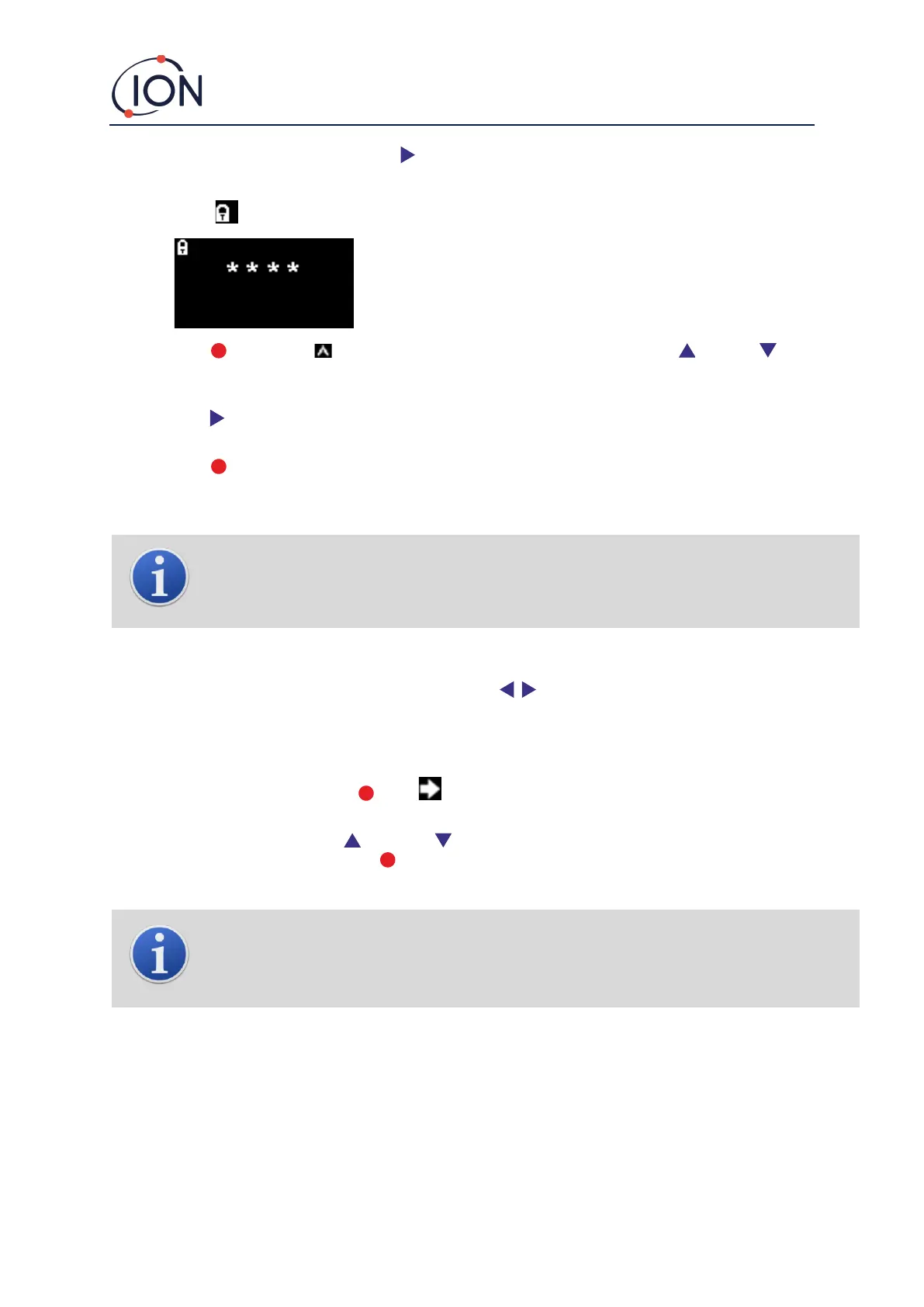
Lock Screen
The Lock screen is displayed if a password number has been specified (see
menu i6). It protects the instrument from unauthorised adjustment - the
menus (see below), cannot be accessed until the correct number has been
entered.
Press the Enter key. A cursor is then displayed under the first asterisk. Press the Up or Down key.
The asterisk will be replaced by a number. Keep pressing the up and down keys until the first digit of the
passcode is displayed.
Press the Right key to move to the next asterisk. Repeat the above procedure to enter the next digit. Repeat
until the four digits of the password are entered.
Press the Enter key. If the correct password was entered, the i1 menu will be displayed.
If not, the LED status indicator will change to red. The Lock screen remains displayed, and the user can attempt
to enter the password again.
INFORMATION
Entering 4321 at the Lock screen will always enable access to the menus. This can be used if, for
example, the actual password has been forgotten.
Navigating the Menus and Selecting Menu Options
The six screens are navigated through using the left and right keys on the magnetic keypad. For
example, if the i2 menu is being displayed, press the left key to display the i1 menu and the right key to display
the i3 menu.
Each of the menu screens has two or more options on it.
To activate the menus, press the Enter key. A cursor is then displayed next to the first option in the
current menu.
To select a menu option, use the Up and Down keys to move the cursor to the required option. To
enter the required option, press the Enter key.
See below for details of all the menus, sub-menus and options.
INFORMATION
If no action is taken in the menu screens for 120 seconds, the display will automatically revert to the
Normal Running Mode screen. If a passcode has been set, this must again be entered to access the
menus.



 To Next Page