FALCO Instrument User Manual V1.2R
Unrivalled Gas Detection. Page 30 of 46 ionscience.com
20 mA range: Used to set the 20 mA range of the instrument.
4 - 20 mA fault level: Used to set whether the fault signal is <4 mA or > 20mA.
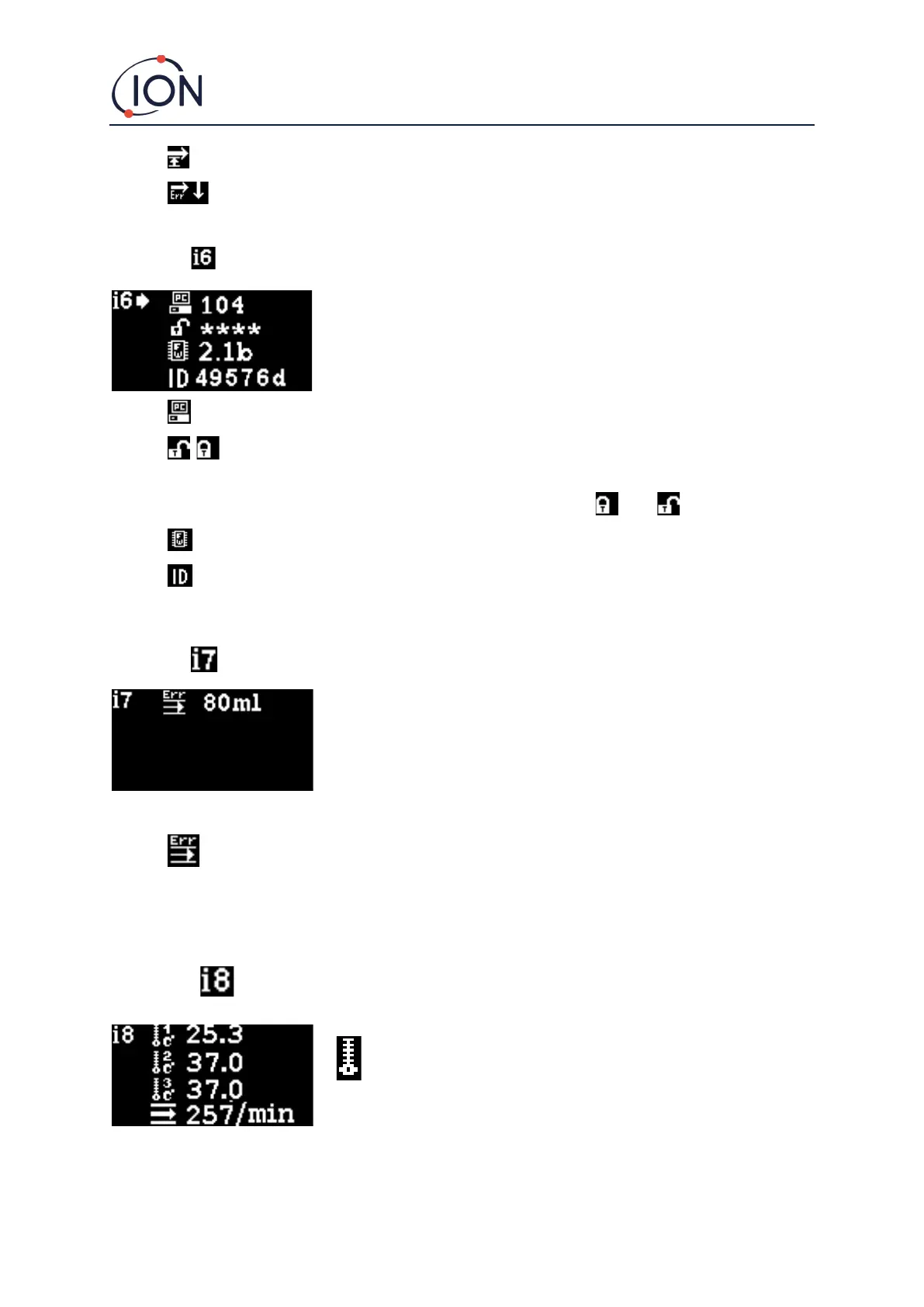
Menu i6
Modbus address – Used to select a Modbus slave address.
/ Password lock – Used to set the password lock on and off, and to change the password
number.
The symbol for this option indicates whether the lock is on or off .
Firmware version – Displays the current firmware version of the instrument.
UID – Microcontroller unique ID.
Menu i7
Flow Error Setpoint - The flow level (in ml/min), below which, the unit will raise an error.
Note: Do not change blow 80 ml.
Menu i8
Flow Sensor – Temperature of internal flow sensor system.



 To Next Page