FALCO Instrument User Manual V1.2R
Unrivalled Gas Detection. Page 36 of 46 ionscience.com
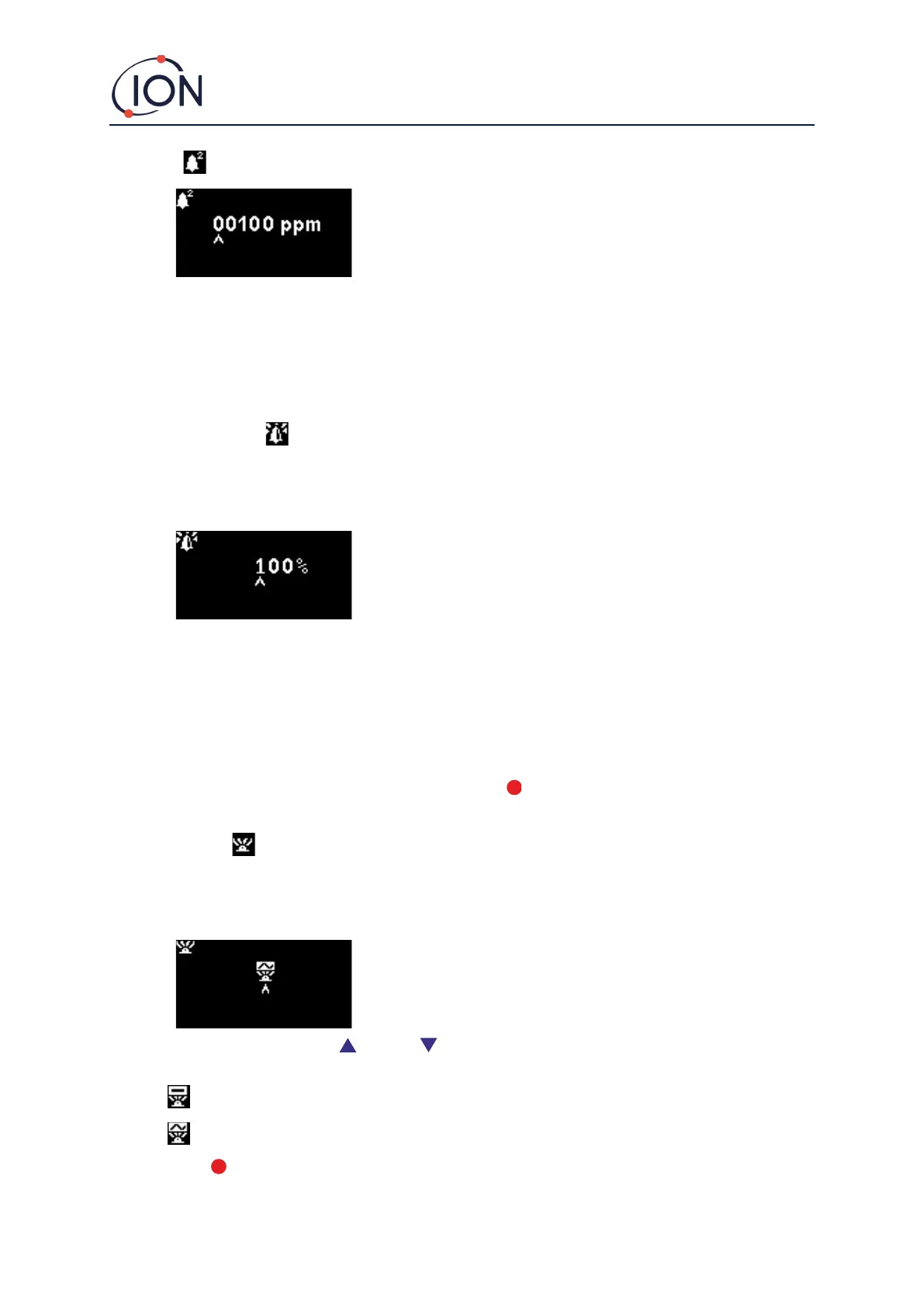
Alarm 2
Used to set the ppm level at which Alarm 2 (red) is triggered. When
accessed, the screen displays the current level.
Set the Alarm 2 level in the same way as described for Alarm 1 above.
Note that the instrument will not allow the Alarm 2 level to be set below the Alarm 1 level.
Alarm 1 will be superseded by the Alarm 2, i.e. if the level of organic compound detected exceeds the Alarm 2
level, that alarm will be triggered instead of Alarm 1 (even though the level will be above the Alarm 1
threshold as well).
Alarm Brightness
Alarm brightness is accessed from menu i4
Used to set the brightness of the Status Light during alarm conditions, from 0
to 100%, or to AUTO mode.
Change the percentage brightness as required.
Alarm brightness may also be set to AUTO mode. Auto mode will measure the ambient light on the face of the
instrument and adjust the brightness of the LED’s. The LED’s will become brighter if the instrument is in high
LUX conditions (bright sunshine) and dimmer during low LUX conditions.
While in the screen, the Status Light will change to red and will change brightness in response to change to
brightness percentage.
If a brightness of higher than 100% is entered, when the Enter key is pressed, the factor will revert to the
default (100%) and the screen will not exit
Alarm Pulsing
Measurement cycle is accessed from menu i3
Used to switch the LED display between steady illumination and slow pulsing
To change the setting, press the Up or Down key to change the setting. The symbol will change as
appropriate:
Steady illumination.
Slow pulsing.
Press the Enter key to save the setting change and return to the i3 menu.



 To Next Page