FALCO Instrument User Manual V1.2R
Unrivalled Gas Detection. Page 37 of 46 ionscience.com
Press the Esc key to return to the i3 menu without saving the change to the setting.
Relays
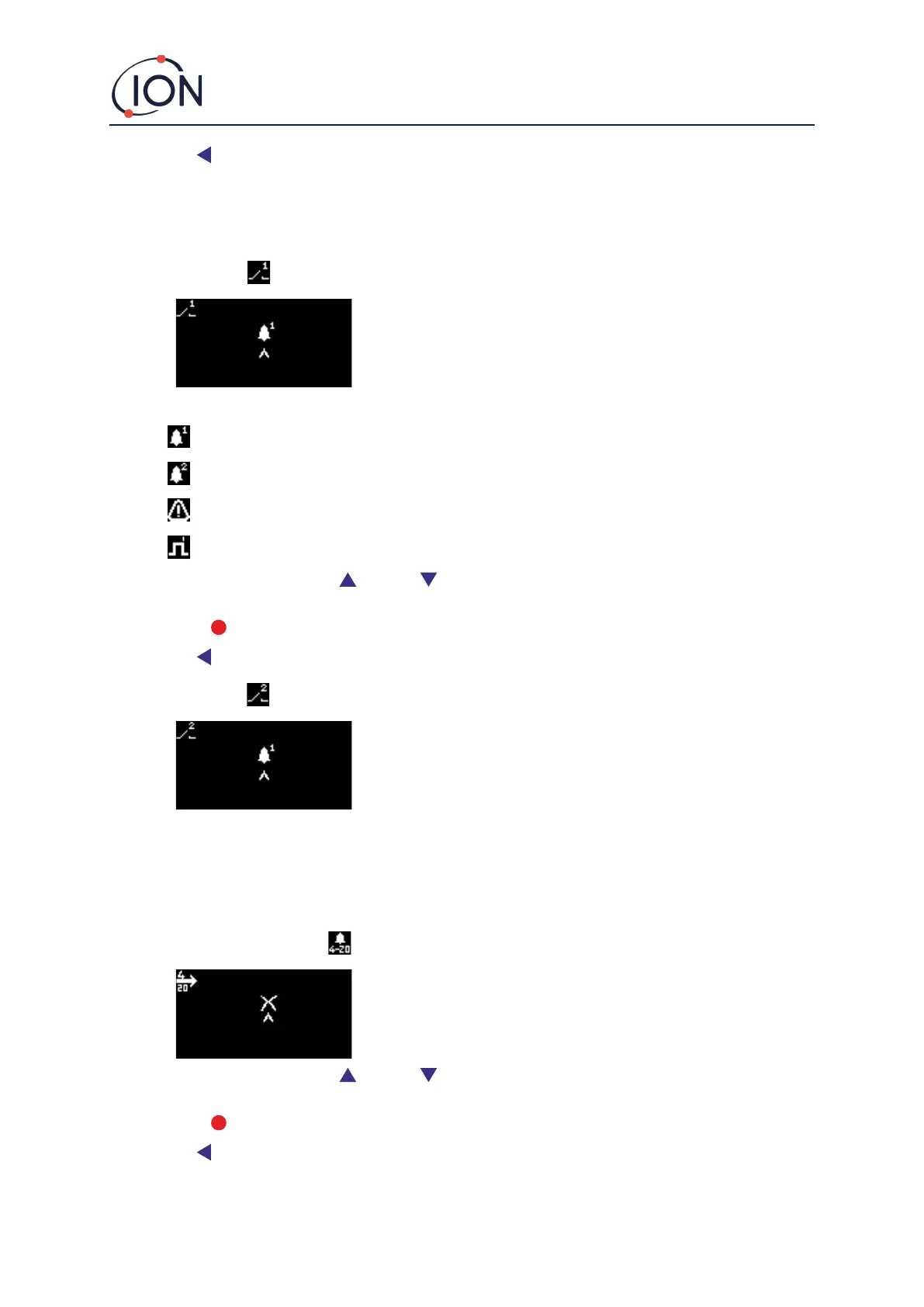
Relay options are accessed from menu i3
Relay 1 Options
Used to specify which of 4 conditions will trigger the Relay 1 output. Each is
represented by a symbol, as described below.
The following conditions may be selected from:
Activate when Alarm 1 is exceeded.
Activate when Alarm 2 is exceeded.
Activate when a fault condition is raised.
Activate for 1 second after the output is updated.
To change the setting, press the Up or Down key to browse through the 4 settings. The symbol will
change as appropriate.
Press the Enter key to save the setting change and return to the i3 menu.
Press the Esc key to return to the i3 menu without saving the change to the setting.
Relay 2 Options
Used to specify which of 4 conditions will trigger the Relay 2 output.
See the description of the Relay 1 options setting for details.
4 – 20 mA
4 – 20 mA options are accessed from menu i5
4 – 20 mA Enable/Disable
Used to turn the 4 mA to 20 mA output on and off.
To change the setting, press the Up or Down key to switch between on (tick symbol), and off (cross
symbol).
Press the Enter key to save the setting change and return to the i5 menu.
Press the Esc key to return to the i5 menu without saving the change to the setting.



 To Next Page