FALCO Instrument User Manual V1.2R
Unrivalled Gas Detection. Page 33 of 46 ionscience.com
Press the Enter key to return to the previous screen (above). Then move the cursor to the “set”
symbol and apply the gas to the PID sensor. After 2 minutes press the Enter key. The status
light will ’blink’ briefly to confirm the setting has been changed.
4) Remove the span gas cylinder.
5) Press the button to exit span 1 mode.
Span 2
Span 2 is used to calibrate span 2 of the Falco.
1) Attach the span gas cylinder to the Falco.
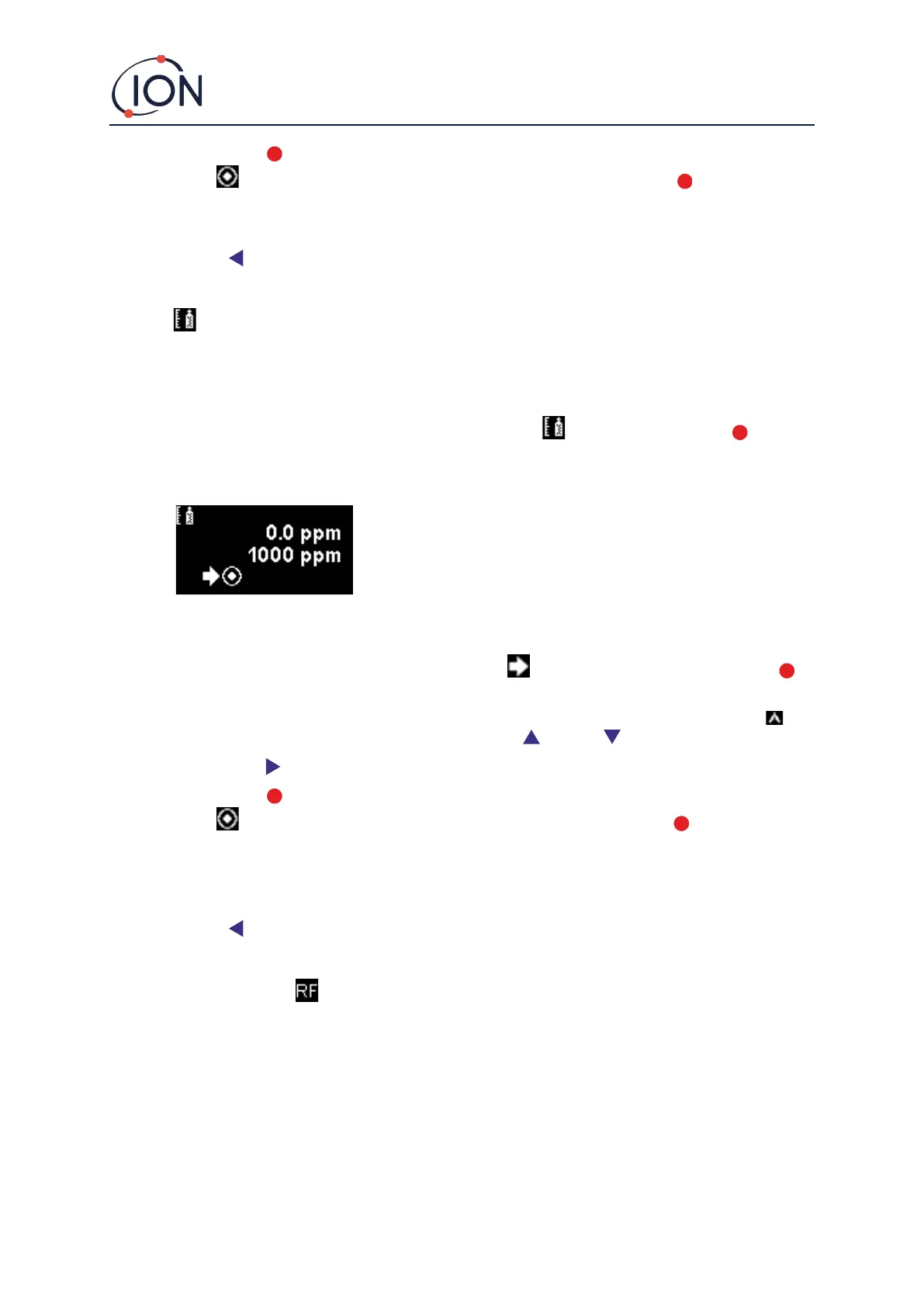
2) Enter span 2 mode by moving the cursor to the span 2 icon and then press the Enter key. The
span 2 screen is described below:
3) If the span 2 concentration is not the same as the calibration gas concentration it must be changed.
To change the span 2 concentration, move the cursor to the lower value and press the Enter
key. A new screen with that value is then displayed.
Change this value to match the level specified on the calibration gas bottle as follows. A cursor is
displayed under the first digit of the value. Press the Up or Down key to change it.
Press the Right key to move to the next digit. Repeat the above procedure to change it as required.
Press the Enter key to return to the previous screen (above). Then move the cursor to the “set”
symbol and apply the gas to the PID sensor. After 2 minutes press the Enter key. The status
light will ’blink’ briefly to confirm the setting has been changed.
4) Remove the span gas cylinder.
5) Press the button to exit Span 2 mode.
RF (Response Factor)
Response factor adjustment is accessed from Menu i2
PIDs are typically calibrated with isobutylene. However, not all VOC have the same response. The difference
in response can be accounted for by multiplying the reading by the VOC’s response factor. If a response factor
is applied the concentration displayed on the Falco will represent the concentration of the VOC.
For example, if the RF is 00.50, and 100ppm is detected based on an isobutylene calibration:
100 ppm x 00.50 = 50 ppm is the value displayed



 To Next Page