FALCO Instrument User Manual V1.2R
Unrivalled Gas Detection. Page 35 of 46 ionscience.com
Measurement Cycle
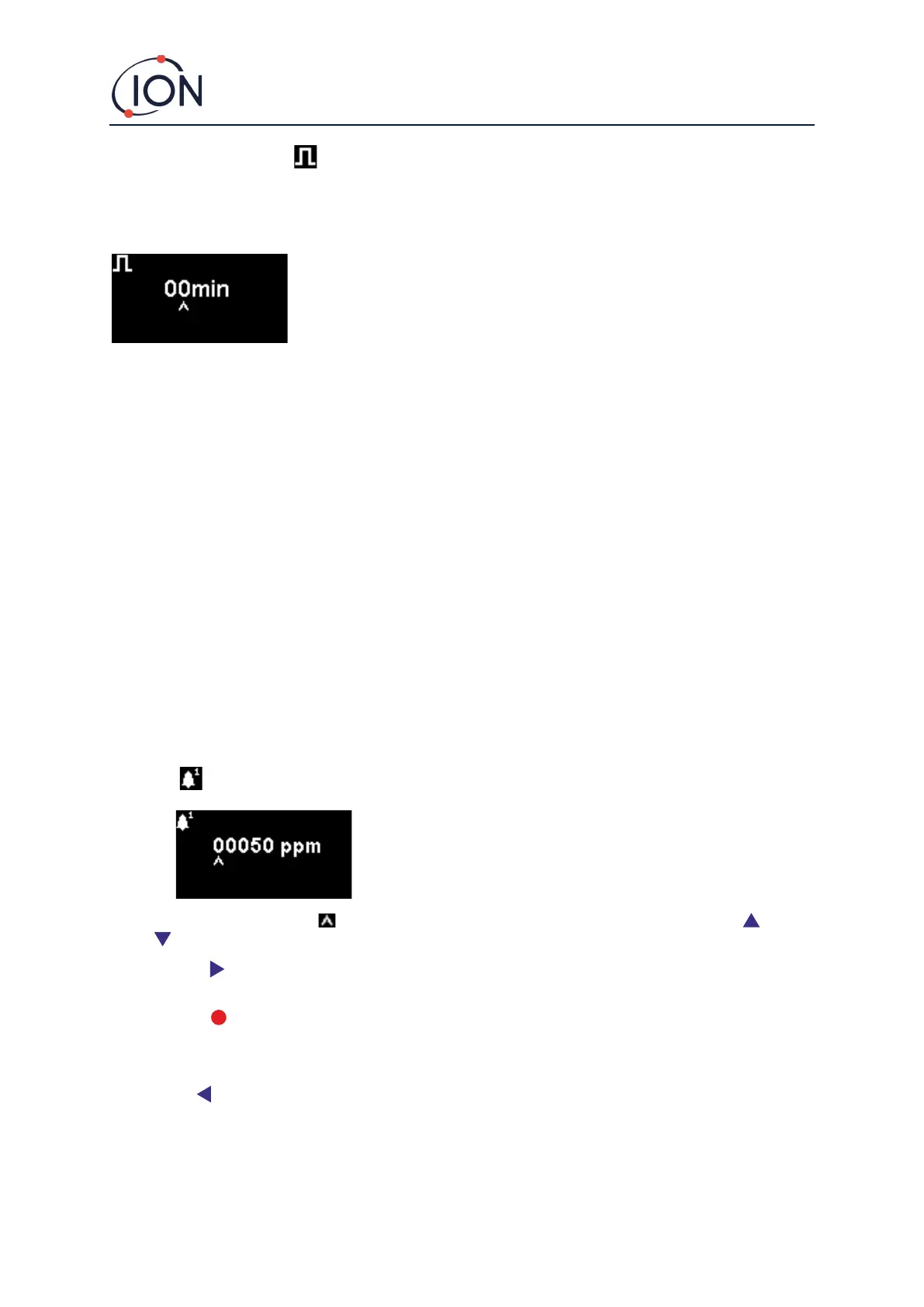
Measurement cycle is accessed from menu i3.
The default setting is 00 minutes, meaning that the display will update in real-time. This setting is adjustable in
1-minute increments:
00 mins = PID is illuminated permanently. Outputs updated 1/second.
01 mins = PID is illuminated permanently. Outputs updated 1/minute.
02 mins = PID is illuminated permanently. Outputs updated 2/minute.
03 mins = PID is illuminated permanently. Outputs updated 3/minute.
…and so on for the 04 mins to 10 mins settings.
Alarms
The alarm levels are set in menu i2
The Falco has 2 alarms levels, 1 and 2. When alarm level 1 is reached the status bar will go amber and Alarm 2
is reached the status bar will go red.
Alarm 1
Used to set the ppm level at which Alarm 1 (amber) is triggered. When
accessed, the screen displays the current level.
Set the level as follows. A cursor is displayed under the first digit of the alarm level. Press the Up or
Down key to change it.
Press the Right key to move to the next digit. Repeat the above procedure to change it as required. Repeat
until the required value has been entered.
Press the Enter key to save the setting change and return to the i2 menu. The status light will then blink
briefly to confirm the setting has been made.
Note that the instrument will not allow the Alarm 1 level to be set above the Alarm 2 level.
Press the Esc key to return to the i2 menu without saving the change to the setting.



 To Next Page