IPCAM User Manual
36 / 67
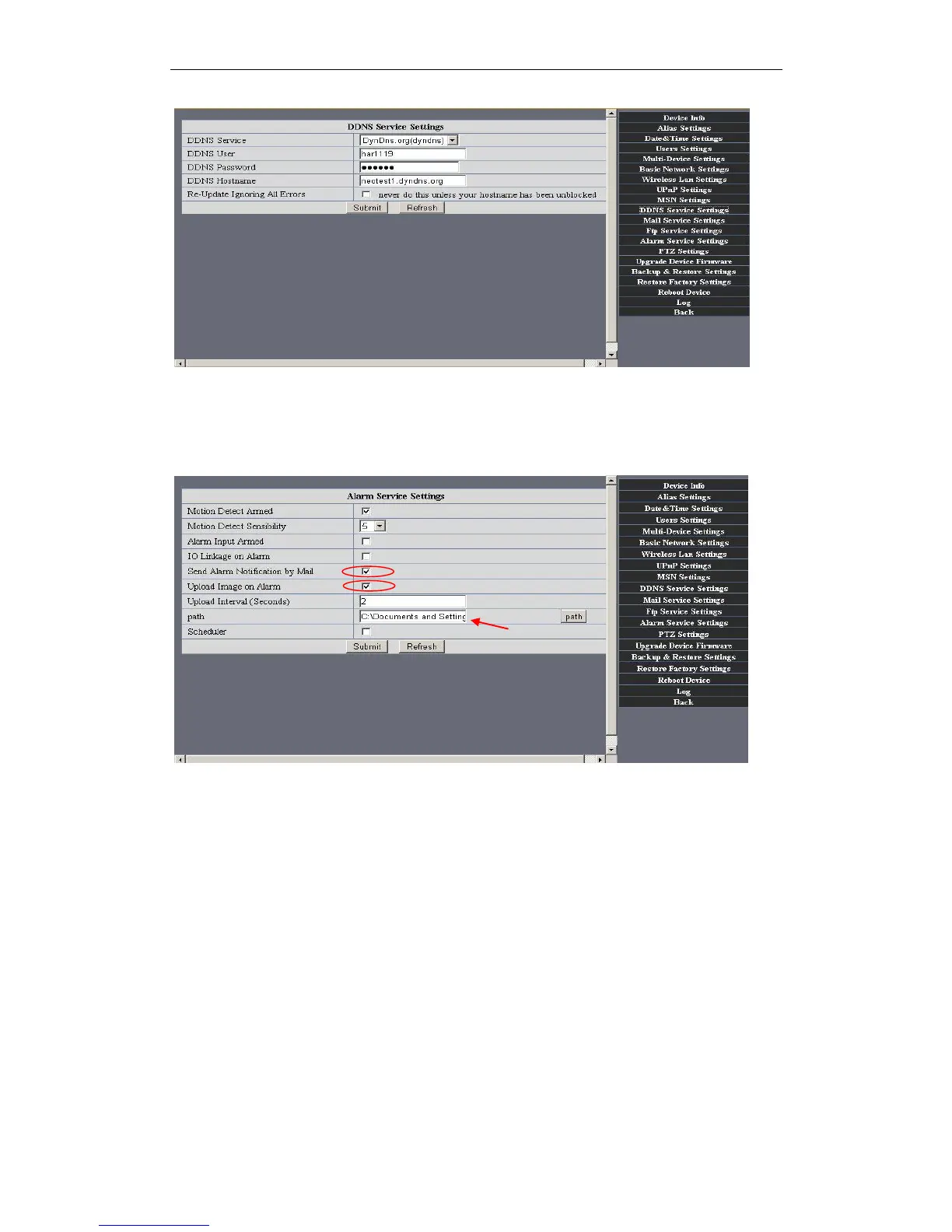
Figure 6.1
3.5.5 Mail and FTP Service
Note: When Alarm Service Settings-> Send Mail on Alarm is check, the Mail
Service takes effect.
Figure 6.2
Configure the E-mail box to receive and send mails. The E-mail box is used for receiving
the images sent after alarm and the system IP address after successful dial-up.
Sender: This device use the sender mailbox to send mails.
Receiver: To receive the mail from the Sender. You can set up to 4 receiver mailbox.
SMTP Server: the SMTP server for the sender mailbox
Need Authentication: if the sender mailbox need authentication, you should
check it then input the SMTP username & Password.
Mail test: Please set the Mail parameter and click "Submit" first. There are Mail test
result.


 To Next Page