IPCAM User Manual
64 / 67
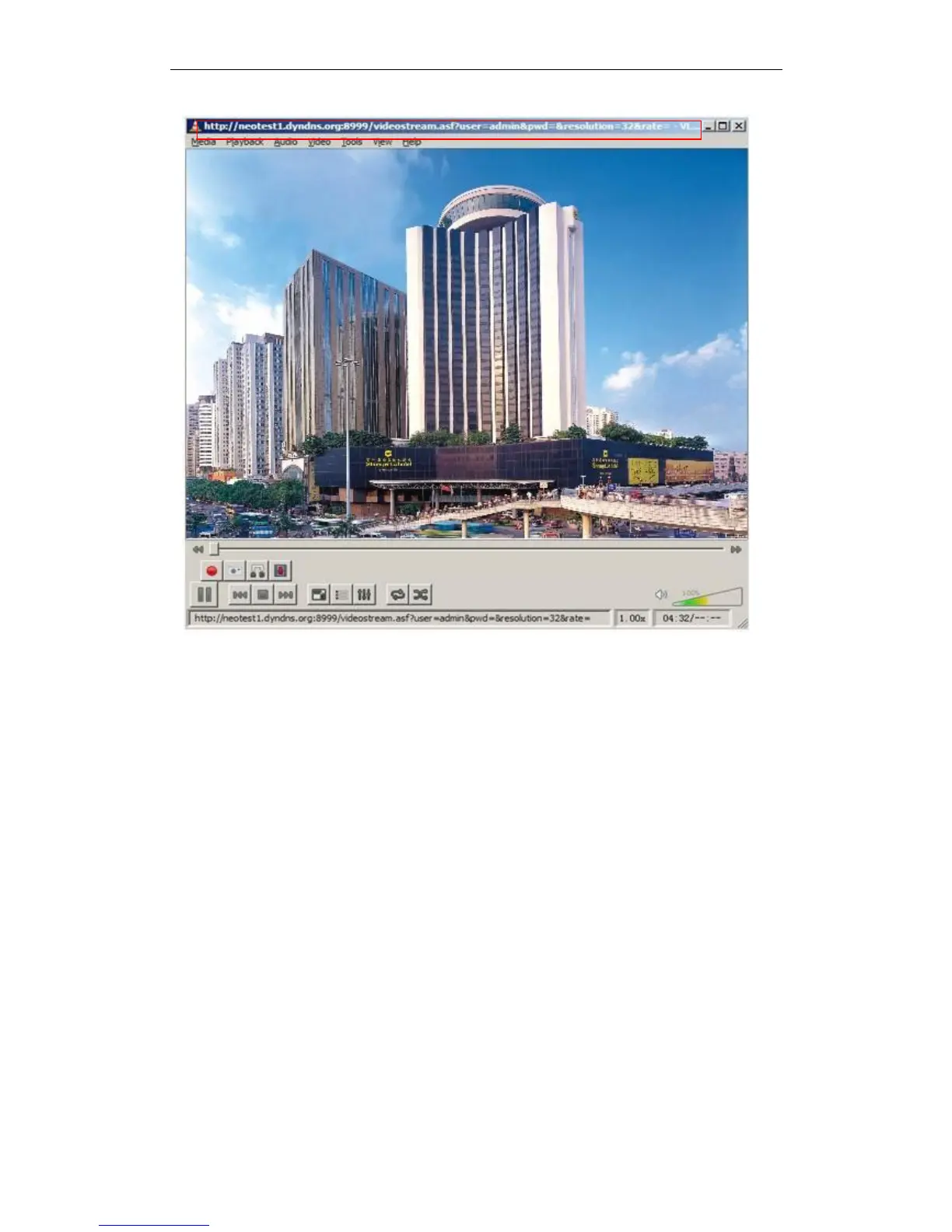
Figure 10.4
5.32 Set the camera miscellaneous parameters
Grammar:
/set_misc.cgi?led_mode=&ptz_center_onstart=&ptz_auto_patrol_interval
=&ptz_auto_patrol _type=& ptz_patrol_h_rounds=&
ptz_patrol_v_rounds=& ptz_disable_preset=&user=&pwd=&next
Parameter:
led_mode:0:mode;1:mode;2: turn off indicator light
ptz_center_onstart:
ptz_auto_patrol_interval: =0:doesn’t auto patrol interval
ptz_auto_patrol_type:0:None;1:horizontal; 2:vertical;3:horizontal &vertical
ptz_patrol_h_rounds:
ptz_patrol_v_rounds:
ptz_patrol_rate:
ptz_patrol_up_rate:


 To Next Page