iPECS eMG80/100 & eMG800 & UCP
User Portal User Guide Issue 1.4
7
Speed Dial Number: Select the speed dial number if the station is stored by speed dial.
External Number: Select the external number and then enters the external number without CO
access code.
5) Click [Save] button.
Window
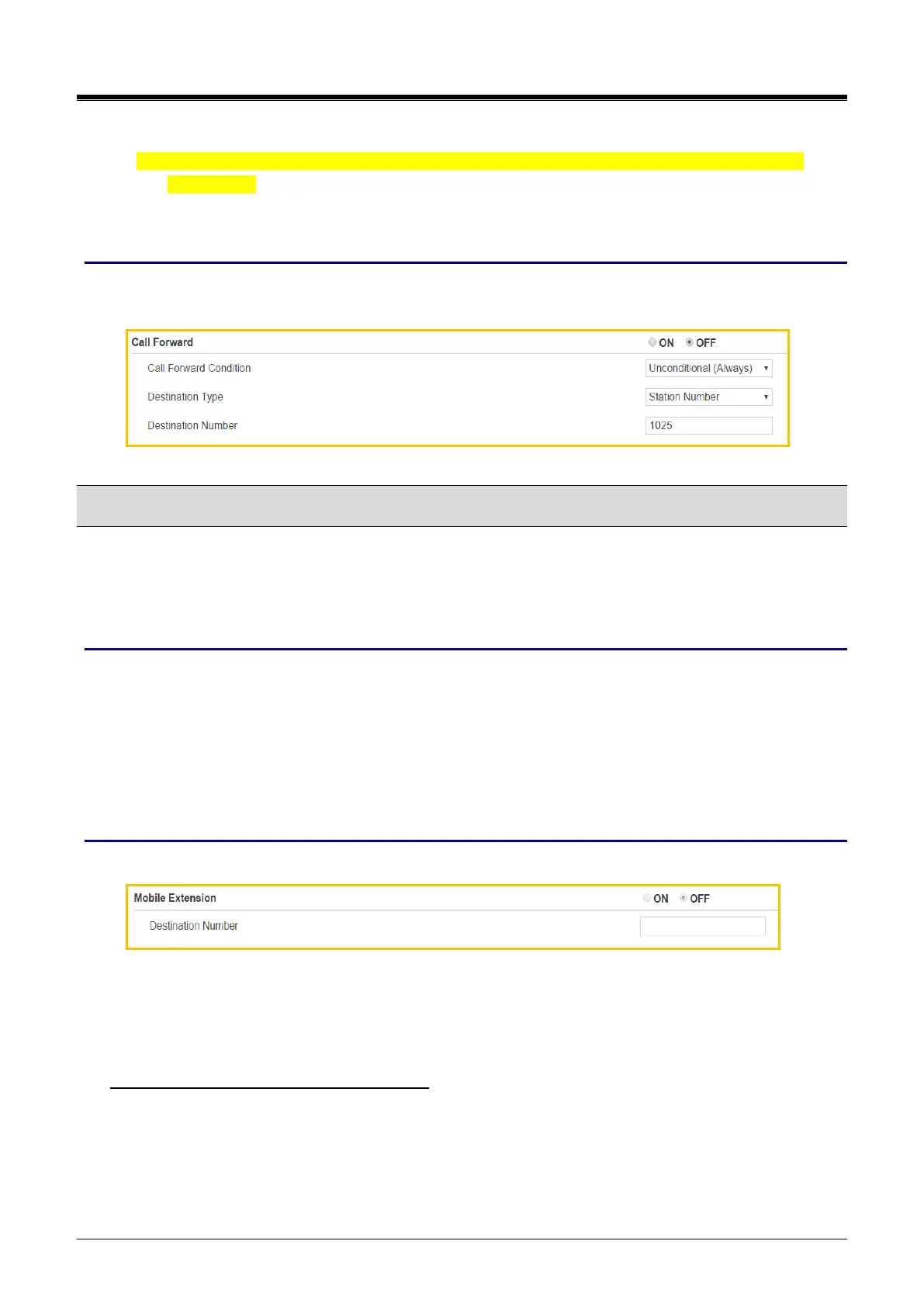
The following window shows Call forward is set to ON: e.g., Condition is ‘Unconditional (Always)’, Destination
type is ‘Station number’, and Destination Number is ‘1025’.
4.3 Mobile Extension
Your mobile phone can be registered to a station allowing the mobile phone to place and receive calls through
the system. Also, User can use Mobile phone or Desktop phone alternatively by pressing [My station number]
flexible button.
Checking point
Please ask your administrator if the following admin. attributes is set in advance.
1) Table Data > Mobile Extension Table (236) > PGM Auth: Enable.
2) Making [My station Number] button on Flexible button:
Press [PGM] > Press [Flexible] button > Enter ‘Station number’ > Press [Save].
3) For more detailed additional option such as VSF Notify, Announcement, etc., ask your administrator.
Operation
In the below window, you can set an additional phone as a mobile phone, perform the following steps:
1) Set Mobile Extension ON.
2) Enter Destination Number.
3) Click [Save] button.
To move from Mobile phone to Desktop phone
1) The mobile phone of MEX is on MEX call.
2) Press {My station number} flexible button in desktop phone.
3) The user can do the MEX call with the desktop phone.



 To Next Page