iPECS eMG80/100 & eMG800 & UCP
User Portal User Guide Issue 1.4
16
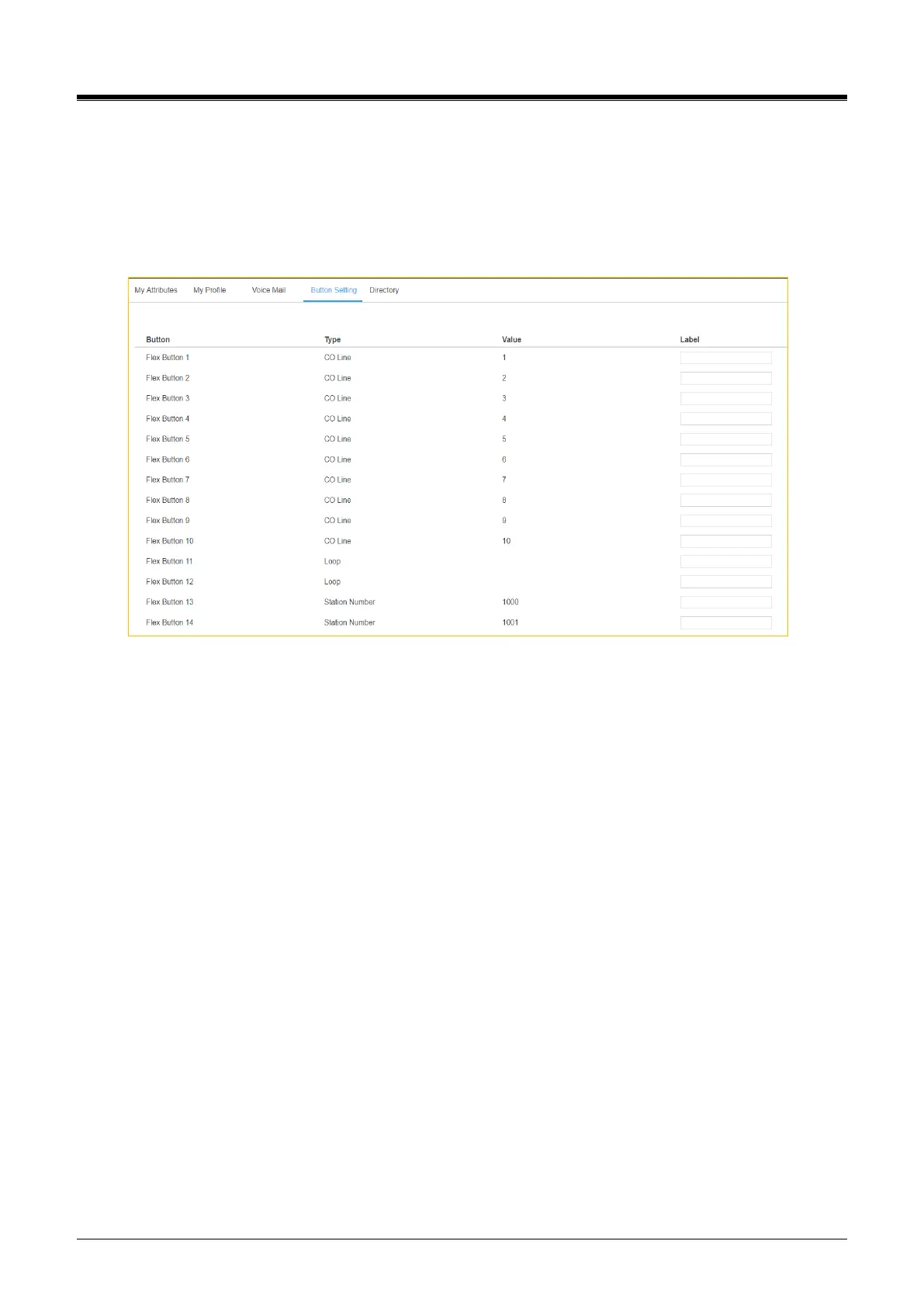
7 Setting Button Setting
You can see the overall information about Flexible button of your phone. In this window, you can describe
‘Label’ on each flexible button up to 15 characters to find with easy. Also, the label is displayed on LCD of your
phone after setting.
Click [Save] button after entering the label on each button.



 To Next Page