iPECS eMG80/100 & eMG800 & UCP
User Portal User Guide Issue 1.4
14
6.3 Cascade
You can move or copy the voice message to another ‘cascade destination’ according to Message type. The
message type is divided into 3: All (Normal message & Urgent message), Urgent message, and Normal
message.
Operation
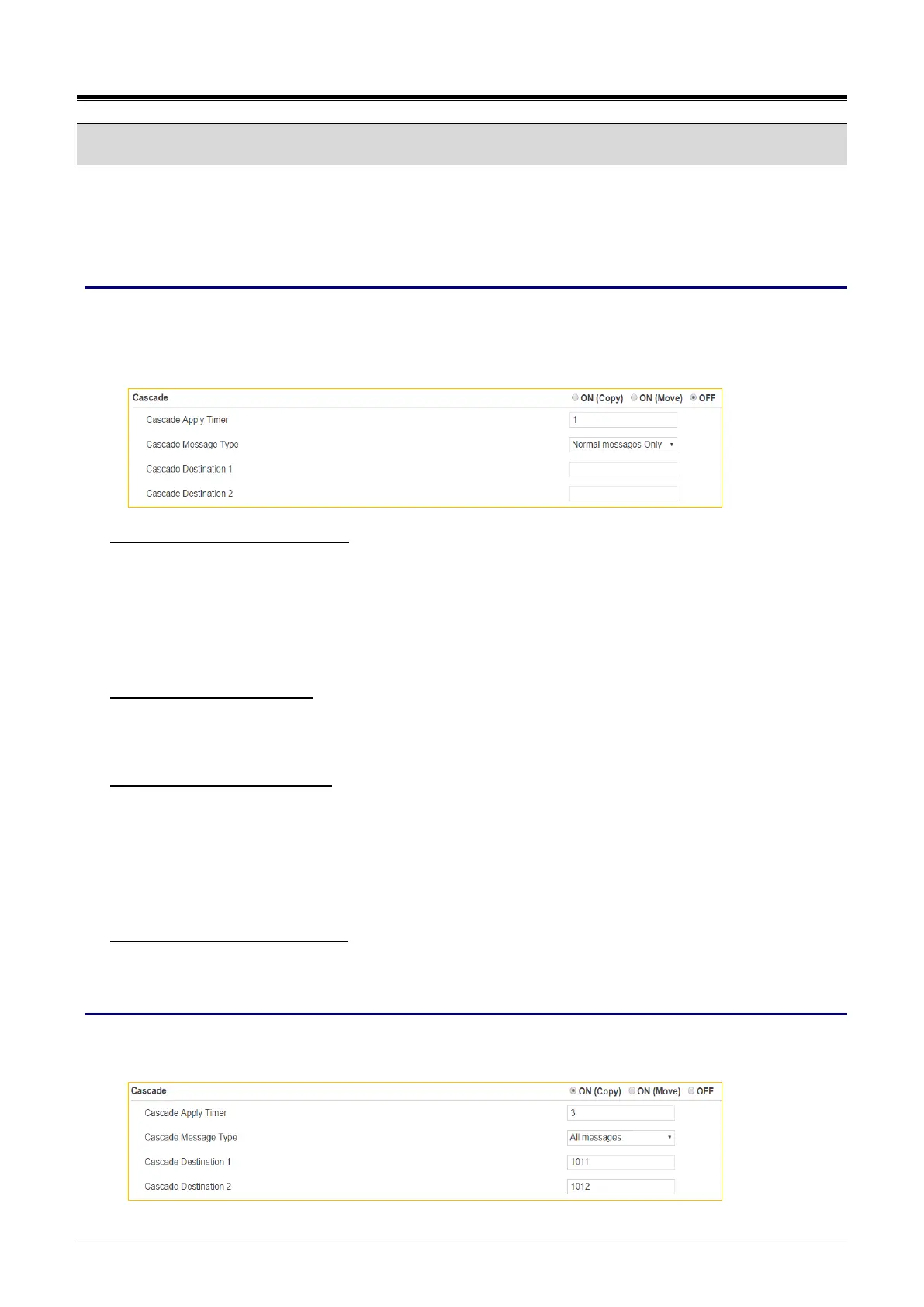
In the below window, you set the cascade message about Cascade message method, Apply timer, Message
type, and Cascade destination.
Click [Save] button after set the following features.
To set ‘Cascade message method’
✓ Select On (Copy) or On (Move).
ON (Copy): if you want to store the original message and send the copied message to other cascade
destination.
ON (Move): If you want to send the original message to other cascade destination without keeping
your original message.
To set ‘Cascade Apply Timer’
✓ Enter the time from 1 minute to 250 minutes. The message will be sent sequentially from Cascade
Destination 1 to Cascade Destination 2 according to the entered apply timer.
To set ‘Cascade Message Type’
✓ Select the following message type as you wish.
Normal messages Only: only normal message is cascaded to Cascade Destination.
Urgent messages Only: only urgent message is cascaded to Cascade Destination.
All messages: all messages (Normal message and Urgent message) is cascaded to Cascade
Destination.
To set ‘Cascade Destination 1 & 2’
✓ Enter the internal station number to get Voice mail message except yours up to 2 destination number.
Window
The following window shows Voice mail message is set to ON (Copy) including Apply timer, Message type,
and Cascade Destination.



 To Next Page