iPECS eMG80/100 & eMG800 & UCP
User Portal User Guide Issue 1.4
9
Call to Station: need to enter Station number.
In Office Station: need to enter Office station number.
In a Meeting Time: need to enter Time.
At Home
At Branch Office
3) Click [Save] button.
To set ‘Voice message play to an outside caller’
1) Click the drop-down list box to select.
2) Select ON.
3) Click [Save] button.
Window
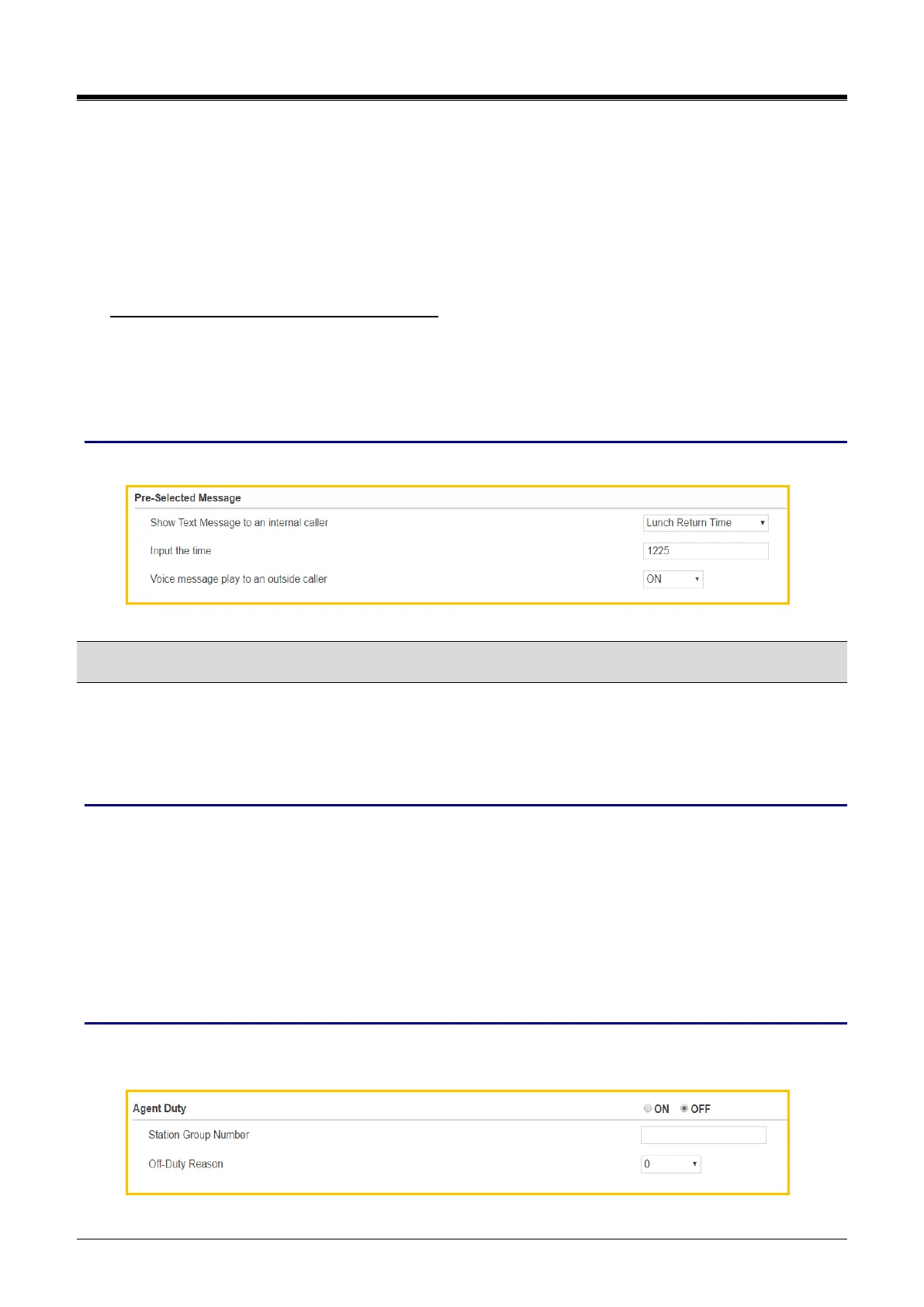
The following window shows Pre-Selected message is set for Internal caller and Outside caller.
4.5 Agent Duty
Agent duty means Agent start work as the member of ACD group. Agent inform the reason why he/she doesn’t
work (Off-Duty) to ACD Supervisor by displaying the off-duty reason code from 0 to 9. The off-duty reason
code can make the exact reason with code up to 10.
Checking point
Please ask your administrator if the following admin. attributes is set in advance.
1) Station Group: Station Group Data > Station Group Overview: check Group number of ACD and
Member list.
ACD must assign on Group number and the station has to be member.
2) The off-duty reason code has to be checked with each number from 0 to 9. The off-duty reason list
will be made and supported on site.
Operation
In the below window, you set Agent On-Duty and Off-Duty with the reason code. Please perform the following
steps.



 To Next Page