iPECS eMG80/100 & eMG800 & UCP
User Portal User Guide Issue 1.4
5
4 Setting My Attributes
4.1 Do Not Disturb
If Do Not Disturb is turned on, your phones do not ring when someone dials your number.
Checking point
Please ask your administrator if the following admin. attributes is set in advance.
1) Station Data > Common Attribute (111) > DND: All / ICM Call only / CO Call only.
All: DND is available for all calls.
ICM Call only: DND is available only for Internal call.
CO Call only: DND is available only for CO call.
2) Attendant station is not available for DND function.
Operation
To turn on Do Not Disturb status for your phone, perform the following procedure:
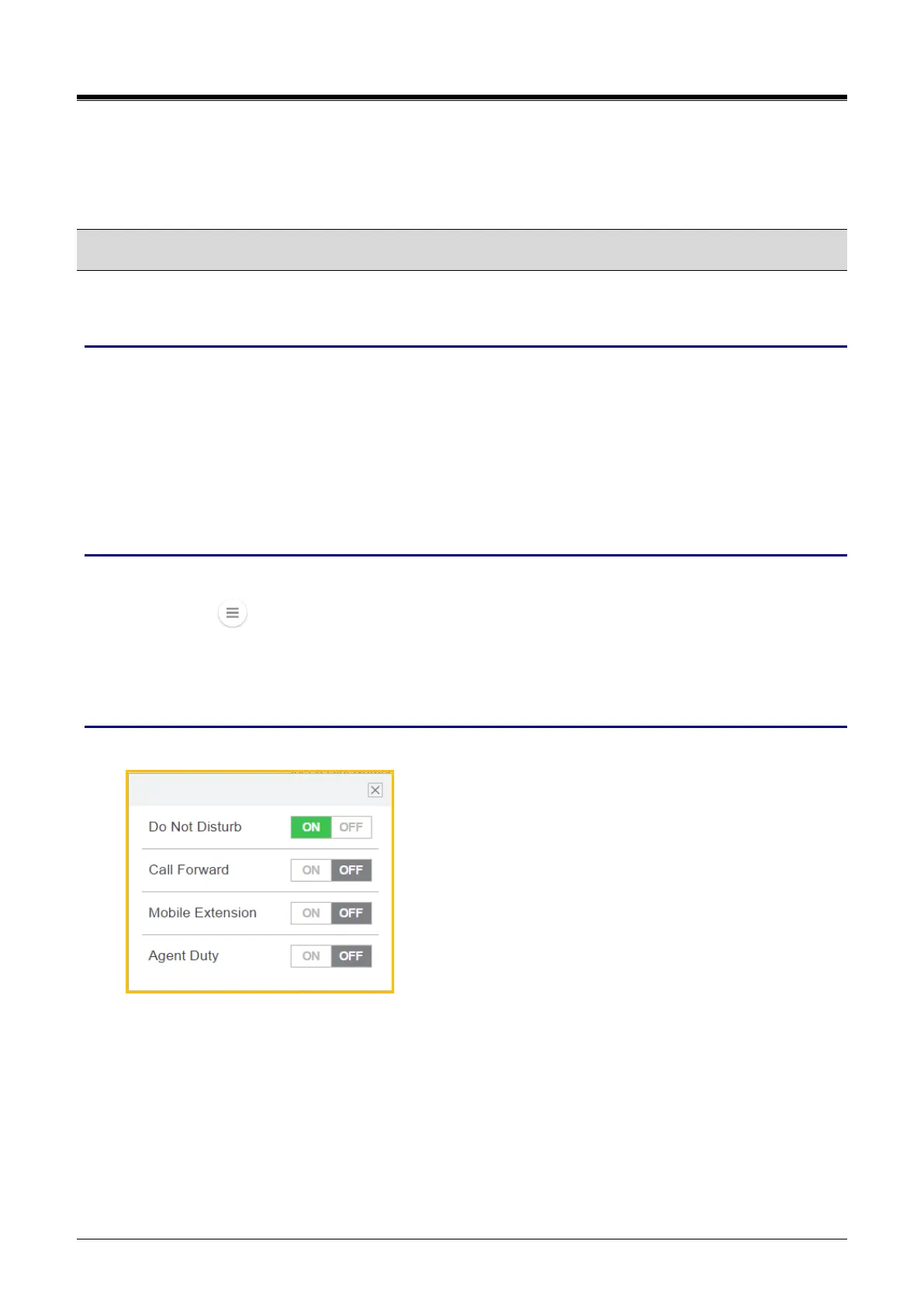
1) Click the ( ) and pop up the small window.
2) Select ‘Do Not Disturb’ to turn on or off by clicking.
3) Do Not Disturb is turned on for your company phone according to all calls, Internal call, or CO Call.
Window
The following window shows DND is set to ON.



 To Next Page