iPECS eMG80/100 & eMG800 & UCP
User Portal User Guide Issue 1.4
11
5 Setting My Profile
5.1 Station Name
To set your station name
1) Enter the desired name up to 20 characters and click [Save] button.
2) The changed station name will be displayed on LCD with Station Number. Also, the portal name will
be changed after refreshing the window.
Note)
Only Station number will be displayed without entering the station name.
5.2 Change Password
To reset the password that you use to log into User Portal
1) Enter the desired number up to 12 digits and click [Save] button.
2) In the password text box, enter the new password when user log in to User Portal.
Window
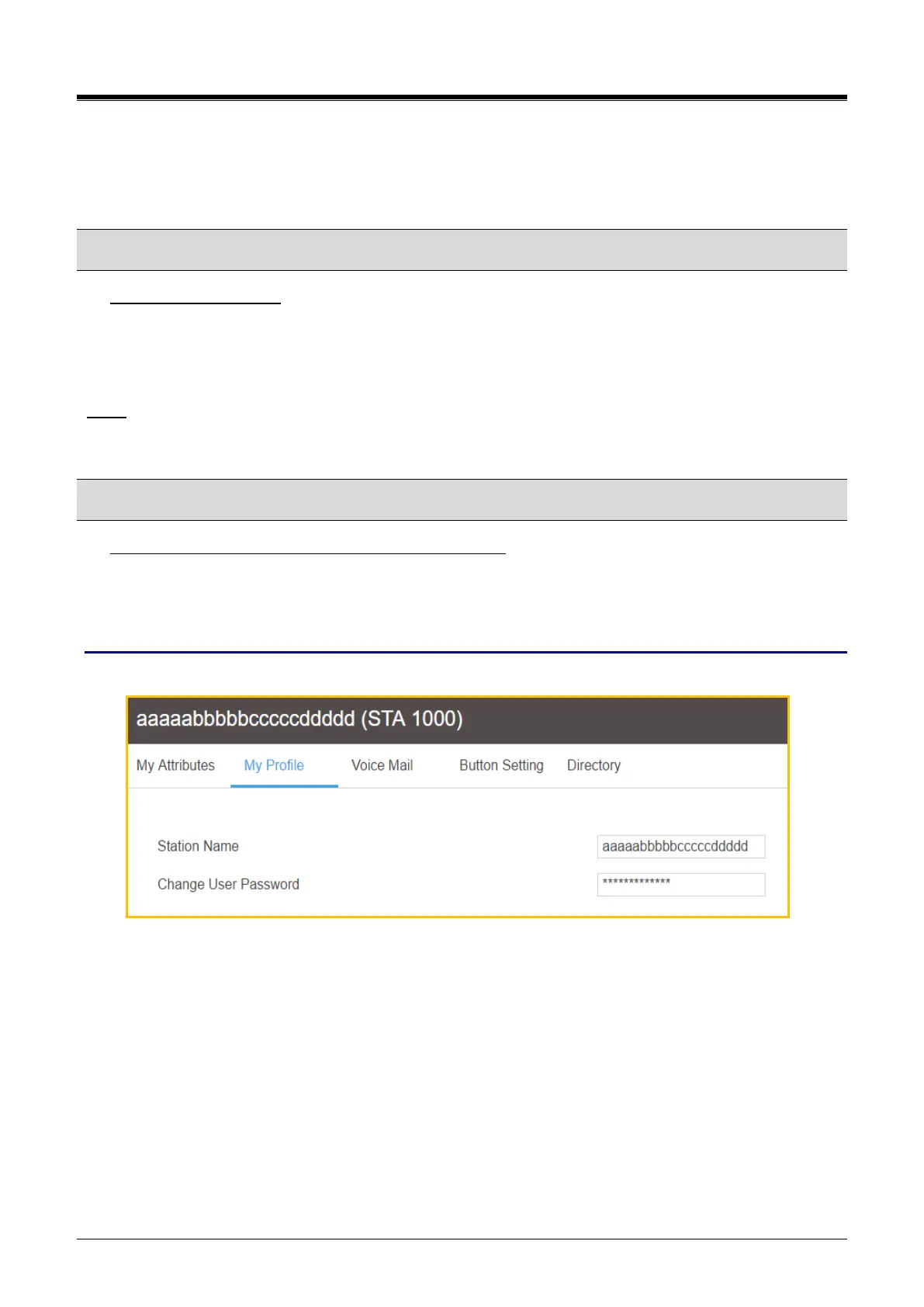
The following window shows My Profile: Station name is ‘aaaaabbbbbcccccddddd’ and enter the password.



 To Next Page