iPECS eMG80/100 & eMG800 & UCP
User Portal User Guide Issue 1.4
18
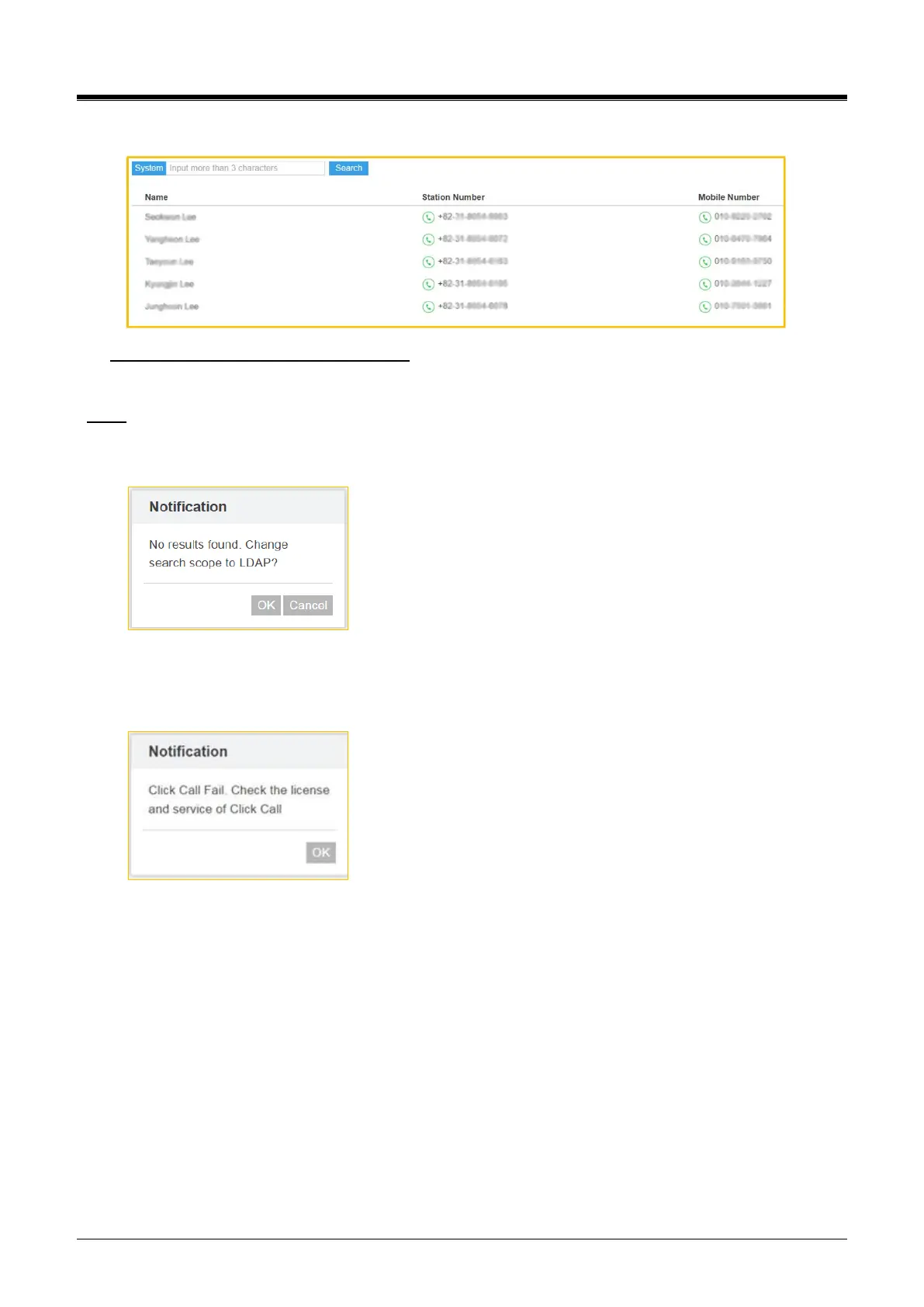
The list retrieved is displayed as below:
To make a call, perform the following steps:
✓ Just click [Phone] Icon.
Note)
✓ The pop-up window will be displayed if there is no match of entered characters on the current search
environment. You can change the search scope to LDAP by clicking [OK] button.
✓ You need the click call license to make a call in this screen. So, the following pop-up window is
displayed if you have no Click call license. Please ask your administrator of using ‘Click call’ provided
Ericsson-LG Enterprise.



 To Next Page