iPECS eMG80/100 & eMG800 & UCP
User Portal User Guide Issue 1.4
3
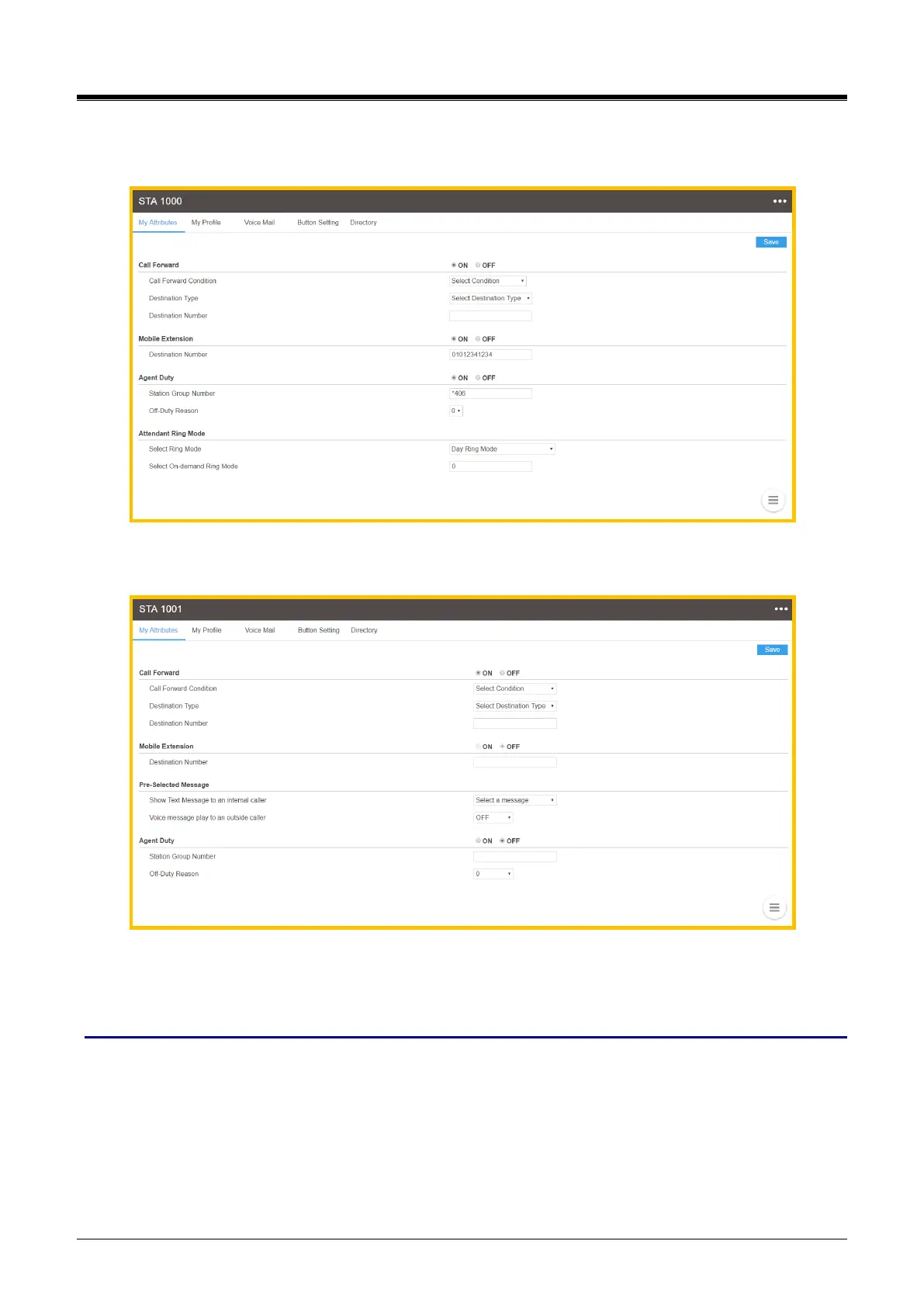
2) The following main screen will be displayed. The displayed attributes are different between the
normal station and the attendant station.
Attendant Station User Portal
Normal Station User Portal
Checking point
Some attributes are needed to set the related admin in advance by your administrator to use or configure.
Please read ‘Checking point’ before setting the feature.



 To Next Page