51
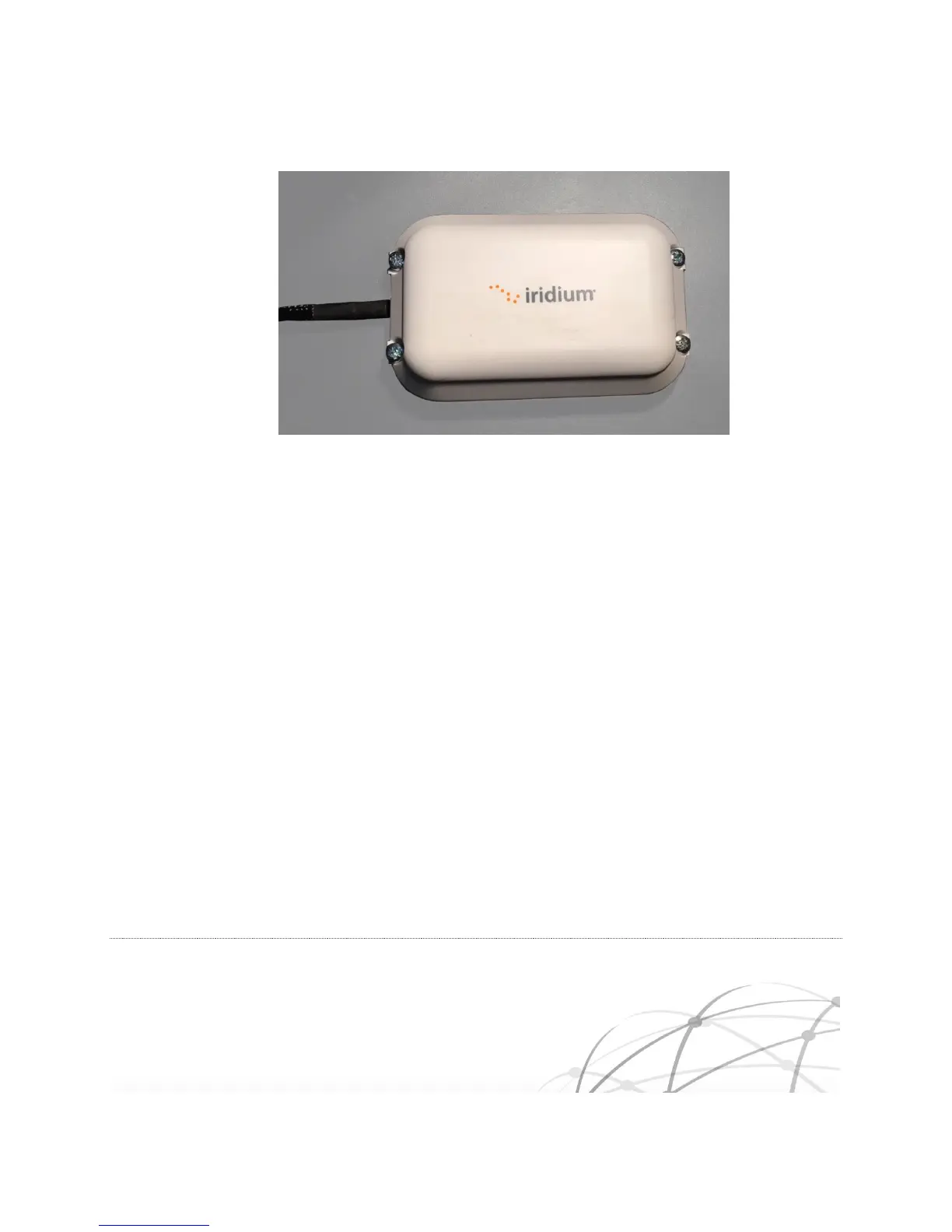
Figure 5-3 Screw Mount Installation
Secure all mounting nuts with an appropriate thread locker that meets the installation
requirements for factors such as vibration and temperature
5.6.2 Bottom Mount
In the bottom mount configuration, the Iridium Edge is held in place with a single screw. The items in the
Accessory Bag are required for this type of installation.
Do not remove the red plastic over the double side tape. Removing the red tape exposes the
double sided tape which may cause the tape to inadvertently adhere the Iridium Edge to the
mounting surface.
Drill a single 15mm hole at the desired location for the Iridium Edge. Ensure that the surface is
flat to avoid water ingress under the Iridium Edge.
Insert the Slotted Screw into Iridium Edge baseplate and screw until finger tight.



 To Next Page