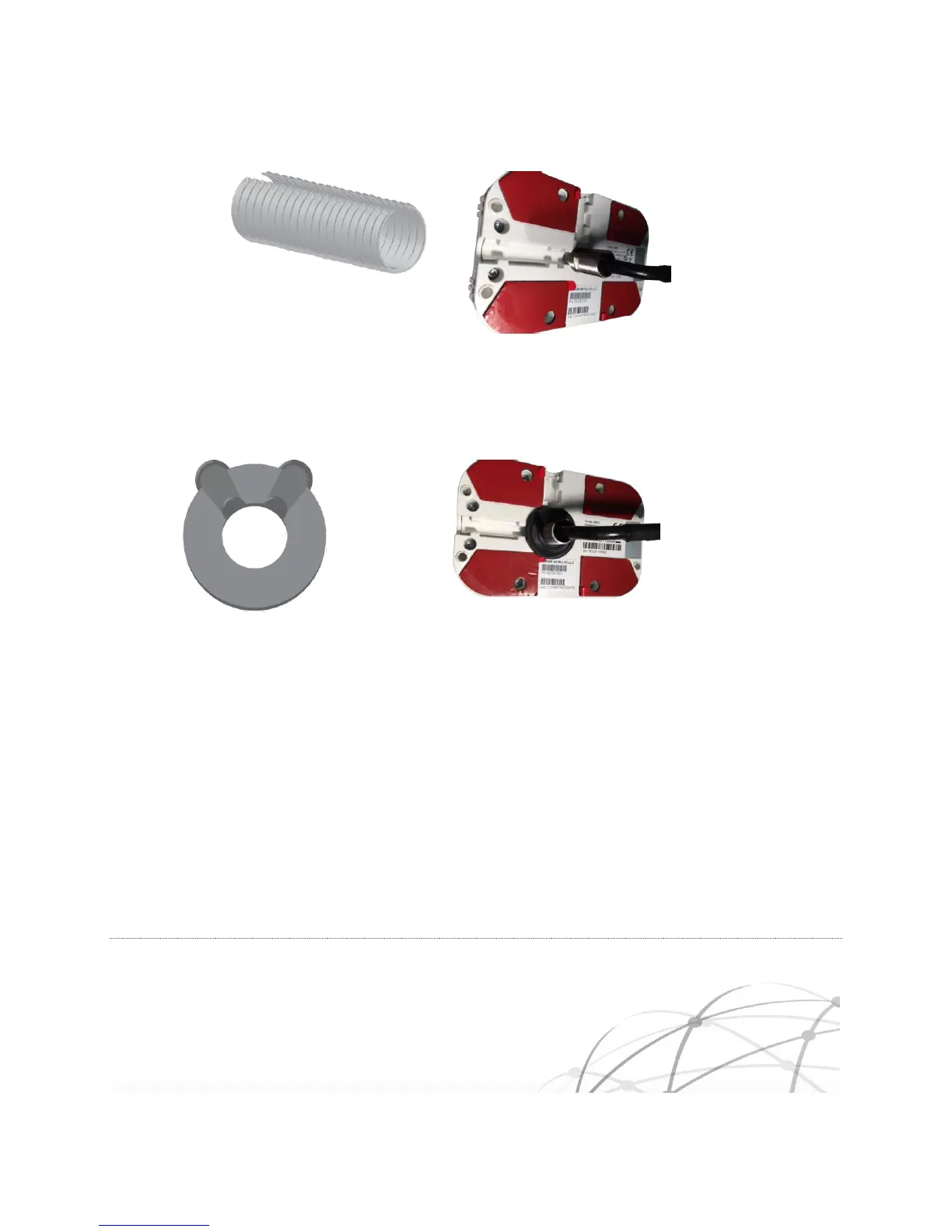
Carefully press the Rubber Grommet into the baseplate until it is flush with the Iridium Edge.
Figure 5-5 Grommet Installation
Optionally, fill the two side channels with silicon sealant, taking care that it does not unseat the
rubber grommet. The two grey plugs shipped with the Iridium Edge can be optionally retained.
Mount the Iridium Edge and drop the pigtail connector through the drilled hole.
Place the Slotted Nut over the top of the pigtail cable above the heat shrink such that the wide
side of the tapered Slotted Nut goes over the cable first.



 To Next Page