CHAPTER 10. PLUGINS 106
10.2.9 Oscilloscope
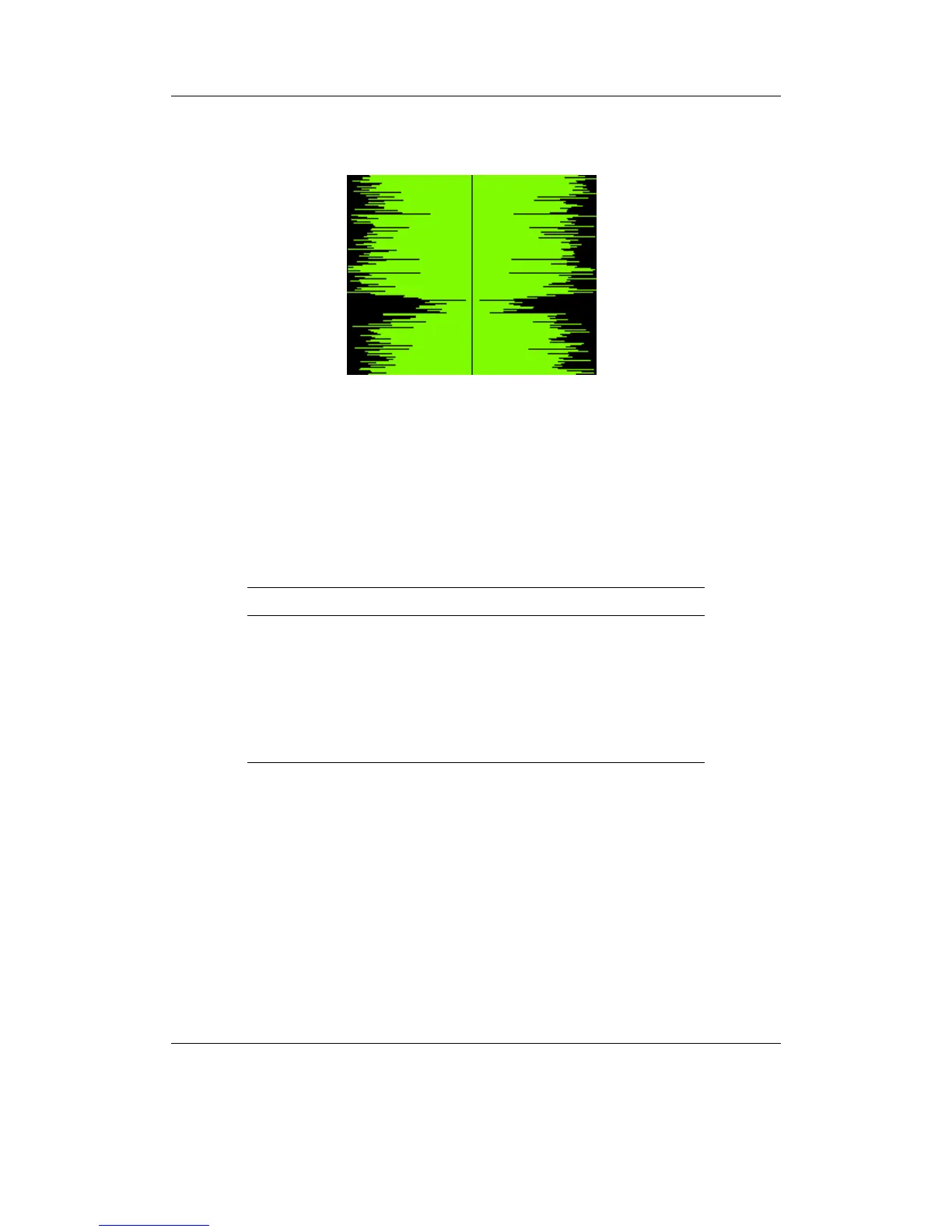
Figure 10.31: Oscilloscope
This demo shows the shape of the sound samples that make up the music being played.
At faster speed rates, the player is less responsive to user input and music may start to
skip.
Keys
Key Action
Navi Toggle filled / curve / plot
A-B Toggle whether to scroll or not
Rec Toggle drawing orientation
Play Pause the demo
Up / Down Increase / decrease volume
Right / Left Increase / decrease speed
Stop Exit demo
THE ROCKBOX MANUAL IRIVER H3XX



 To Next Page