CHAPTER 10. PLUGINS 118
10.3.12 ZXBox
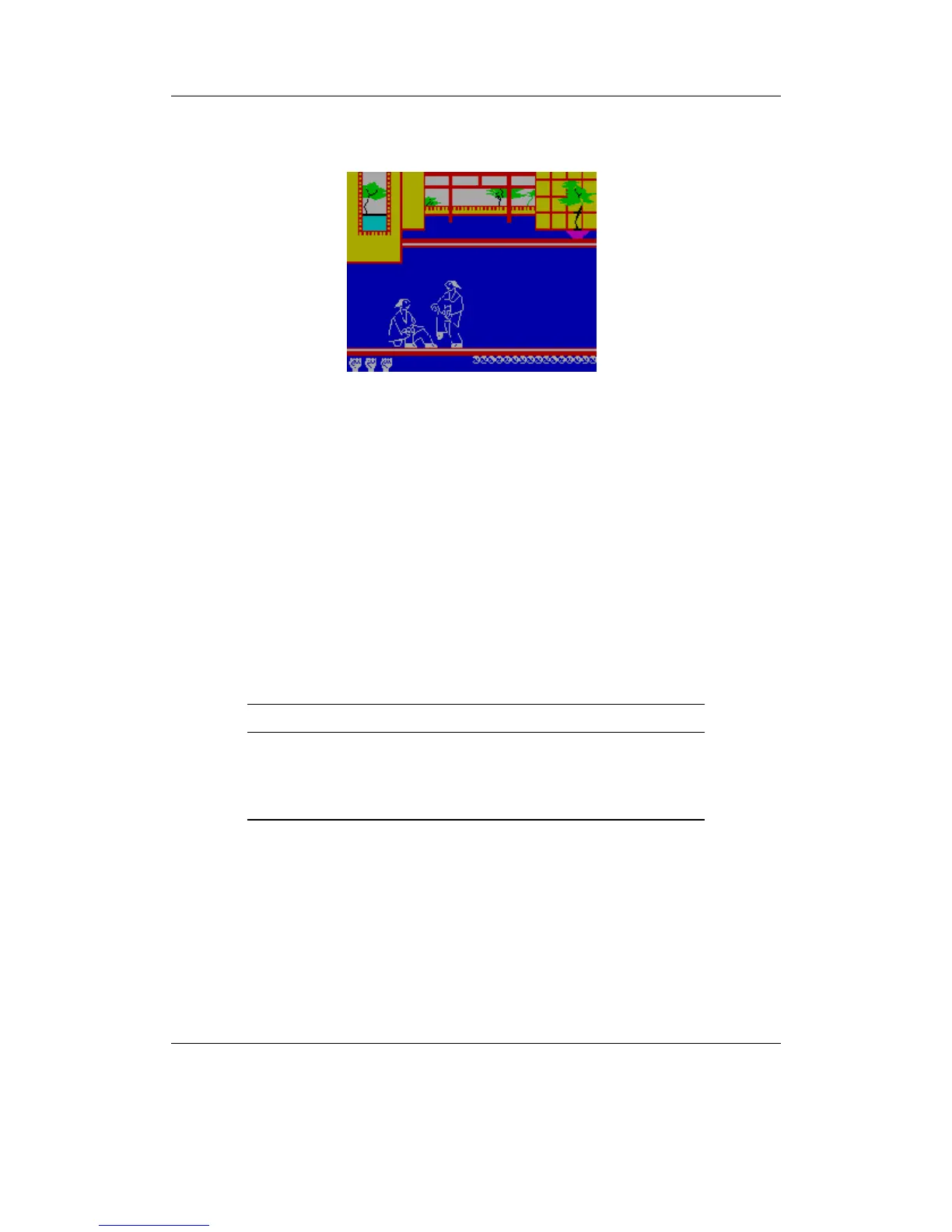
Figure 10.37: ZXBox
ZXBox is a port of the “Spectemu” ZX Spectrum 48k emulator for Rockbox (Zproject’s
homepage). To start a game open a tape file or snapshot saved as .tap, .tzx, .z80 or
.sna in the file browser.
Note: As ZXBox is a 48k emulator only loading of 48k z80 snapshots is possible.
b
Default keys
The emulator is set up for 5 different buttons: Up, Down, Left, Right and Jump/Fire.
Each one of these can be mapped to one key of the Spectrum Keyboard or they can be
used like a “Kempston” joystick. Per default the buttons, including an additional but
fixed menu button, are assigned as follows:
Key Action
Up/Down/
Left/Right
Directional movement
Play Jump/Fire
A-B Open ZXBox menu
ZXBox menu
Vkeyboard. This is a virtual keyboard representing the Spectrum keyboard. Controls
are the same as in standard Rockbox, but you just press one key instead of enter-
ing a phrase.
Play/Pause Tape. Toggles playing of the tape (if it is loaded).
THE ROCKBOX MANUAL IRIVER H3XX



 To Next Page