CHAPTER 4. BROWSING AND PLAYING 25
4.1.3 Virtual Keyboard
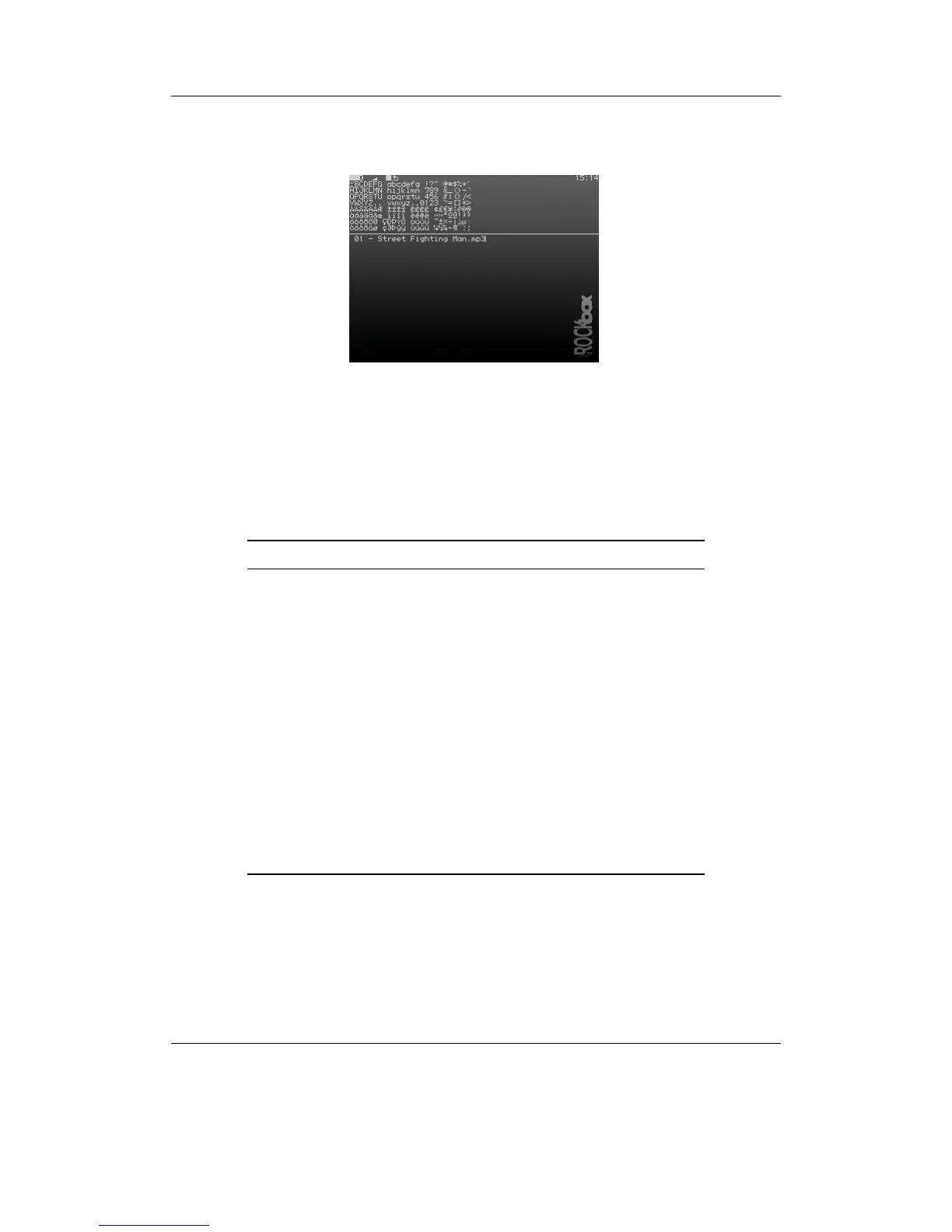
Figure 4.3: The virtual keyboard
This is the virtual keyboard that is used when entering text in Rockbox, for example
when renaming a file or creating a new directory. The virtual keyboard can be easily
changed by making a text file with the required layout. More information on how to
achieve this can be found on the Rockbox website at ZLoadableKeyboardLayouts.
Key Action
Left / Right /
Up / Down
Move about the virtual keyboard (moves
the solid cursor)
Play + Left or Play
+ Right
Move the line cursor within the text line
Navi Inserts the selected keyboard letter at the
current cursor position
Stop Exits the virtual keyboard without sav-
ing any changes
Play Exits the virtual keyboard and saves any
changes
Rec Deletes the character before the line cur-
sor
Play + A-B Enters Morse input mode
Navi Tap to select a character in Morse input
mode
THE ROCKBOX MANUAL IRIVER H3XX



 To Next Page