CHAPTER 10. PLUGINS 96
Key Action
Left Move Left
Right Move Right
Up Move Up
Down Move Down
A-B Switch between circle and square
A-B+Left Previous level
A-B+Up Reset level
A-B+Right Next level
Stop Exit the game
10.1.25 Sudoku
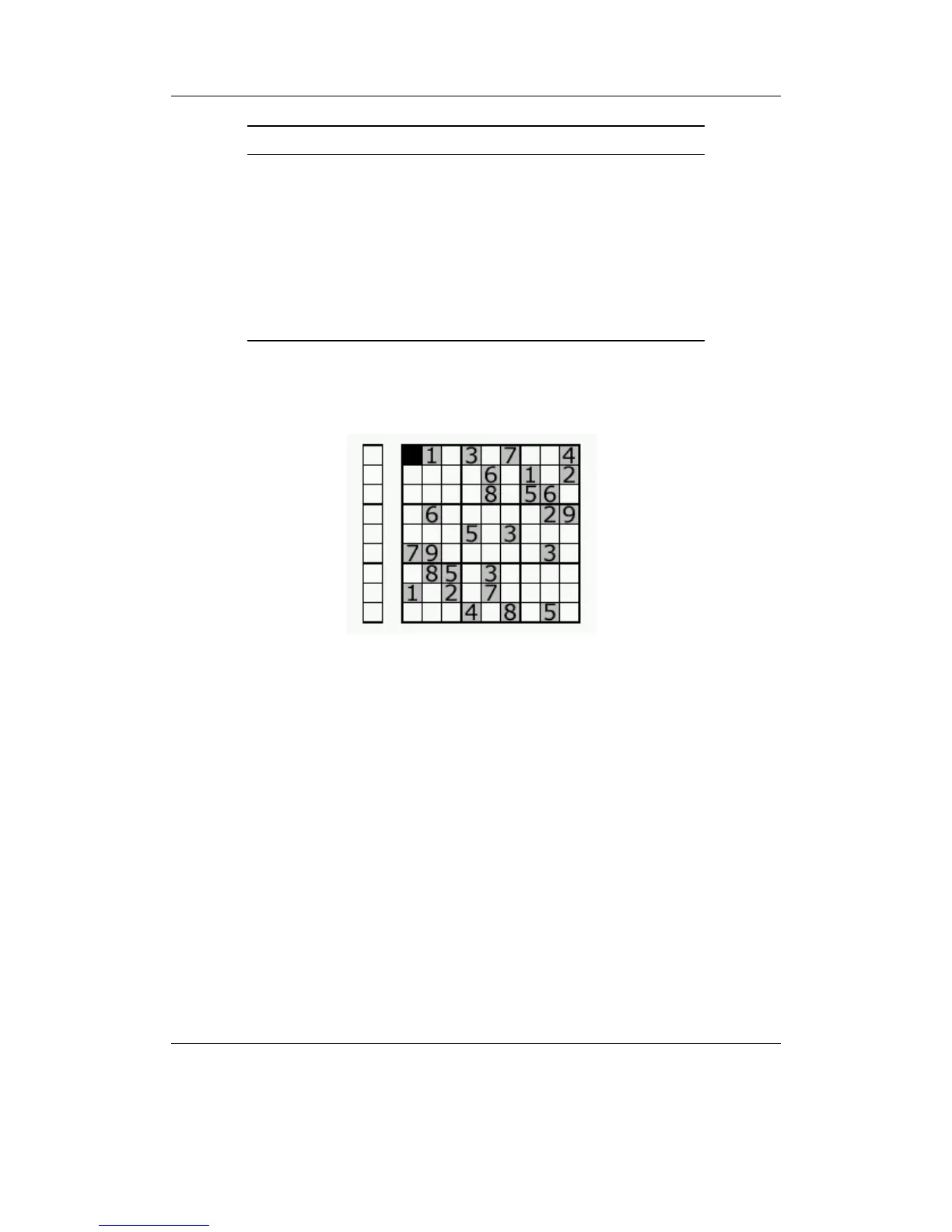
Figure 10.22: Sudoku
Sudoku in Rockbox is implemented as both a plugin and a viewer. When you start
Sudoku in plugin mode from the BROWSE PLUGINS menu, a random game will be
generated automatically, and an estimate of its difficulty (very easy, easy, medium, hard
or fiendish) will be displayed on the screen. New games can be generated from the
GENERATE menu option.
When you use Sudoku as a viewer for playing pre-generated Sudoku games. You
need sudoku games stored (one game per file) in text files with the .ss extension (see
links below). You then browse these games using the normal FILE BROWSER, and open
the file to launch Sudoku.
You can create and save your own grids under the NEW menu option. Enter the
menu (as described in the key table below) when you have finished and enter the full
path to save to including the .ss extension (e.g. /sudoku/new.ss).
THE ROCKBOX MANUAL IRIVER H3XX



 To Next Page