CHAPTER 10. PLUGINS 121
M/DA (Measurements per Disk Activity) The number of measurements stored tem-
porarily in memory, before written on the log file. This can give you an idea
of how many voltage changes there are between disk activity (or one hour).
C Stands for Charger. An ”A” in that column shows if there was the power adapter
attached to the unit, at the time of the measurement.
S The ”S” column shows the state of the device (Charging, or not). The ”C” indicated
that the unit was charging when the measurement was captured.
U USB powered. Only for targets that support this. A ”U” will indicate if the unit was
using the USB port for powering.
Making graphs
While you can tell how long your battery lasted, with a single look at the last line of the
battery log (/battery bench.txt), the most useful purpose of Battery Benchmark
is to make graphs using a spreadsheet program like Excel or Calc. The battery log
(/battery
bench.txt) is in CSV format (comma separated) so you can quite easily
import it to a spreadsheet program.
10.4.2 Calculator
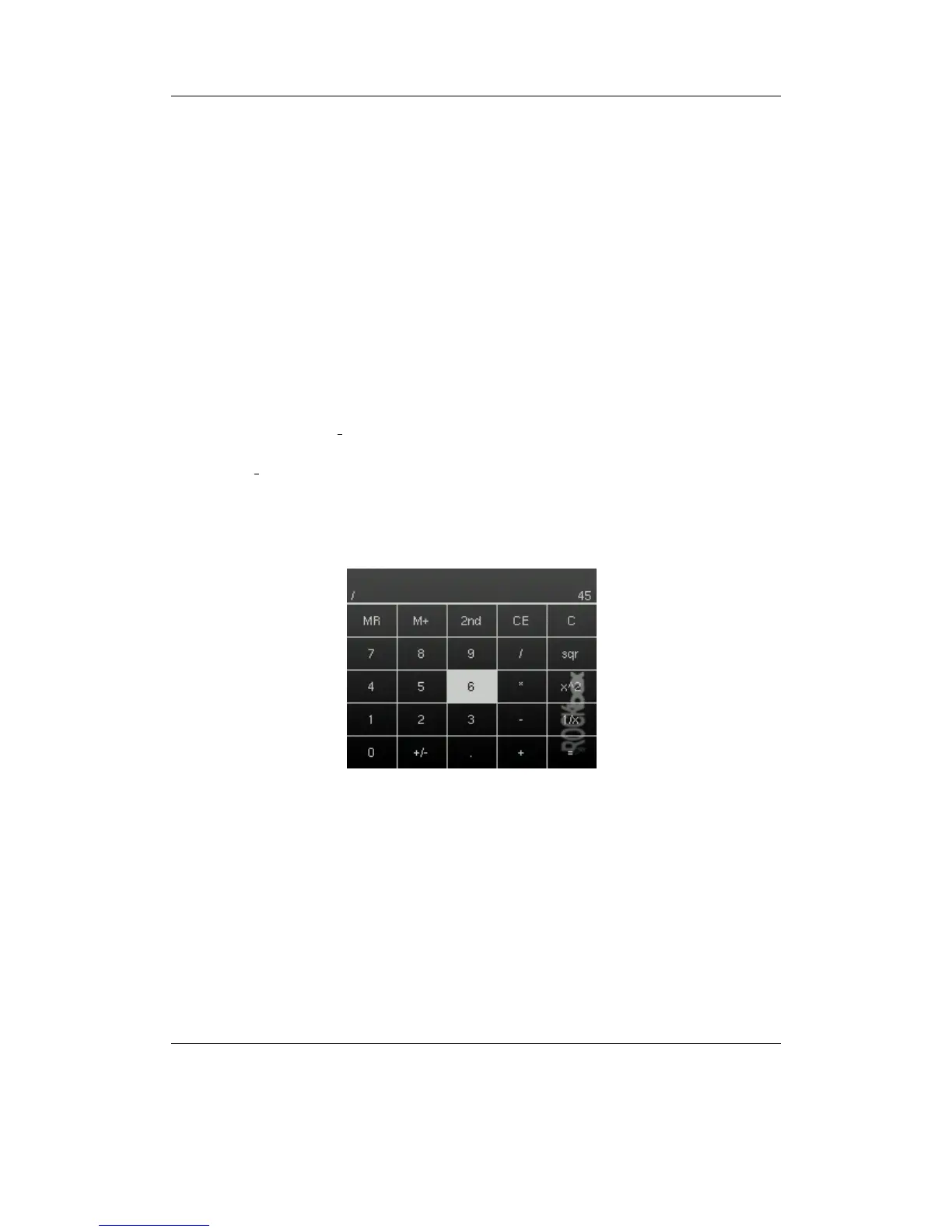
Figure 10.38: Calculator
This is a simple scientific calculator for use on the player. It works like a standard
calculator. Pressing the “1st” and “2nd” buttons will toggle between other available
math functions.
THE ROCKBOX MANUAL IRIVER H3XX



 To Next Page