CHAPTER 5. THE MAIN MENU 39
5.2 Navigating the Main Menu
Key Action
Up Moves up in the menu.
Inside a setting, increases the value or
chooses next option
Down Moves down in the menu.
Inside a setting, decreases the value or
chooses previous option
Navi/Right Selects option
Stop/Left Exits menu, setting or moves to parent
menu
5.3 Recent Bookmarks
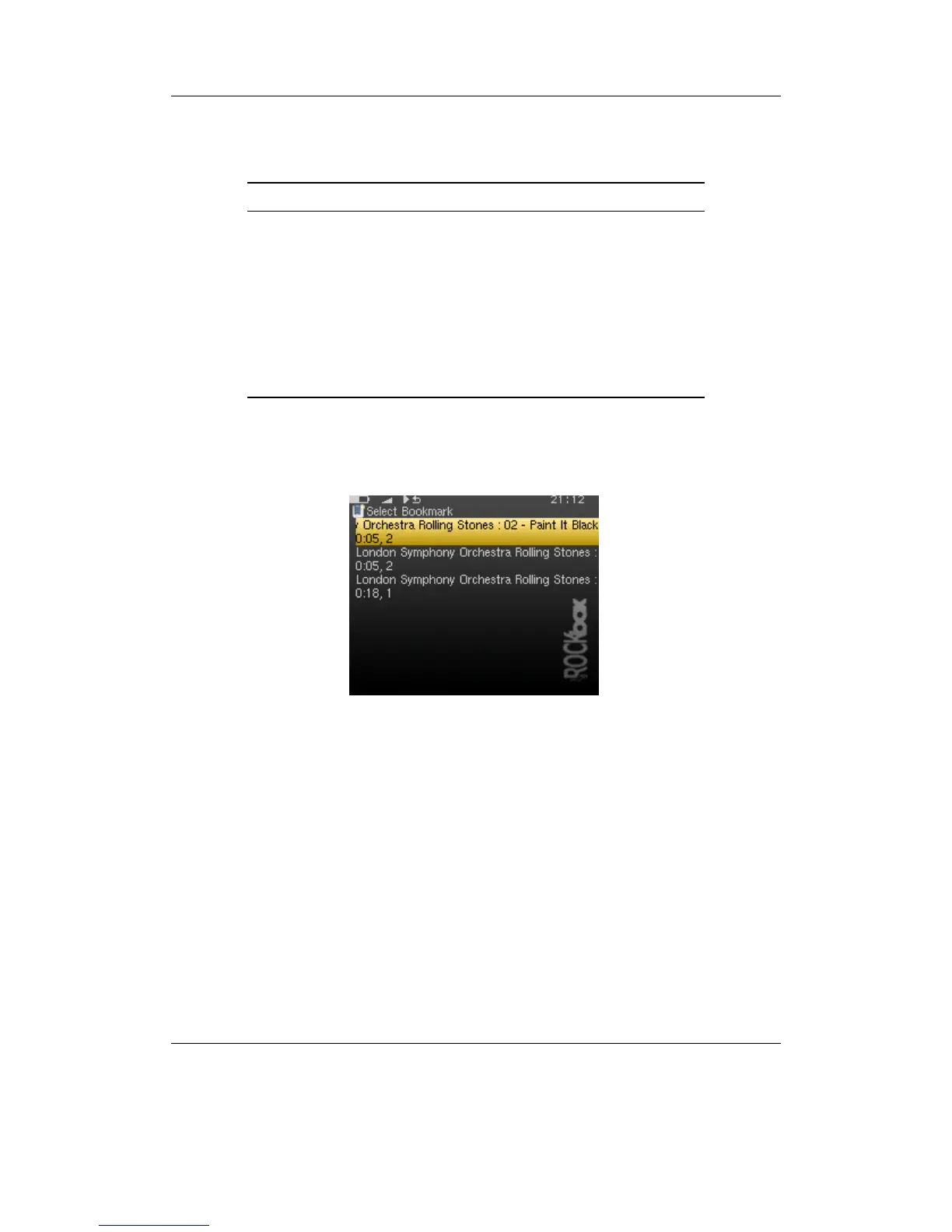
Figure 5.2: The list bookmarks screen
If the SAVE A LIST OF RECENTLY CREATED BOOKMARKS option is enabled then you can
view a list of several recent bookmarks here and select one to jump straight to that track.
See section 7.7 (page 63) for more details on configuring bookmarking in Rockbox.
Note: This entry is not shown in the MAIN MENU when the option is off and the option
b
is off by default.
5.4 Files
Browse the files on your player (see section 4.1 (page 22)).
THE ROCKBOX MANUAL IRIVER H3XX



 To Next Page