CHAPTER 5. THE MAIN MENU 41
5.7.5 Recording Settings
The RECORDING SETTINGS menu allows you to configure settings related to recording.
The details of this menu are covered in detail in section 9 (page 69).
5.8 Recording
5.8.1 While Recording Screen
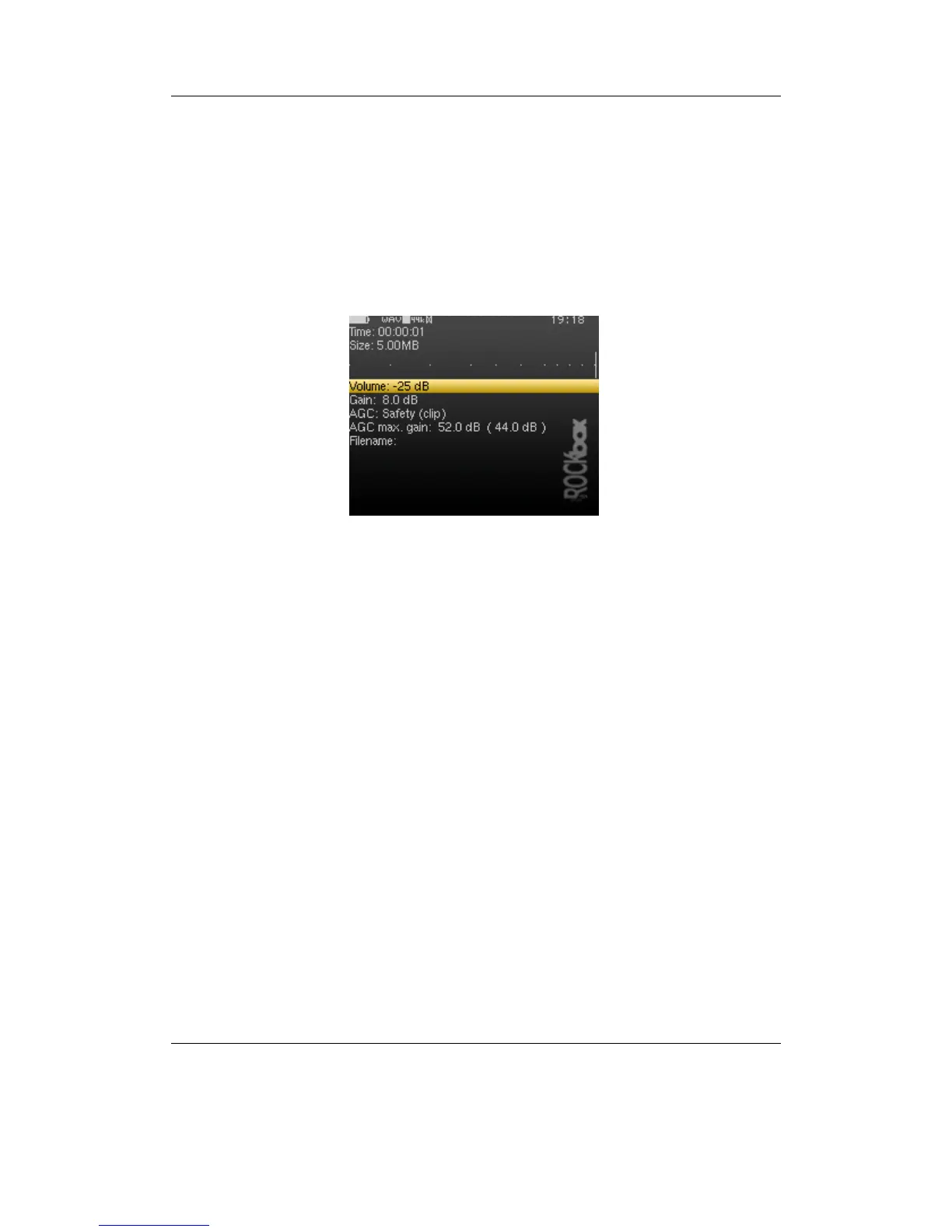
Figure 5.3: The while recording screen
Entering the RECORDING option in the MAIN MENU brings up a screen in which you
can choose to enter the RECORDING SCREEN or the RECORDING SETTINGS (see section 9
(page 69)). The RECORDING SCREEN shows the time elapsed and the size of the file
being recorded. A peak meter is present to allow you set gain correctly. There is also
a volume setting, this will only affect the output level of the player and does not affect
the recorded sound. If enabled in the peak meter settings, a counter in front of the peak
meters shows the number of times the clip indicator was activated during recording.
The counter is reset to zero when starting a new recording.
Note: When you start a recording, the hard disk will spin up. This will cause the peak
b
meters to freeze in the process. This is expected behaviour, and nothing to worry about.
The recording continues during the spin up.
The frequency and channels settings are shown on the last line.
The controls for this screen are:
THE ROCKBOX MANUAL IRIVER H3XX



 To Next Page