CHAPTER 5. THE MAIN MENU 42
Key Action
Up / Down Select setting.
Left / Right Adjust selected setting.
Play Start recording.
While recording: pause recording (press
again to continue).
Stop Exit RECORDING SCREEN.
While recording: Stop recording.
Rec Starts recording.
While recording: close the current file
and open a new one.
A-B Open RECORDING SETTINGS (see sec-
tion 9 (page 69)).
5.9 FM Radio
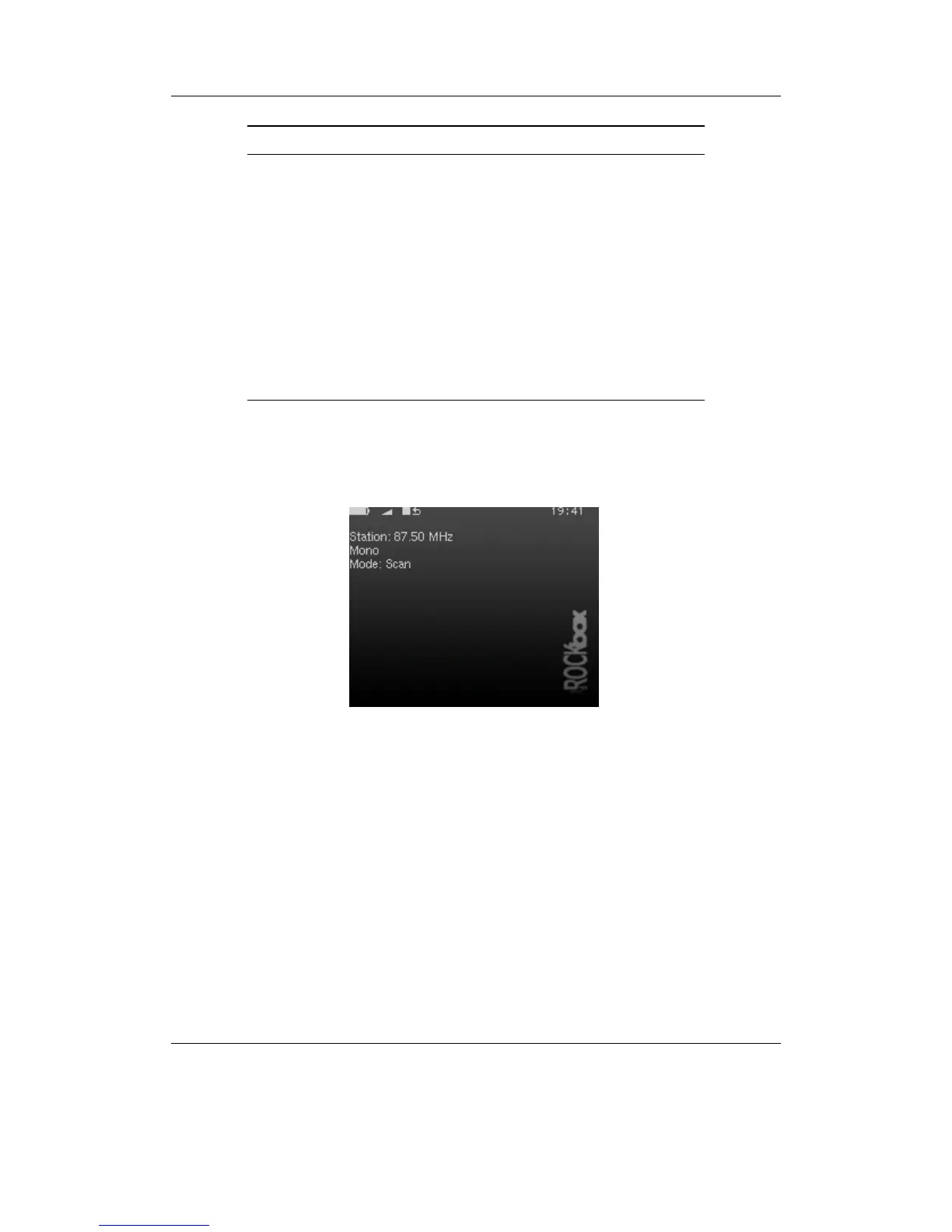
Figure 5.4: The FM radio screen
This menu option switches to the radio screen. The FM radio has the ability to record
and to remember station frequency settings (presets).
THE ROCKBOX MANUAL IRIVER H3XX



 To Next Page