CHAPTER 10. PLUGINS 128
Quit
Folder List Editor Keys
Key Action
Navi or Right Delete selected folder
Long Navi Bring up the context menu which allows
you to remove the selected folder or it’s
entire folder tree
Left or Stop Exit
10.4.10 Stats
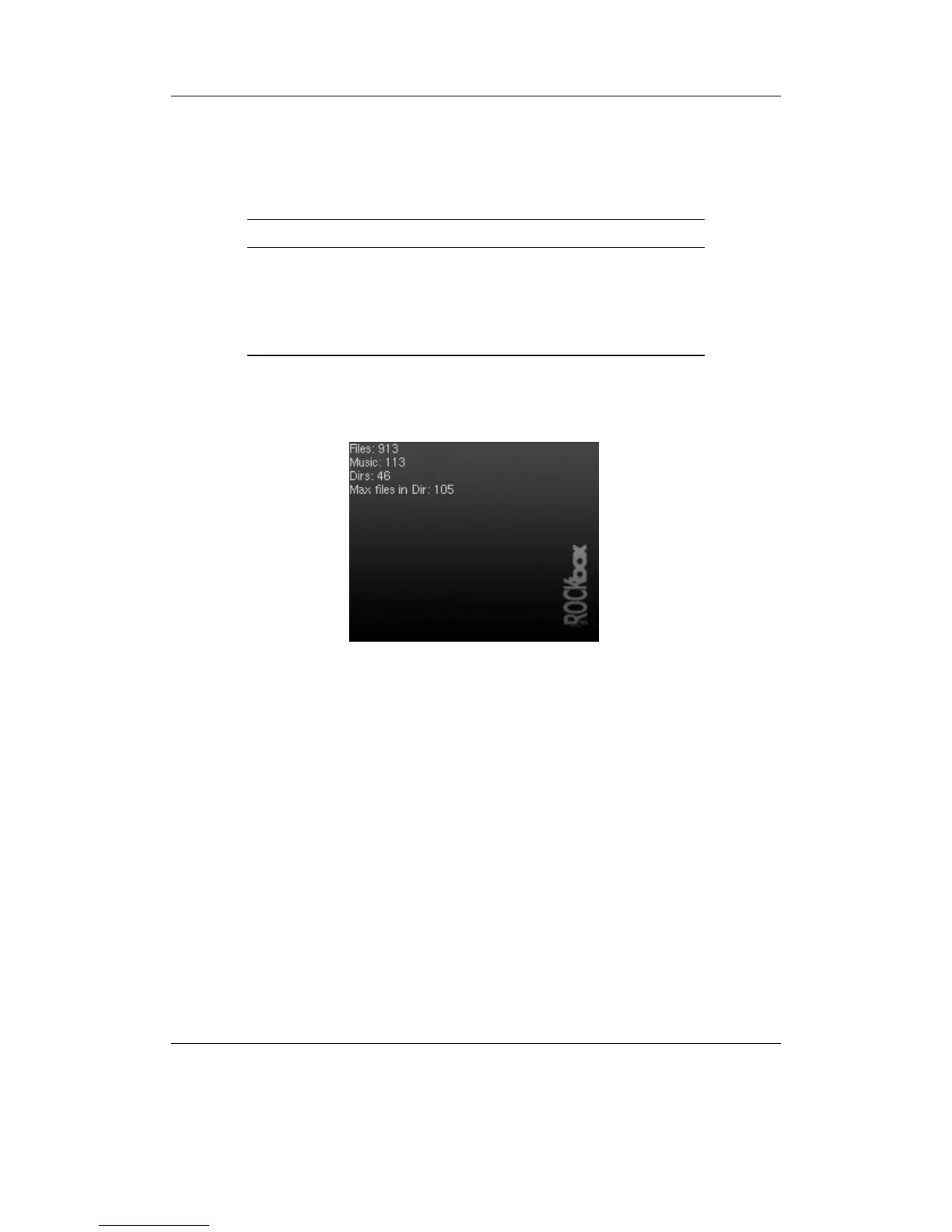
Figure 10.41: The stats-plugin
The stats-plugin simply counts the number of files, music files and directories on your
player. Press Stop to abort counting and exit the plugin. Press it again to quit after
counting has finished.
THE ROCKBOX MANUAL IRIVER H3XX



 To Next Page