CHAPTER 5. THE MAIN MENU 38
5 The Main Menu
5.1 Introducing the Main Menu
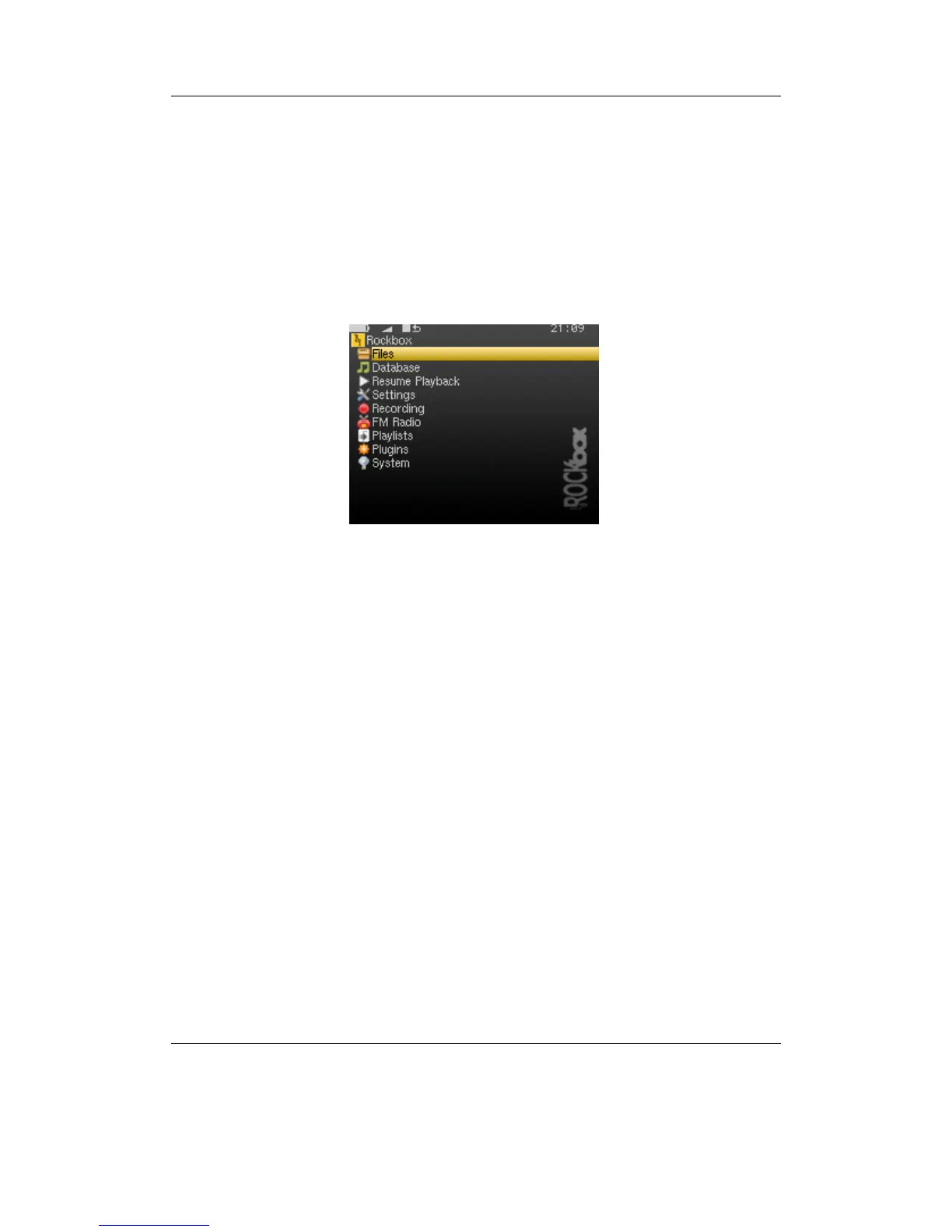
Figure 5.1: The main menu
The MAIN MENU is the screen from which all of the Rockbox functions can be accessed.
This is the first screen you will see when starting Rockbox. To return to the MAIN
MENU, press the A-B button.
All settings are stored on the unit. However, Rockbox does not spin up the disk solely
for the purpose of saving settings. Instead, Rockbox will save settings when it spins up
the disk the next time, for example when refilling the MP3 buffer or navigating through
the FILE BROWSER. Changes to settings may therefore not be saved unless the player is
shut down safely (see section 3.1.2 (page 19)).
THE ROCKBOX MANUAL IRIVER H3XX



 To Next Page