CHAPTER 10. PLUGINS 84
10.1.11 Minesweeper
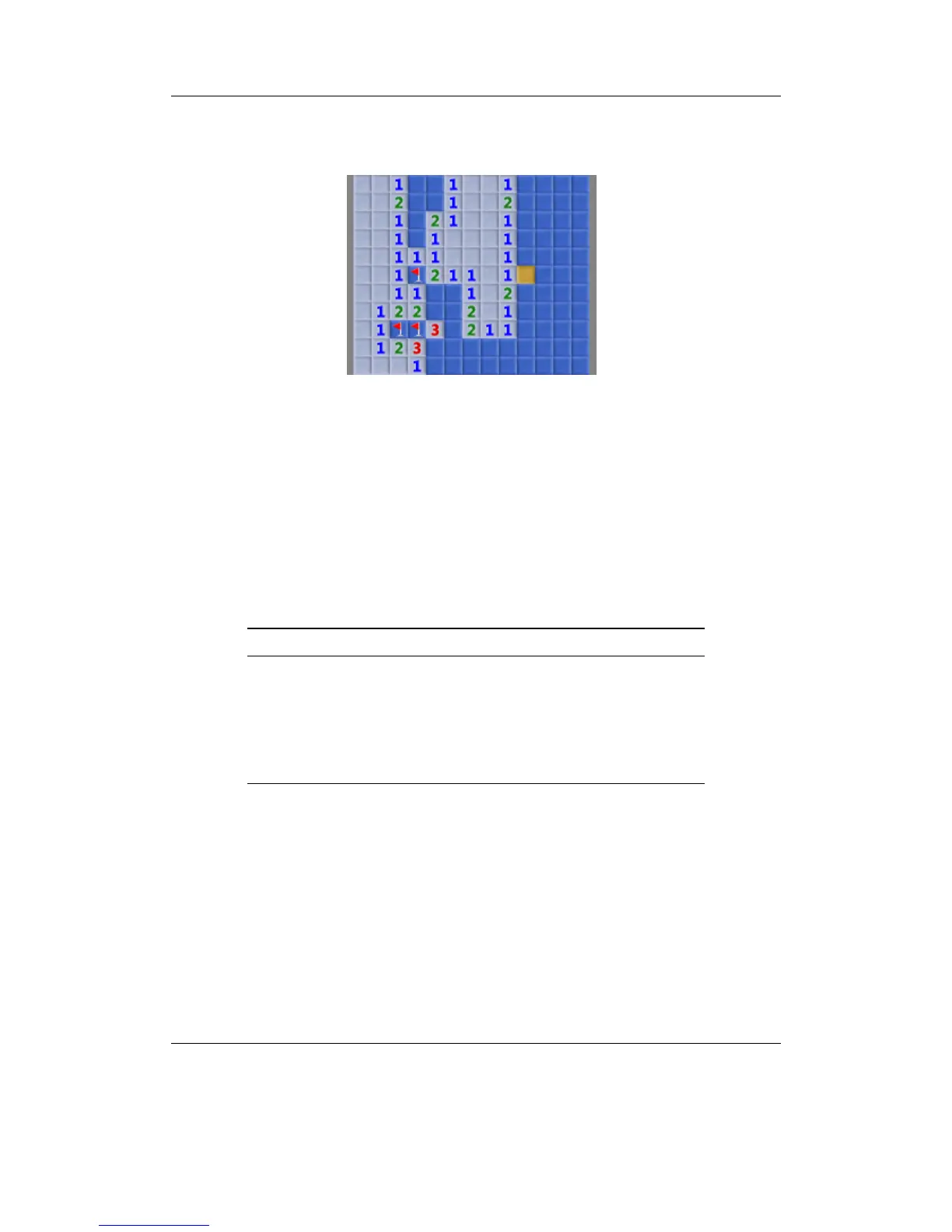
Figure 10.9: Minesweeper plugin
The classic game of minesweeper. Use the Up and Down keys to select the required
percentage of mines to set the difficulty then press the Navi key to begin.
The aim of the game is to uncover all of the squares on the board. If a mine is un-
covered then the game is over. If a mine is not uncovered, then the number of mines
adjacent to the current square is revealed. The aim is to use the information you are
given to work out where the mines are and avoid them. When the player is certain that
they know the location of a mine, it can be tagged to avoid accidentally “stepping” on
it.
Key Action
Up / Down / Left
/ Right
Move the cursor across the minefield
Play / Rec Toggle flag on / off
Navi Reveal the contents of the current square
A-B Display the current game status
Stop Exit the game
THE ROCKBOX MANUAL IRIVER H3XX



 To Next Page