CHAPTER 10. PLUGINS 129
10.4.11 Stopwatch
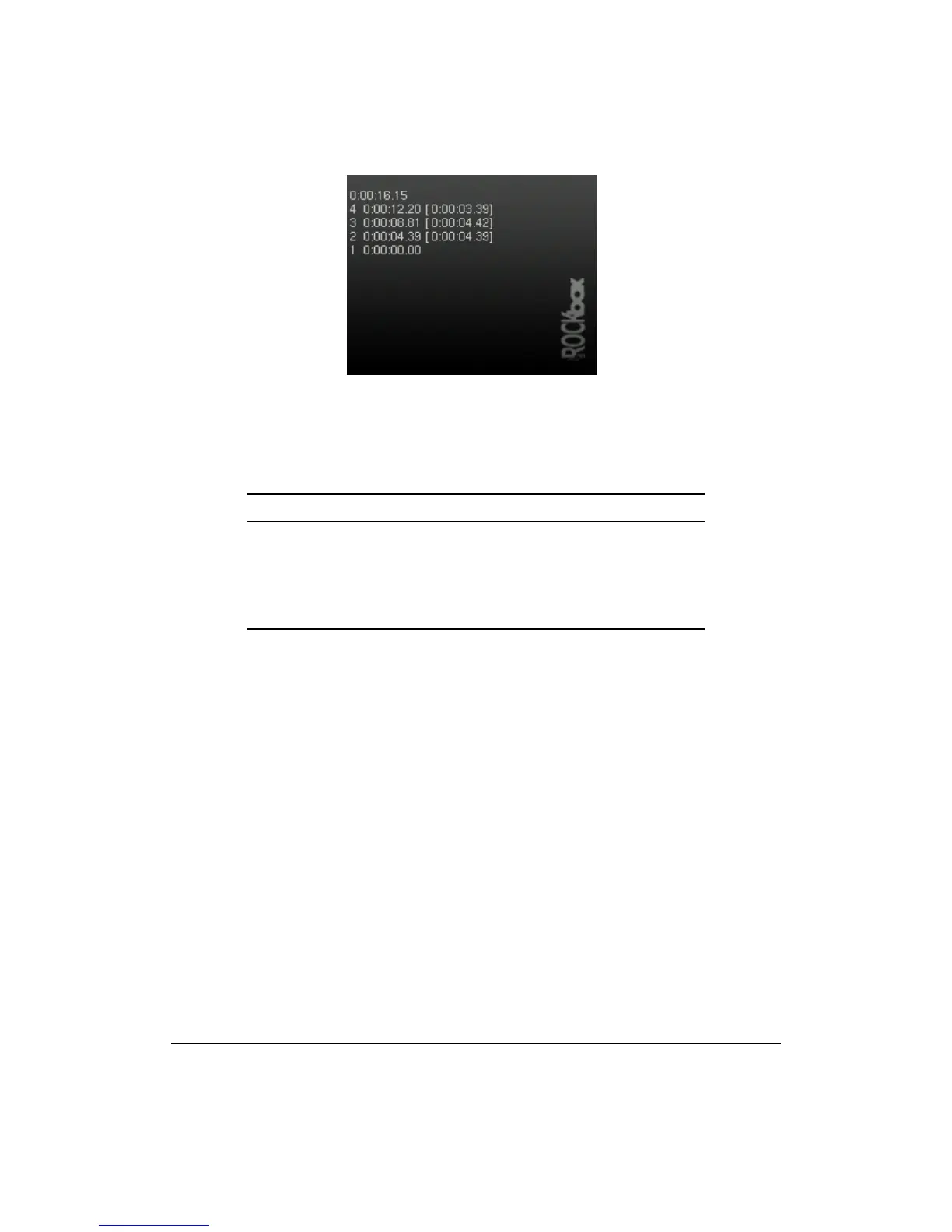
Figure 10.42: Stopwatch
A simple stopwatch program with support for saving times.
Key Action
Stop Quit Plugin
Navi Start / stop
Down Reset timer (only when timer is stopped)
Play Take lap time
Left / Right Scroll through lap times
10.4.12 Text Editor
This plugin allows you to view and edit simple text documents on your DAP. You can
view files by using OPEN WITH from the CONTEXT MENU (see section 4.1.2 (page 23)).
Usage
If you start the Text Editor from the plugin browser you will be greeted with a blank
screen. When started from the OPEN WITH menu item your file should be shown on
the screen. You can now edit the file. The Text Editor is line based. This means you can
edit one line at a time using the VIRTUAL KEYBOARD (see section 4.1.3 (page 25)).
• Move the selection bar to the line you want to edit.
• Edit the highlighted text line or insert a new one using the Item Menu.
• When finished editing exit the Text Editor. You’ll be shown a list of save options.
THE ROCKBOX MANUAL IRIVER H3XX



 To Next Page