CHAPTER 6. SOUND SETTINGS 46
6 Sound Settings
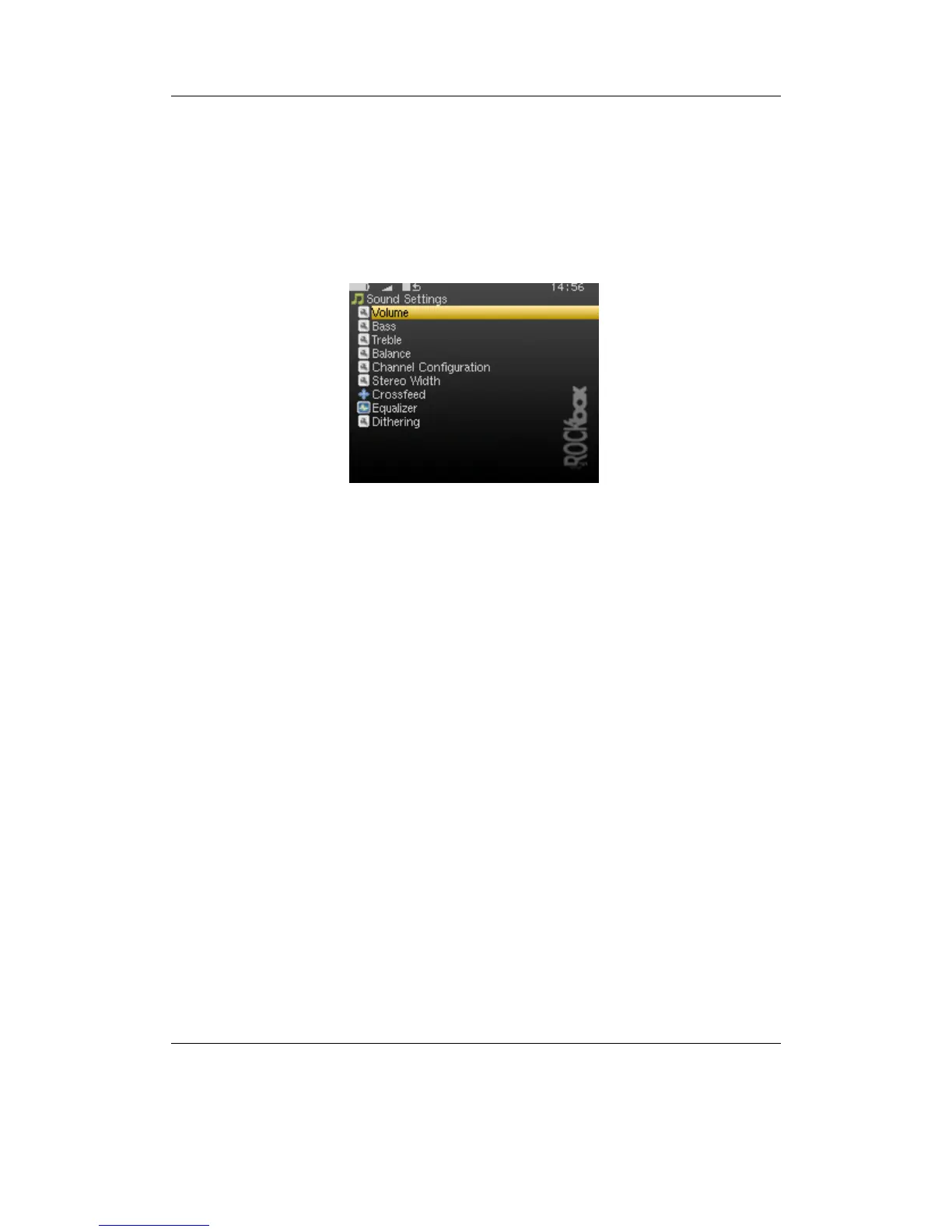
Figure 6.1: The sound settings screen
The sound settings menu offers a selection of sound settings you may change to cus-
tomise your listening experience.
6.1 Volume
This setting adjusts the volume of your music. Like most professional audio gear and
many consumer audio products, Rockbox uses a decibel scale where 0 dB is a refer-
ence that indicates the maximum volume that the player can produce without possible
distortion (clipping). All values lower than this reference will be negative and yield a
progressively softer volume. The volume can be adjusted from a minimum of -84 dB
to a maximum of 0 dB.
6.2 Bass
This setting emphasises the lower (bass) frequencies in the sound. A value of 0 dB
means that bass sounds are unaltered (flat response). The minimum setting is 0 dB and
the maximum is 24 dB.
THE ROCKBOX MANUAL IRIVER H3XX



 To Next Page