18
5-7
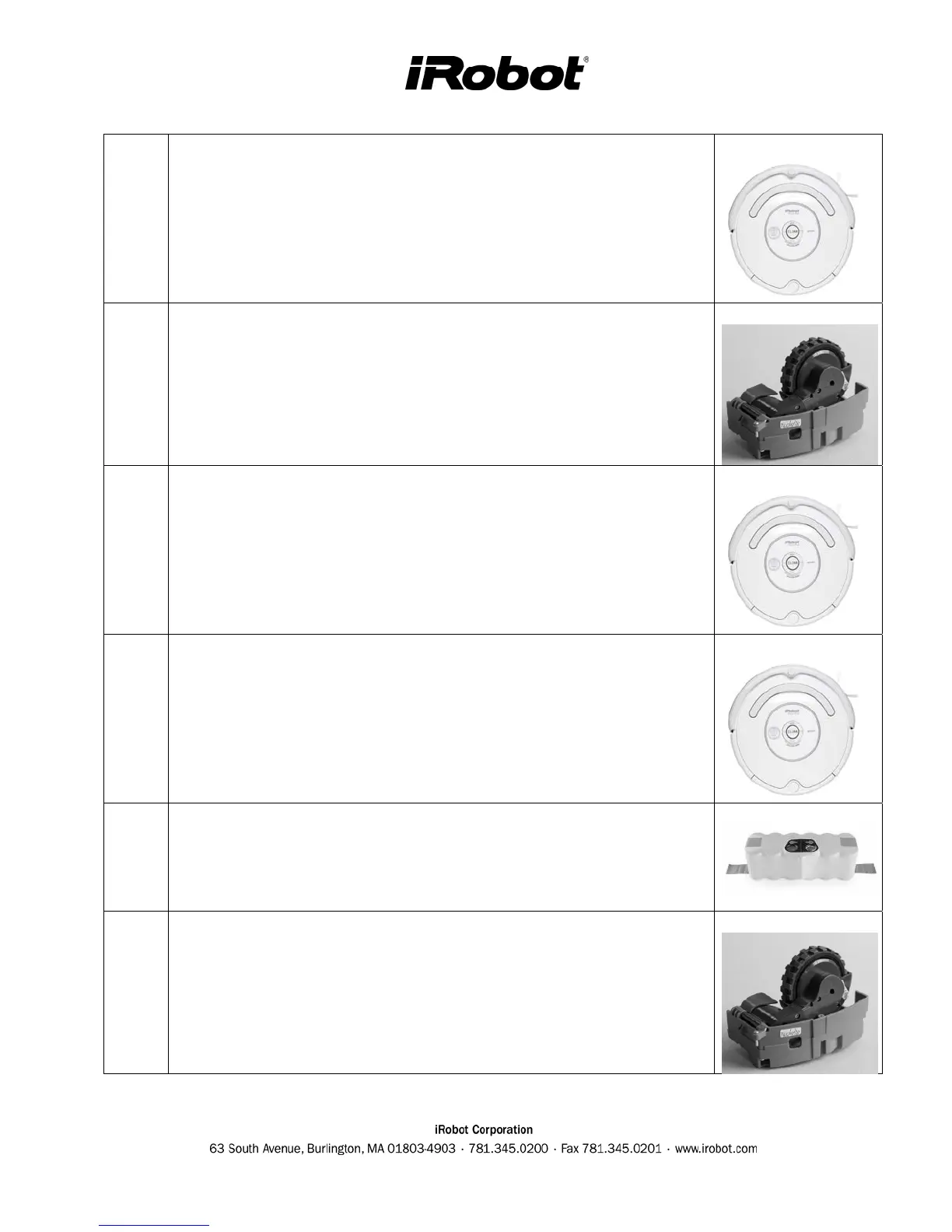
Roomba BiT 5 to 7 – LIGHT TOUCH BUMPERS
Troubleshooting : Clean front window along bumper. Do not use a
black obstacle during test.
Roomba Spare Part : Service or Core Robot Replacement
8
Roomba BiT 8 – WHEEL DROP SENSOR
Troubleshooting : Toggle wheels.
Roomba Spare Part : Drive Wheel Replacement
9
Roomba BiT 9 – RCON RECEIVER
Troubleshooting : Clean RCON with a cloth.
Roomba Spare Part : Service or Core Robot Replacement
10
Roomba BiT 10 – FRONT DIRECTIONAL IR RECEIVERS
(Base robot 3.4 and 3.5 only)
Troubleshooting : Clean front bumper windows
Roomba Spare Part : Service or Core Robot Replacement
11
Roomba BiT 11 – BATTERY SENSORS
Trouble shooting : Tighten bottom cover.
Roomba Spare Part : Battery Replacement
12-14
Roomba BiT 12 to 14 – LEFT & RIGHT WHEEL & ENCODERS
Trouble shooting : Clean wheels from dirt and hair.
Roomba Spare Part : Drive Wheel Replacement



 To Next Page