42
Appendix A : Roomba 500 Series Built-in-Test Procedure
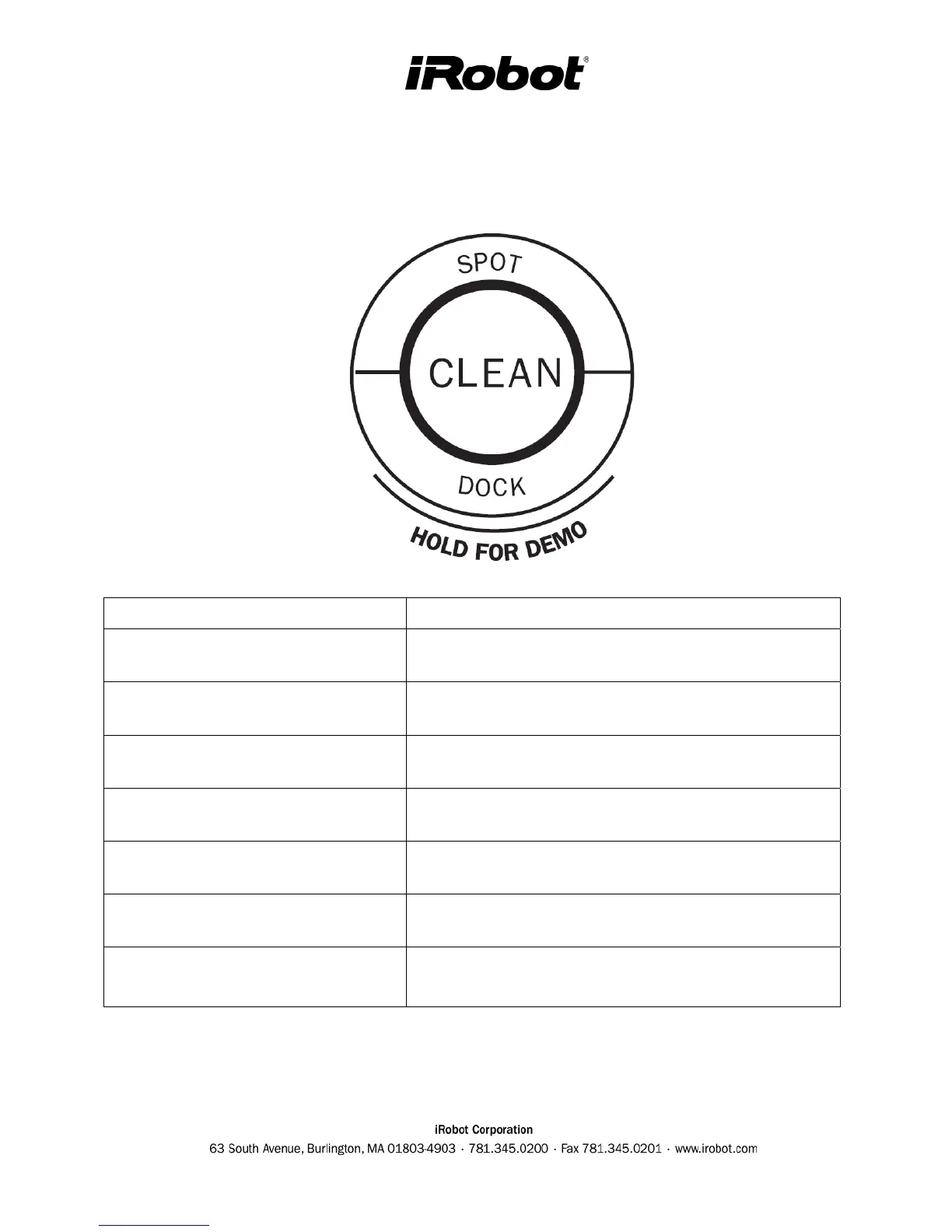
Start with Roomba powered OFF by pressing the CLEAN button for a few seconds.
To enter : Perform these Key Sequences:
Auto-advance Built-in-Test
Hold CLEAN and DOCK and pulse SPOT 3 times.
Release buttons
Manual-advance Built-in-Test
Hold CLEAN and DOCK and pulse SPOT 6 times.
Release buttons
Auto-advance Mobility Test
Hold CLEAN and DOCK and pulse SPOT 9 times.
Release buttons
Manual-advance Mobility Test
Hold CLEAN and DOCK and pulse SPOT 12 times.
Release buttons
Display + beep software date code
Hold CLEAN and SPOT and pulse DOCK 6 times.
Release buttons
Enter voice tutorial
Turn robot on by pressing CLEAN. Hold DOCK for 3
seconds
Power OFF and reboot Roomba
(will erase schedule too)
Hold SPOT and DOCK at least 10 seconds (15 is safe)
Put Roomba into Built-in-Test mode (BIT):



 To Next Page