71
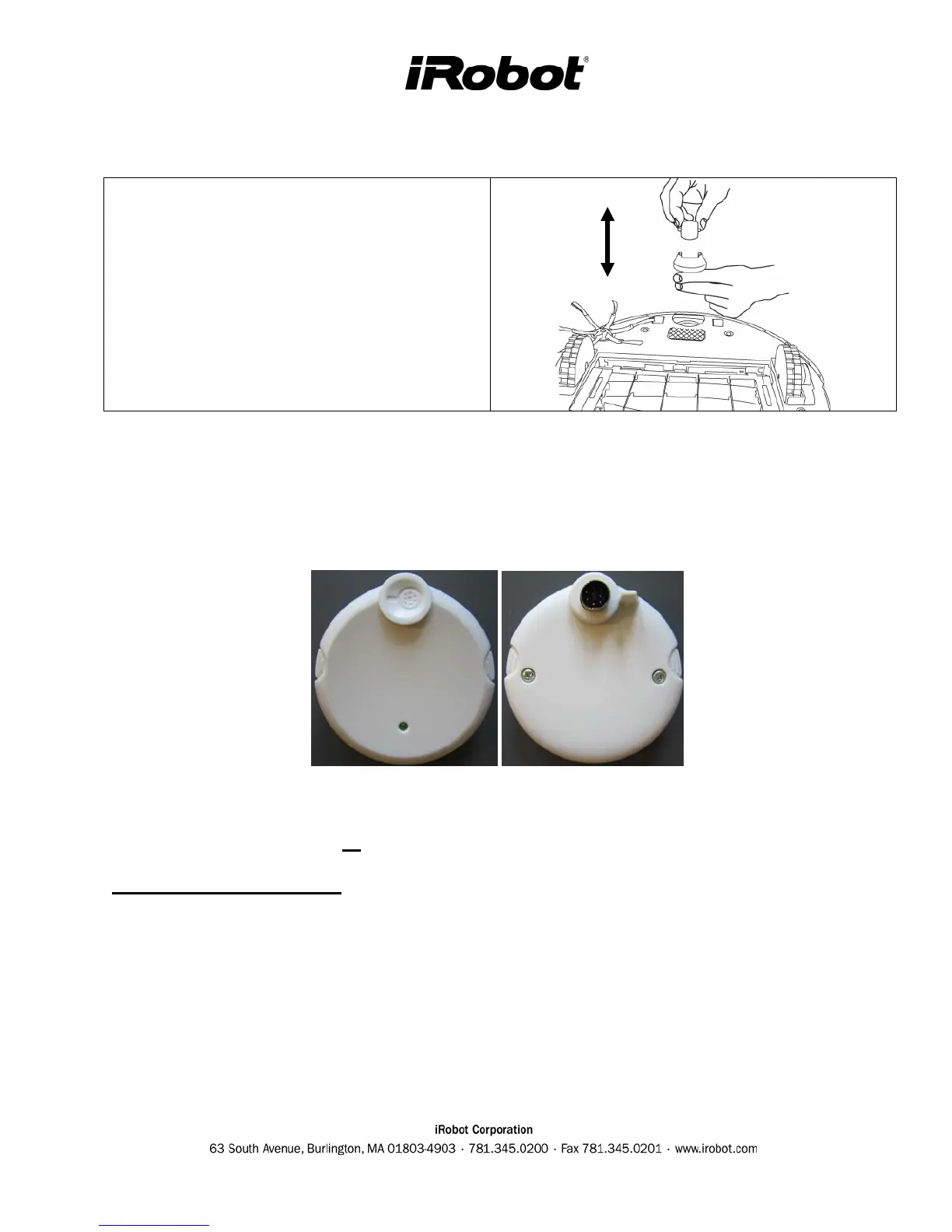
Roomba Front Wheel Replacement
1. Remove the front wheel module by
lifting it out of the bottom chassis.
2. Remove the wheel and axle and clear it
of hair and debris
3. Reinsert the wheel and module back into
the chassis.
Appendix E: Roomba Software & OSMO
Roomba’s software is continuously being updated and latest production will have the most recent
software. OSMO is a portable device that can be sent or used by service centers to update Roomba
code.
To determine what version of software is in the OSMO, inspect the OSMO date code sticker for the
version.
Example : KYNxxxxx0707120100047
OSMO Download procedure
o Remove Roomba’s faceplate
o Power Roomba ON and make sure it is not connected to the power supply
o Plug OSMO into the serial port which is accessible when the face plate is removed.
o Wait a few minutes until the update is complete (OSMO stops flashing and Roomba CLEAN
button is solid green)



 To Next Page