57
VIRTUAL WALL TEST
The procedures for this test are
1. Put the robot in Built-in-Test # 9.
2. Turn Virtual Wall (VW) on (make sure the VW is not pulsing or off). If in doubt you can
verify that the VW emitters are on using IR viewer or a digital camera.
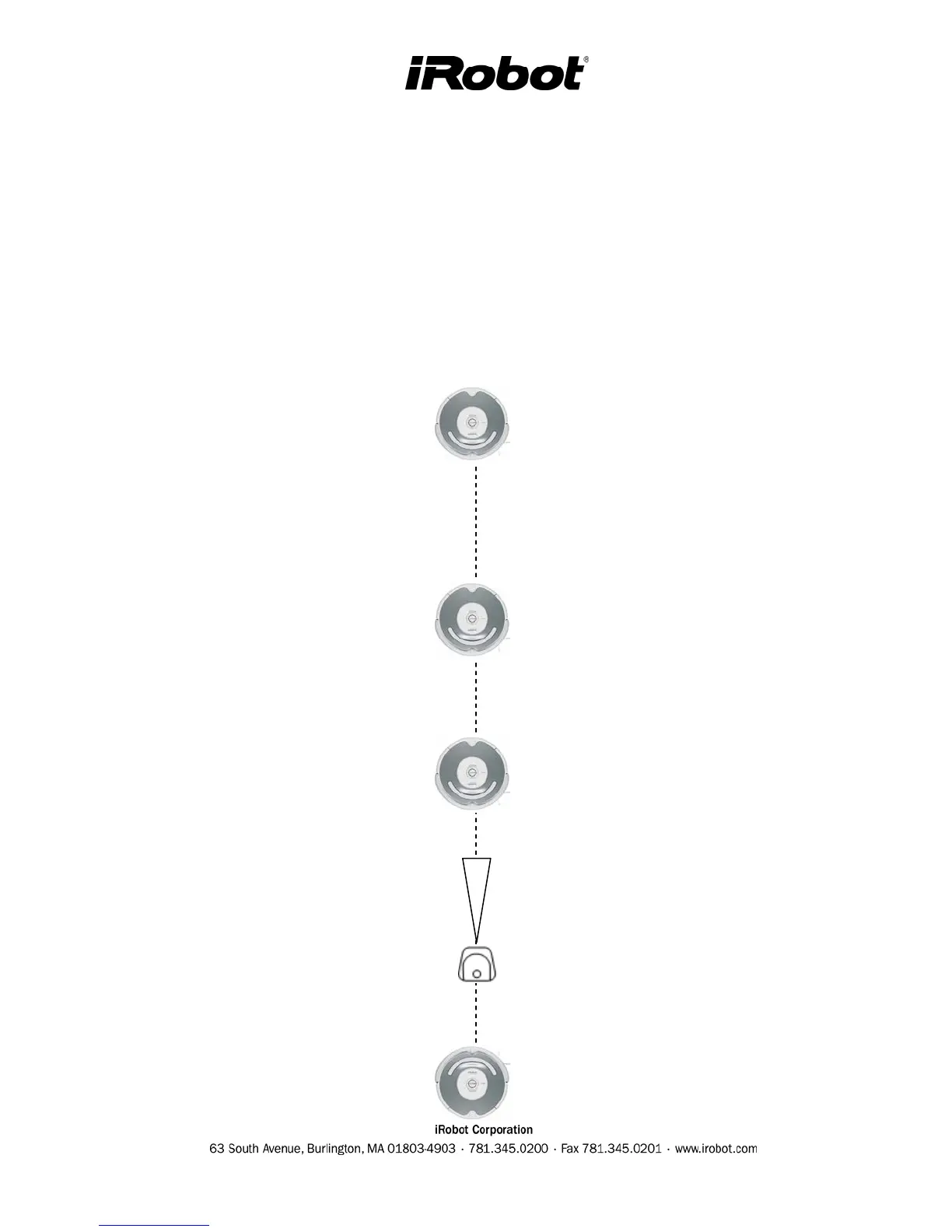
3. Place the Roomba in the below distances from the VW. Distance is measured from VW
RCON to Roomba RCON. The settings of the VW should be set at 0-.9 / S/M/L
depending settings shown on the left hand side.
4. Verify that the Roomba’s SPOT button is lit for all 4 positions.
Virtual Wall (0 m)
Robot Position (0.91 m)
VW Setting : 0-.9
Robot Position (2.13 m)
VW Setting : 1-2
Robot Position (4.0 m)
VW Setting : 2.4+
Robot Position (-0.25 m)
VW Setting : ANY but keep



 To Next Page