IPS X303 Series Instruction Manual
30
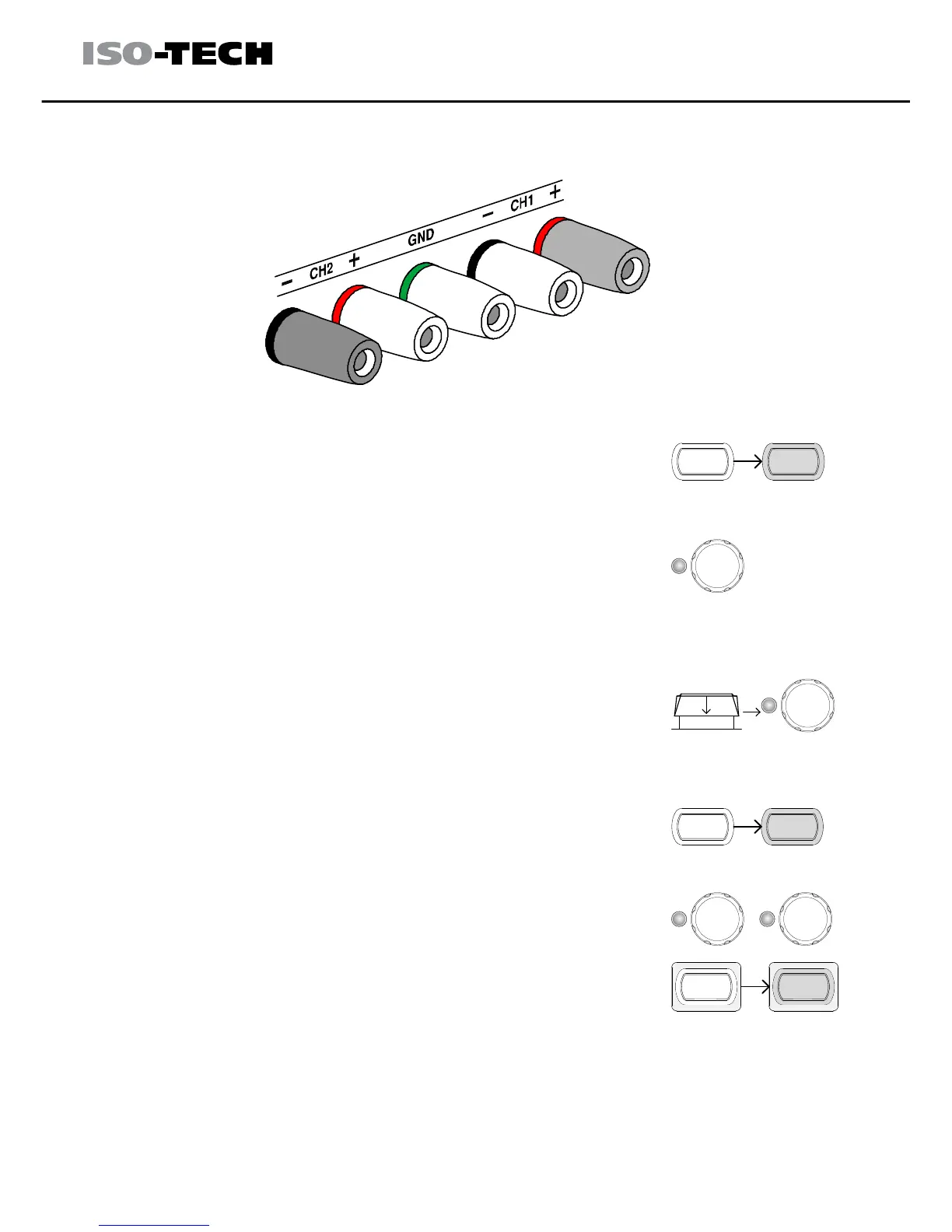
2. Connect the load to the front panel terminals, CH1+ & CH2− (Single
supply).
Note: this diagram shows non-European terminals.
3. Press the CH2 key (LED turns on) and then
use the Current knob to set the CH2 output
current to the maximum level (3.0A).
By default, the Voltage and Current knob work
in the coarse mode. To activate the fine mode,
press the knob to turn the FINE LED on.
COARSE/FINE
FINE
Push
CURRENT
COARSE/FINE
FINE
Push
CURRENT
Coarse: 0.1V or 0.1A for each step
Fine: 1mV or 1mA for each step
4. Press the CH1 key (LED turns on) and then
use the Voltage and Current knob to set the
output voltage and current level.
COARSE/FINE
FINE
VOLTAGE
Push
COARSE/FINE
FINE
Push
CURRENT
5. To turn on the output, press the output key. The
key LED turns on.
6. Refer to the CH1 (Master) meter and indicator for the output setting
level and CV/CC status.


 To Next Page