19
Functions can be accessed by the keyboard in two different ways:
The Quick start menu makes direct access possible to a range of principal
functions for setting the scale reading and display characteristics of the sensor.
Quick start menu can be enabled by function 8.4 (menu display)
Through the Main menu it is possible to access functions with the access code
level 2. These control the sensor’s monitoring, data processing, input/output as
well further display options.
The following example shows how to change the Full scale by Quick Start menu; the
second illustrates how to change the function by the Main menu.
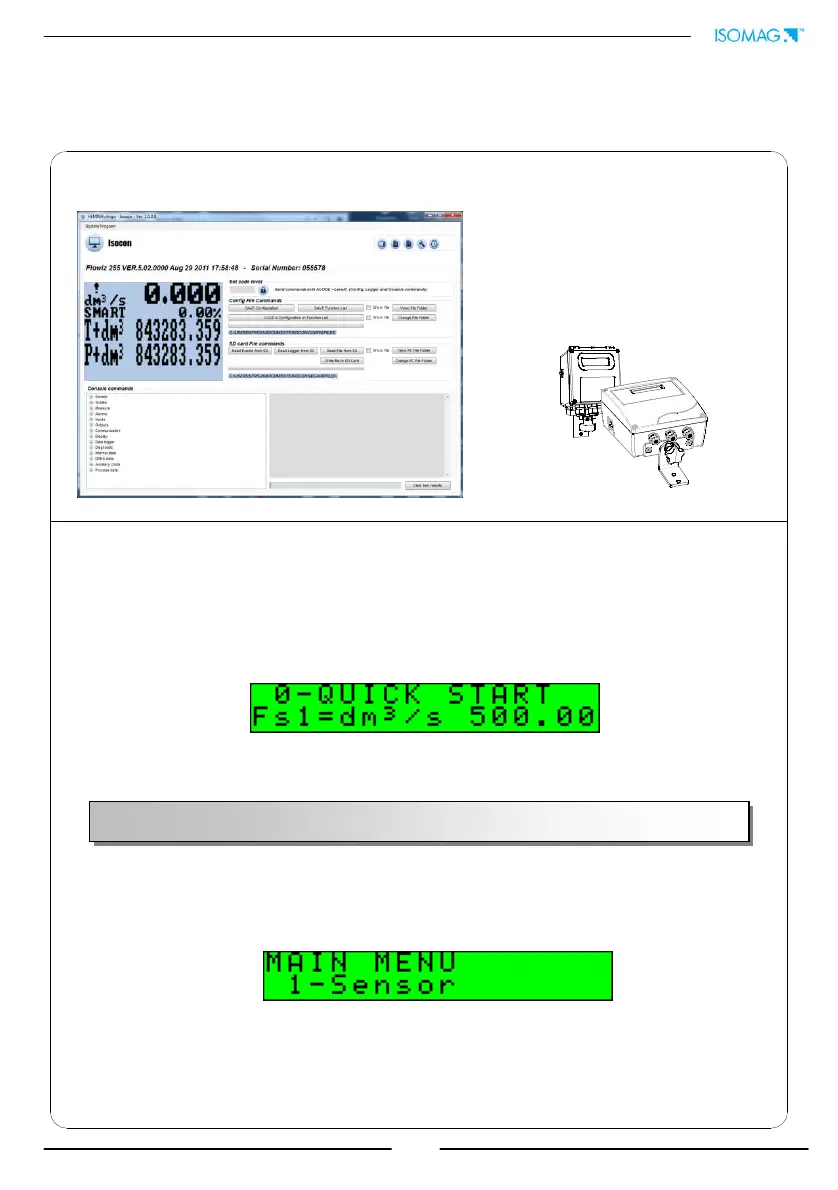
The converter configuration menu can be accessed in two different ways:
1) by ISOCON interface
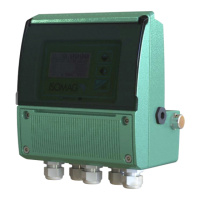
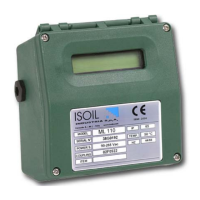
2) by keyboard of converter
Isocon is a Windows
software
that allows to set all the converter
functions and personalize the
menu (IF2 is required), see
suitable manual for details.
ACCESS TO THE CONFIGURATION MENU
Factory pre-setting:
QUICK START MENU=ON
ACCESS TO THE CONFIGURATION MENU
CCESS TO THE CONFIGURATION MENU BY ISOCON INTERFACE


 To Next Page