39
5. Operation and Configuration
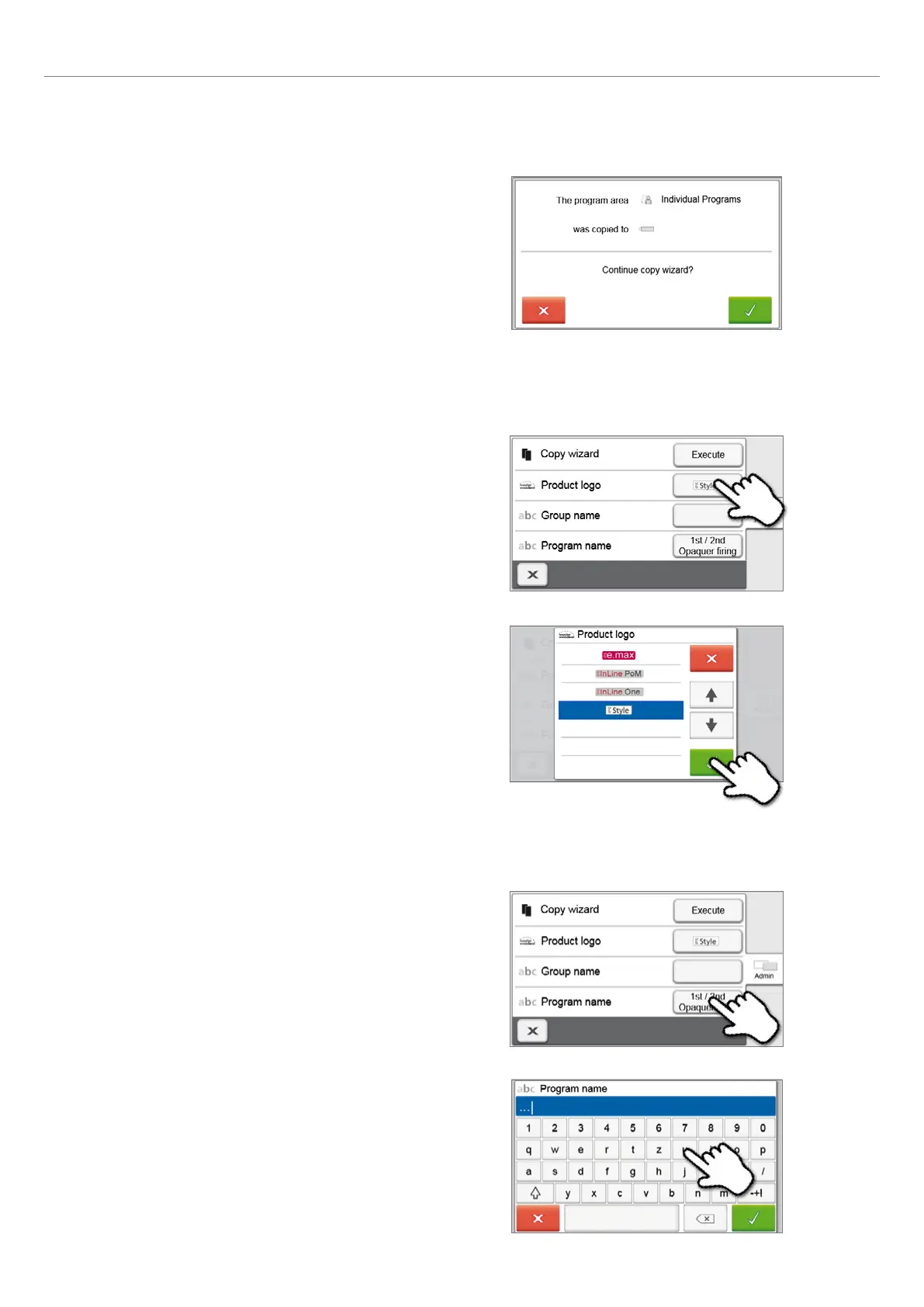
4. The copy process can be continued with the green button.
The red button is used to abort the copy process.
5.3.2 Selecting product logo
The product logo for the current group can be selected.
1. Press the corresponding button in the Admin menu.
2. Select the desired product logo. Confirm the entry with the
green button.
5.3.3 Renaming program, program group
The current program and current program group can be renamed
(only possible for individual programs).
1. Press the corresponding button in the Admin menu and
select whether the program or group name should be
changed.
2. Enter the desired program or group name. Confirm the
entry with the green button.















 To Next Page