12
2.2.1 USING THE JA-110E AND JA-150E SYSTEM KEYPADS
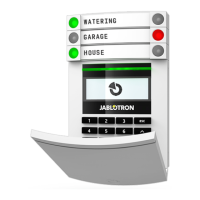
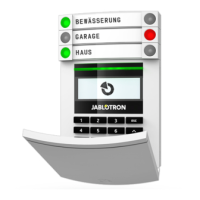
Statuses of individual sections are indicated by status indicators A, B, C, D above the LCD display and
by the functions buttons. The control panel can be operated directly (setting or unsetting the alarm and other
automation functions) using function buttons on the keypad. The function buttons and the status indicators
A, B, C, D are colourfully backlit in order to clearly indicate the section status.
a GREEN – Unset
a YELLOW – Partially Unset
a RED – Set
Authorization can be done by entering an access code on the keypad or using an RFID card/tag assigned
to a particular user. Each user can have one code and one RFID chip (a card or a tag).
If the users want to control multiple sections simultaneously, they must authorize themselves and then press
function buttons of the particular sections subsequently. This way the users can unset all sections (for example
the house and the garage) within one single authorization.
Status indicators
A, B, C, D
LCD display
Function buttons
A, B, C, D
System indicator
The keypad and the
RFID reader
2. OPERATING THE JABLOTRON 100
+
SYSTEM









 To Next Page
