(II)
JWL 6
5-2 Description of Parameter Values
1. P00: Offset value
Displays the offset value and the keypad testing can be conducted
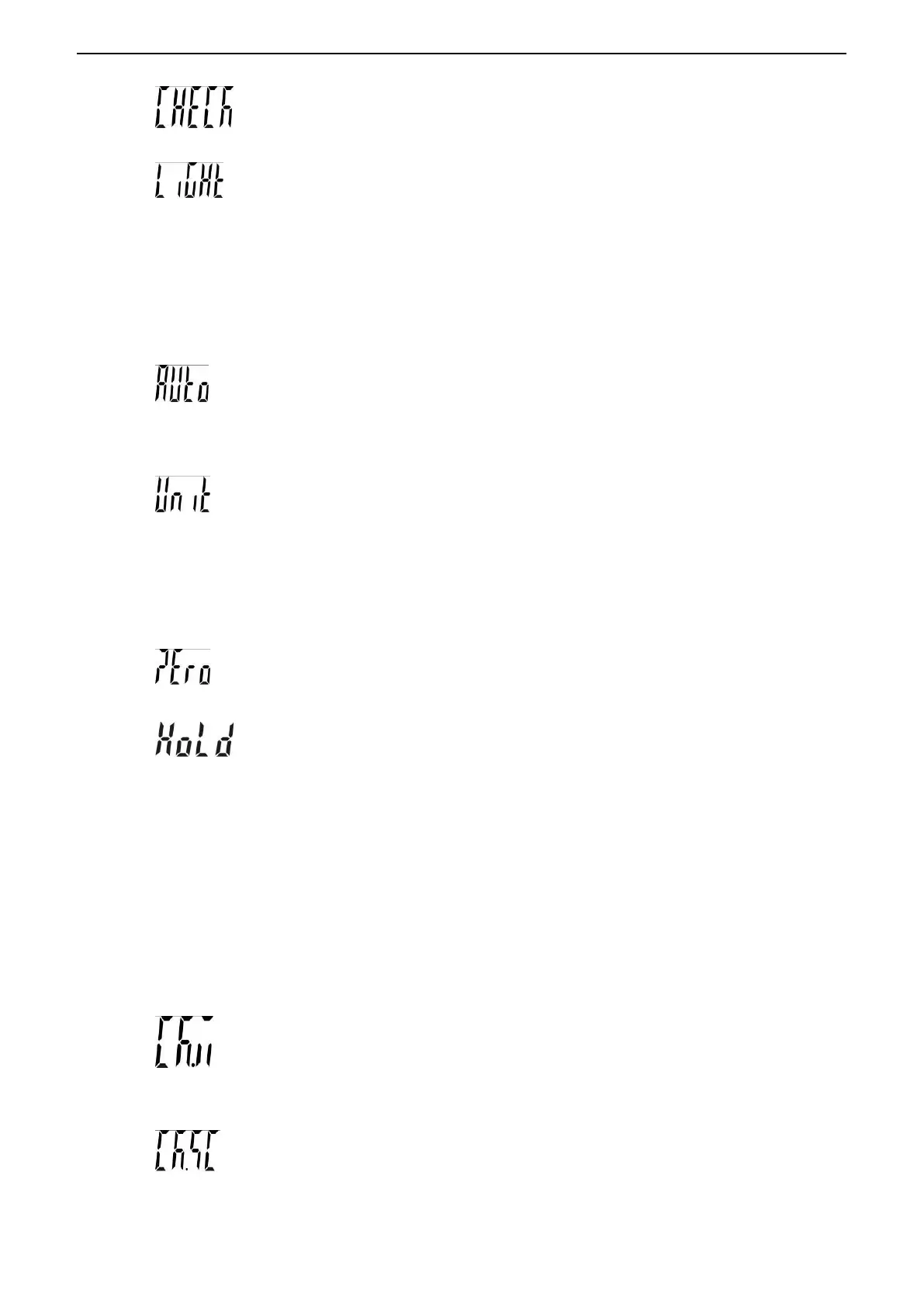
2. P01: Backlight mode
Off :No backlight
Auto:Auto on with items greater than 9d placed on the weighing pan or any key is
pressed. But auto off after N seconds (N=2s, 5s, 10s, 20s, ever) with no action
Ever= It is always on when the weights over 9e
On: Backlight on
3. P02: Auto-off
Off:Non power off
5,10,30,60(minutes)
4. P03: Unit setting
Init : Press key Unit to select the default unit when powering on the scale: pcs, 斤, lboz,
g, kg, final .(final=keep the final being used unit when power off )
Use: Press key Unit to select the weighing unit. on: Enable the unit off: Disable the
unit
5. P04: Zero range
d0, d1, d2, d3, d4 and d5. (d= scale division)
6. P05: Hold function
HoLd – 0: no hold function
HoLd – 1: Peak hold. Press any key to release
HoLd – 2: Hold after stable. Press any key to release
HoLd – 3: Hold after stable. Release after moving away the article
HoLd – 4: Press key HOLD/LO/- to hold. Press any key to release
7. P06: Check weighing memory
on:Check weighing on off:Check weighing off
8. P07: Check weighing function
on: Check weighing under the condition that the weight is within the limits and the stable
indication appears


 To Next Page
 Loading...