JAKA Zu
®
7 - V1.1 40
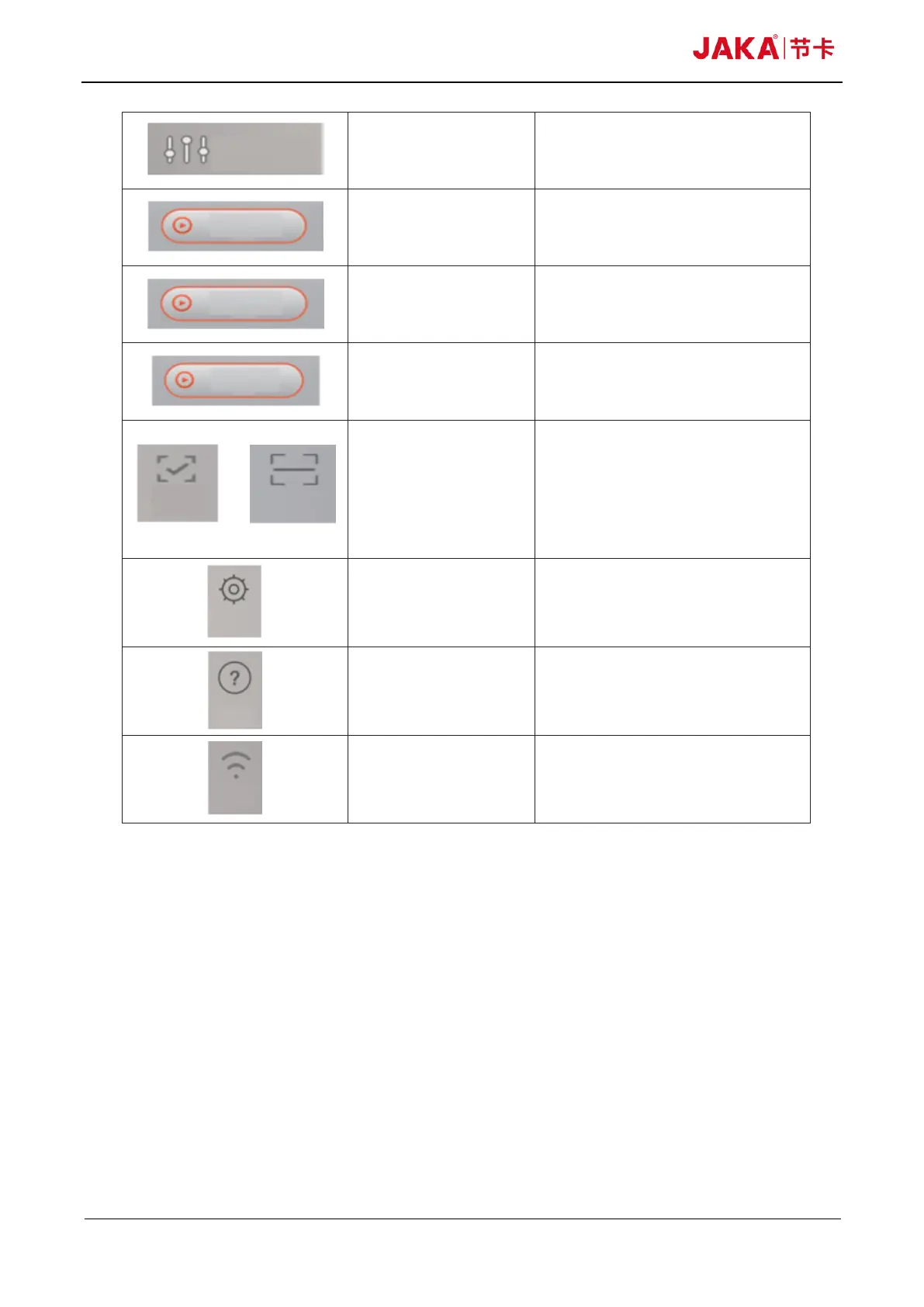
Click to redirect to IO monitoring
Click to power on the robot
After turn on the “Power on” button, click
the “Turn on robot” to enable the robot.
Appear after activating the robot. Click to
turn off the robot.
When the App is not connected to the
robot, the disconnected button displays.
Click the QR code scanning frame
popped up. The connected button is
displayed when the App in the connected
state. Click the prompt popped out to
disconnect the current robot.
Click to open the page of robot settings
Click to open using instructions
Display the current Wi-Fi signal strength
Fig 10-2



 To Next Page