JAKA Zu
®
7 - V1.1 59
The red robot model represents the physical location of the current robot. The blue model represents the
virtual initial position of the command edited currently. You can manipulate the left and right virtual handles to
move the display position of the model. After saving it, click the orange “Confirm”.
(9)Similarly, click to modify the corresponding position of the robot.
(10)At last, click , and the program starts execution.
(11)Click the save button to save the current program profile.
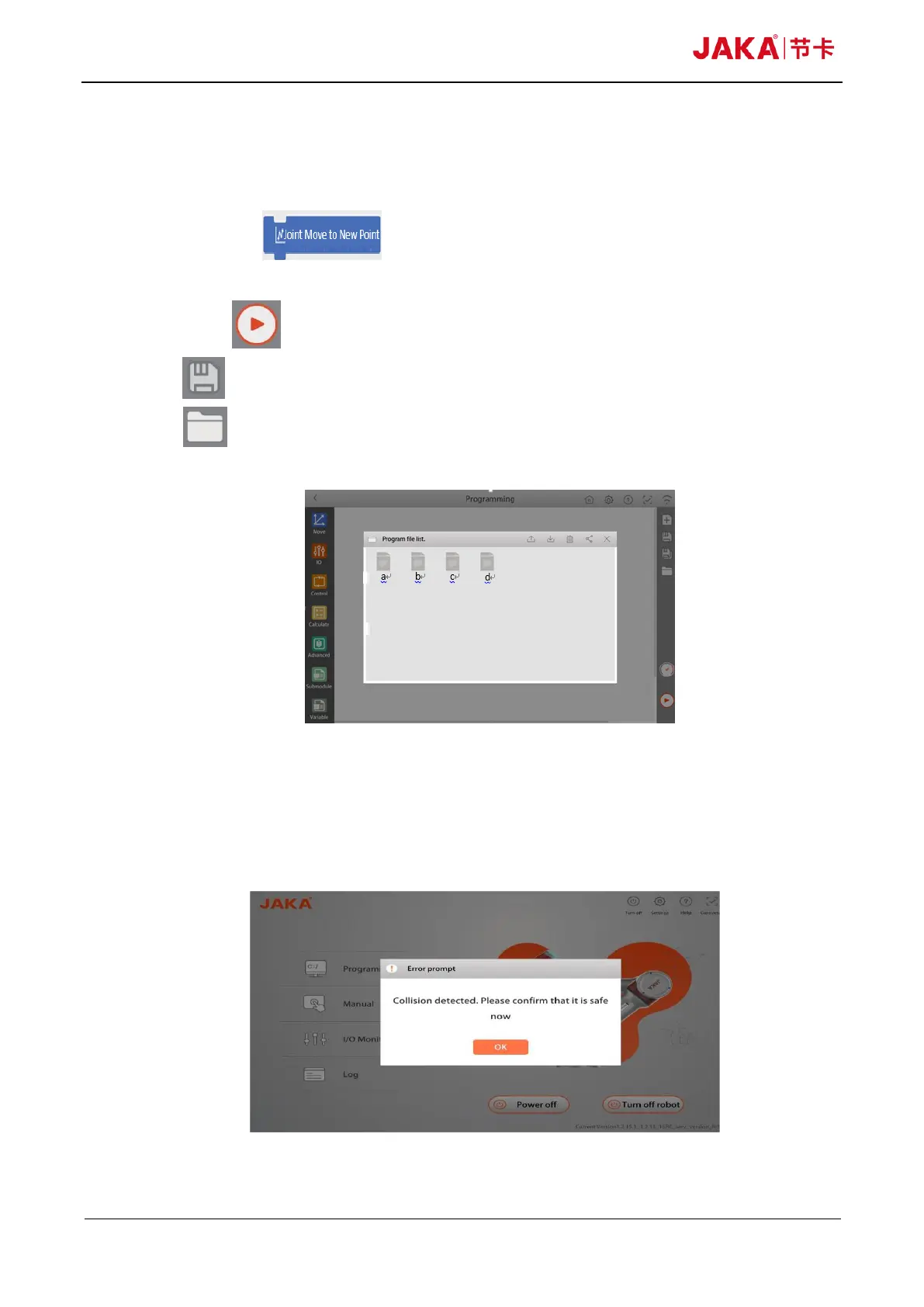
(12)Click to check the program profile saved as follows:
Fig 10-44
10.6 Robot Safety
When the robot detects a collision during operation, the robot will stop moving and enter the pause
protection state. At the same time, the corresponding warning prompt will pop up on the APP as follows:
Fig 10-45



 To Next Page