JAKA Zu
®
7 - V1.1 44
One entry represents one robot.
When the robot is connected by the app, the word “Connected” will be displayed.
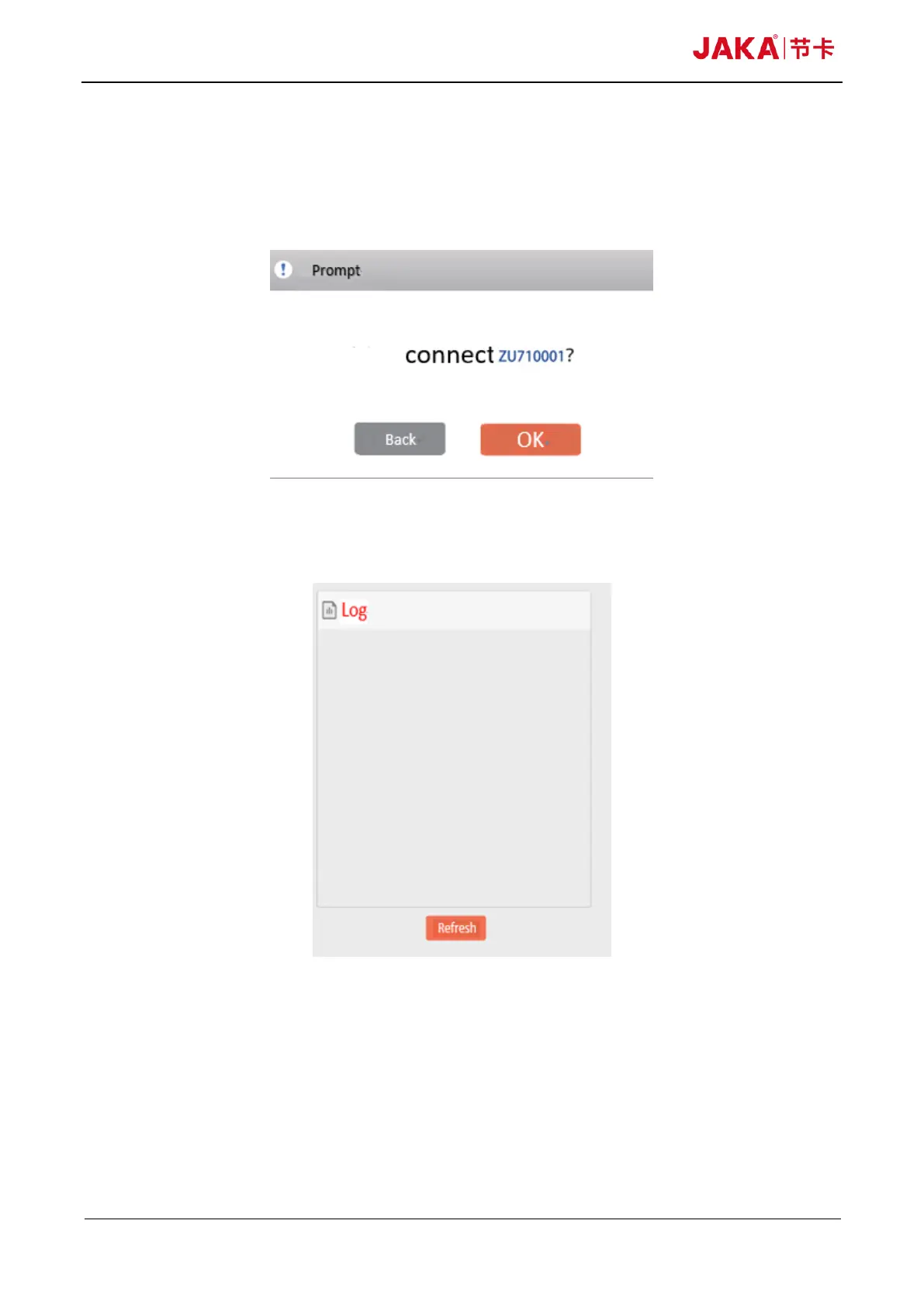
Every entry is clickable. When you click on the black entry, the following prompt box will pop up.
Click “Confirm” to establish a connection with the robot, and then you can control the robot.
Fig 10-11
10.3.2 Log information area
Fig 10-12
This area shows the log information of electronic cabinet of the robot. The information can be filtered by
the switch button (correspond with the severity)



 To Next Page