41
UMG 508
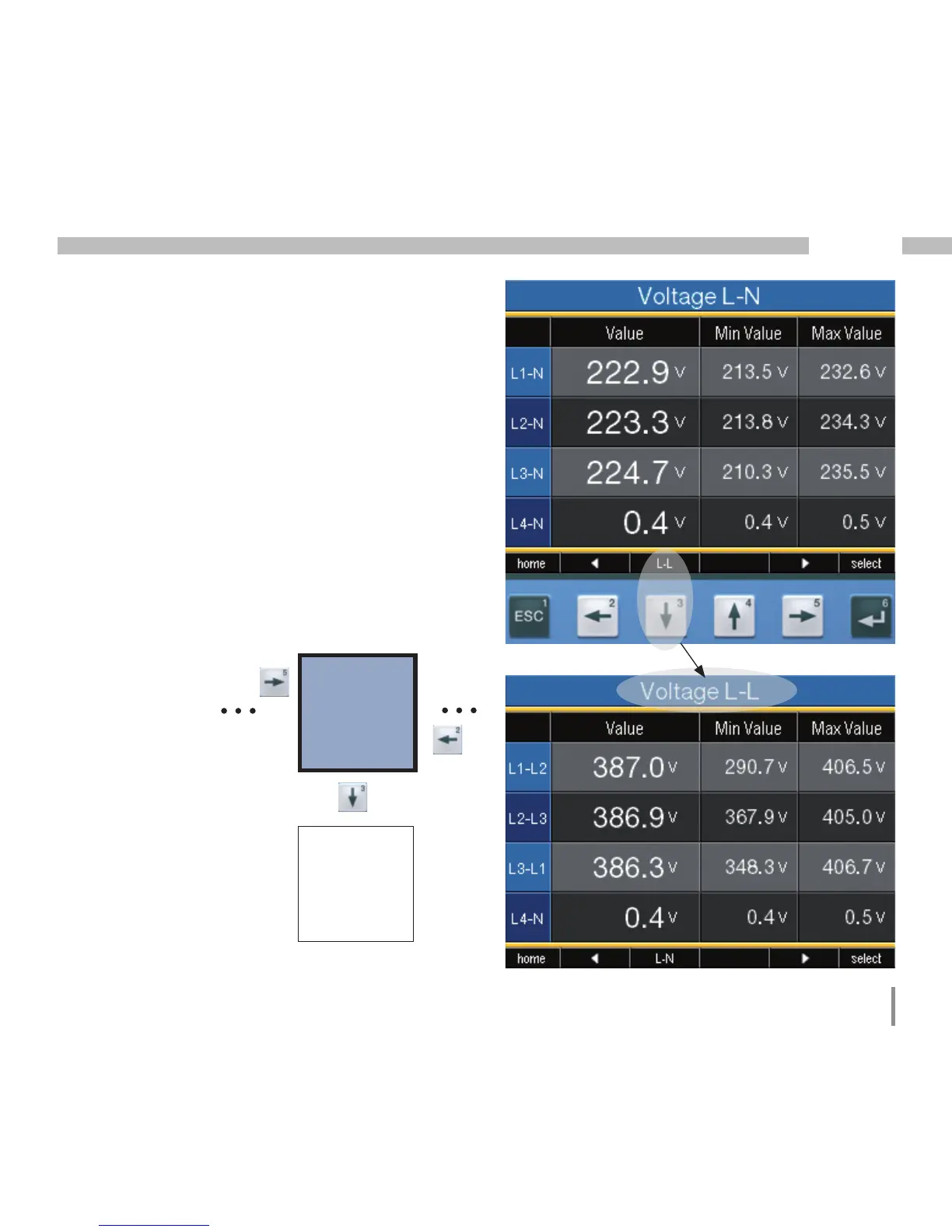
Select measurement value display
You want to change to a measurement value
display with main values.
• Use the function keys 2 and 5 to browse bet-
ween the measurement value displays of the
main values.
• With function key 1 (Home), you always ac-
cess the first measurement value display.
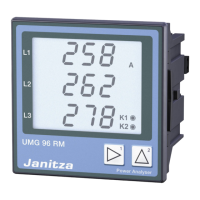
Display
Voltage L-N
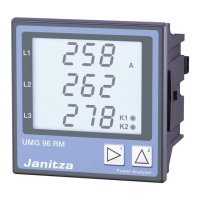
Display
Voltages L-L
You want to change to a measurement value
display with auxiliary values.
• Select the measurement value display with
the main values.
• Select the measurement value display with
function keys 3 and 4 for the auxiliary values.
Example: selection of auxiliary value voltage.








 To Next Page