63
UMG 508
Forgotten password
If you have forgotten the password, you can
only delete the password using the "GridVis“
software.
In order to do this, connect the UMG508 with
the PC using a suitable interface. Further infor-
mation can be found in the GridVis assistant.
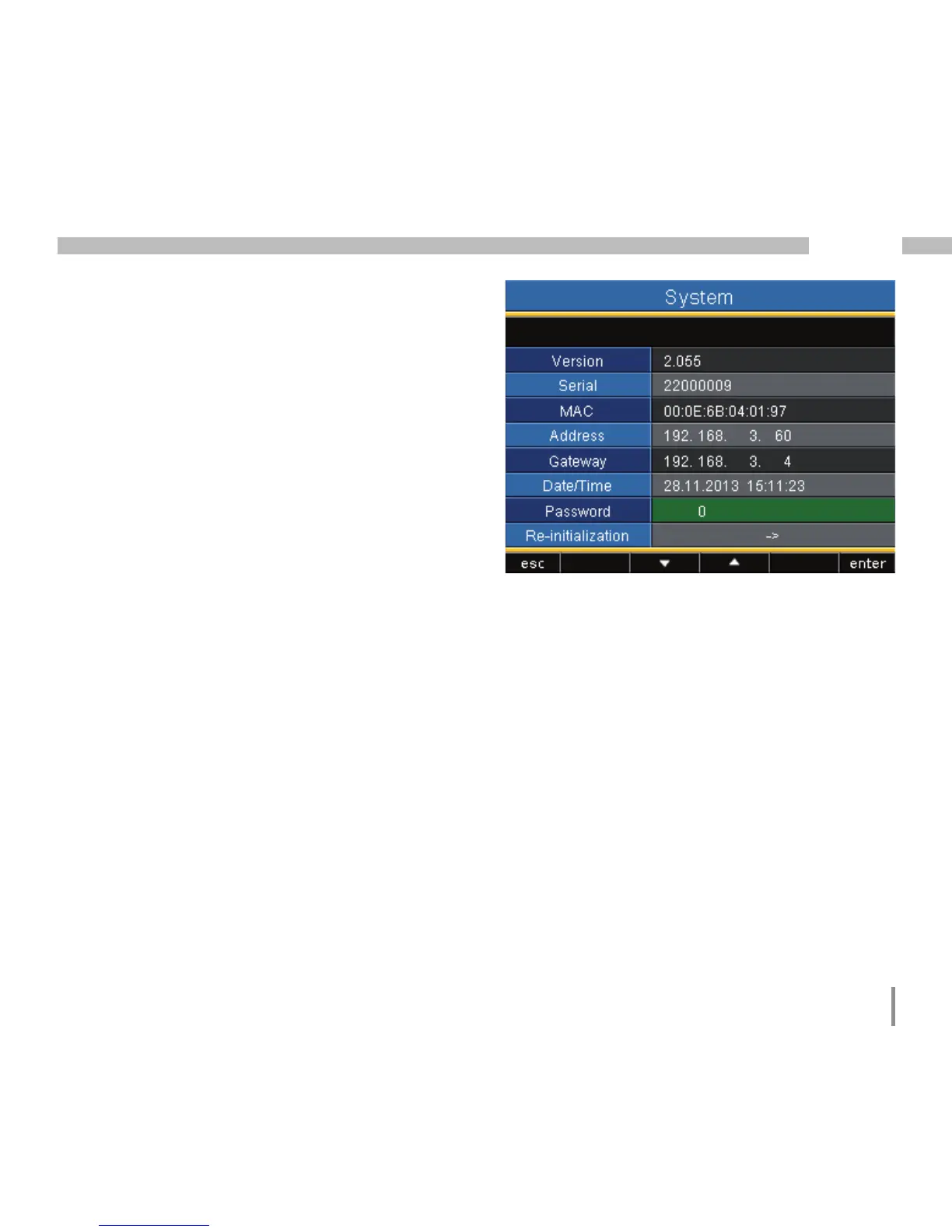
Password
The user can block access to the configuration
with a password. Changing the configuration di-
rectly on the device is then only possible after
entering the password.
The password consists of a 6 digit combination
of numbers.
Setting range: 1-999999 = with password
000000 = without password
A password (000000) is not programmed in the
factory.
• In order to change a set password, you must
know the current password.
• Note any changed password.
• If you do not want a password request any-
more, enter "000000" as a password.








 To Next Page