47
UMG 508
Configuration menu
Once the network returns, the „Home“ measu-
rement value display is found on the start page.
• Browse to the menu configuration with key 1.
If you are in a measurement value display for
main values, you use
• key 1 - „Home“ to directly access the first
„Home“ measurement display.
• Use key 1 to browse to the menu configu-
ration.
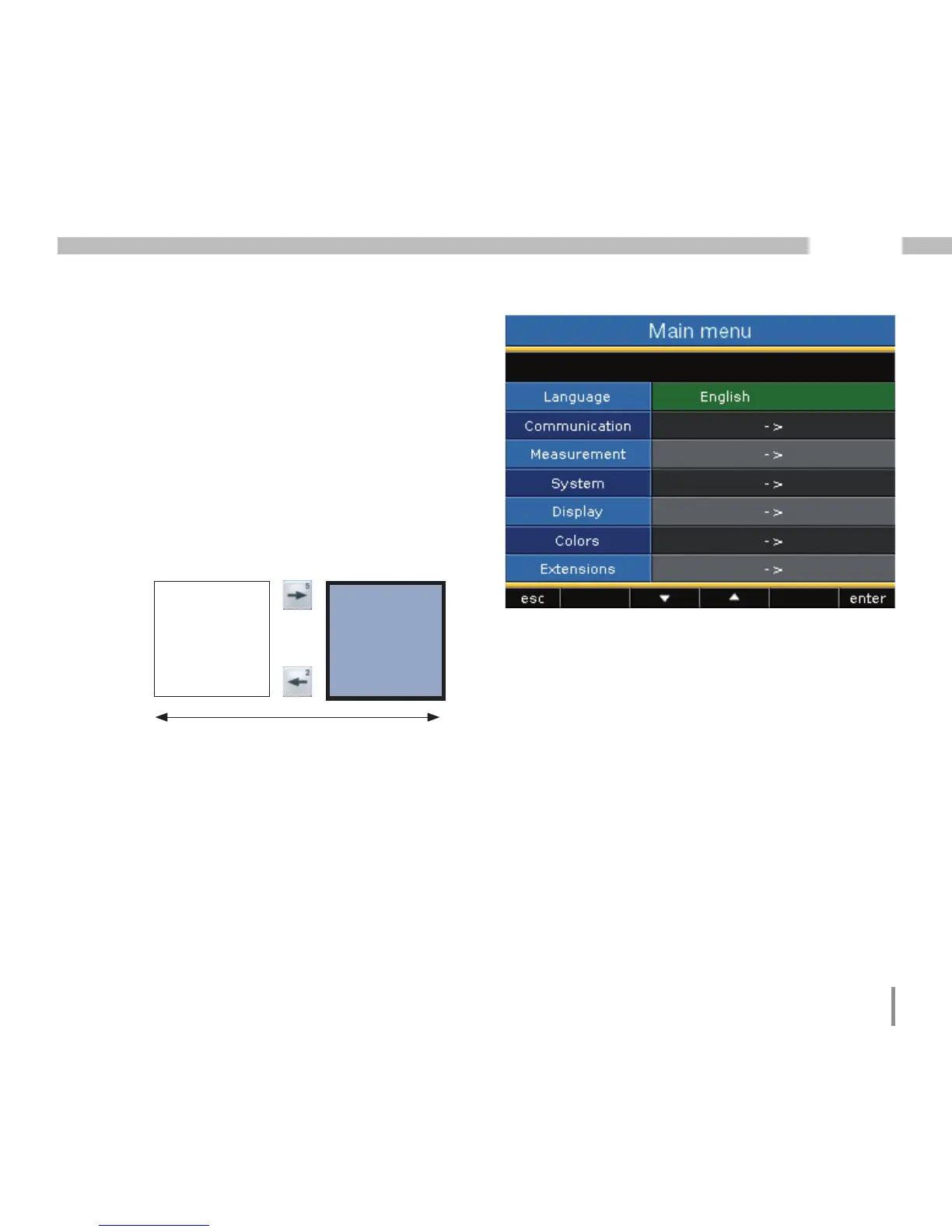
Language
You can set the language for the measurement
value displays and menus directly in the "confi-
guration" menu.
There are different languages to select between.
The preset language in the factory is "English".
Display
Configuration
Display
"home“
Main values
Illu. Example configuration of "languages".








 To Next Page