68
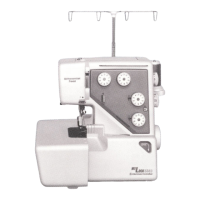
Reducing the height of letters
To reduce the height of character to approximately 2/3 of
its original size, select the character with the cursor key
DQGSUHVV´²µRIWKHVWLWFKZLGWKDGMXVWLQJNH\
A
2/3
A
Spacing
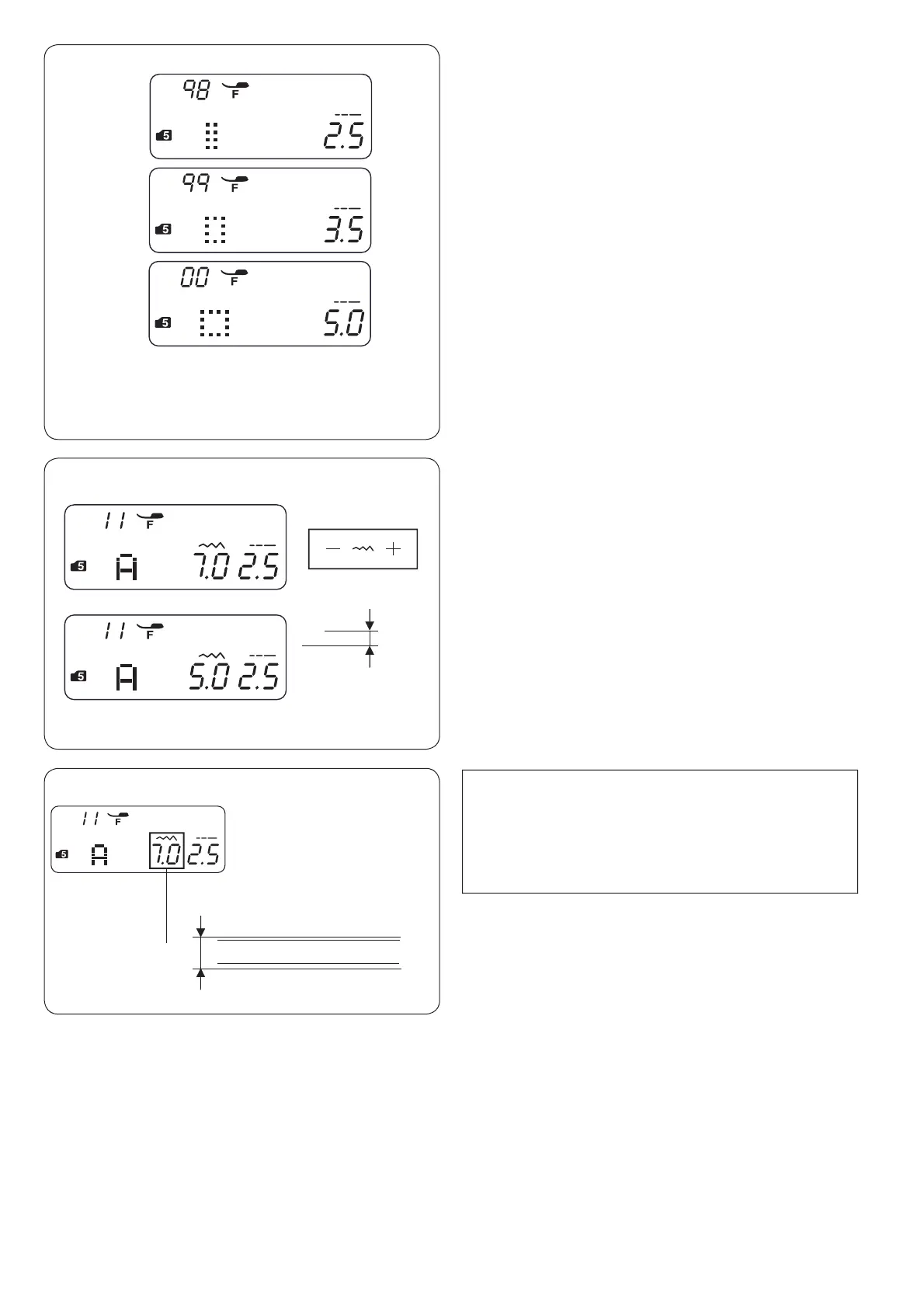
To enter the space in monogramming, select the stitch
pattern 98, 99 or 00 in mode 5.
q 3DWWHUQ6PDOOVL]HVSDFHPP
w 3DWWHUQ0HGLXPVL]HVSDFHPP
e Pattern 00: Large-size space (5.0 mm)
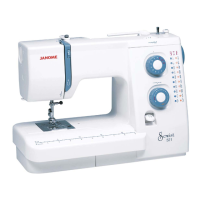
NOTE:
The stitch width of monogramming does not indicate
the actual size of character. That is an overall height
including before-edge and after-edge.
q Before-edge
w After-edge
A a j y
Ё
1 2
7.0 mm
q
w
q
w
e


 To Next Page