10.
Preset station indicator
11.
1«:
Touch to seek backward.
12.
»1:
Touch to seek forward.
13.
«:
Touch to tune backward one step.
14.
»:
Touch to tune forward one step.
15.
BAND: Touch to change bands (FM1, FM2, FM3, AM1, and AM2).
~~rf
The BAND button on the unit
only
works when the TFT is closed.
16.
AS: Touch to automatically store stations for the current
band.
17.
Touch to view the SOURCE MENU and select a new
playback source.
You
can also change the source by
pressing the
SRC button
on
the control panel or remote
control.
18.
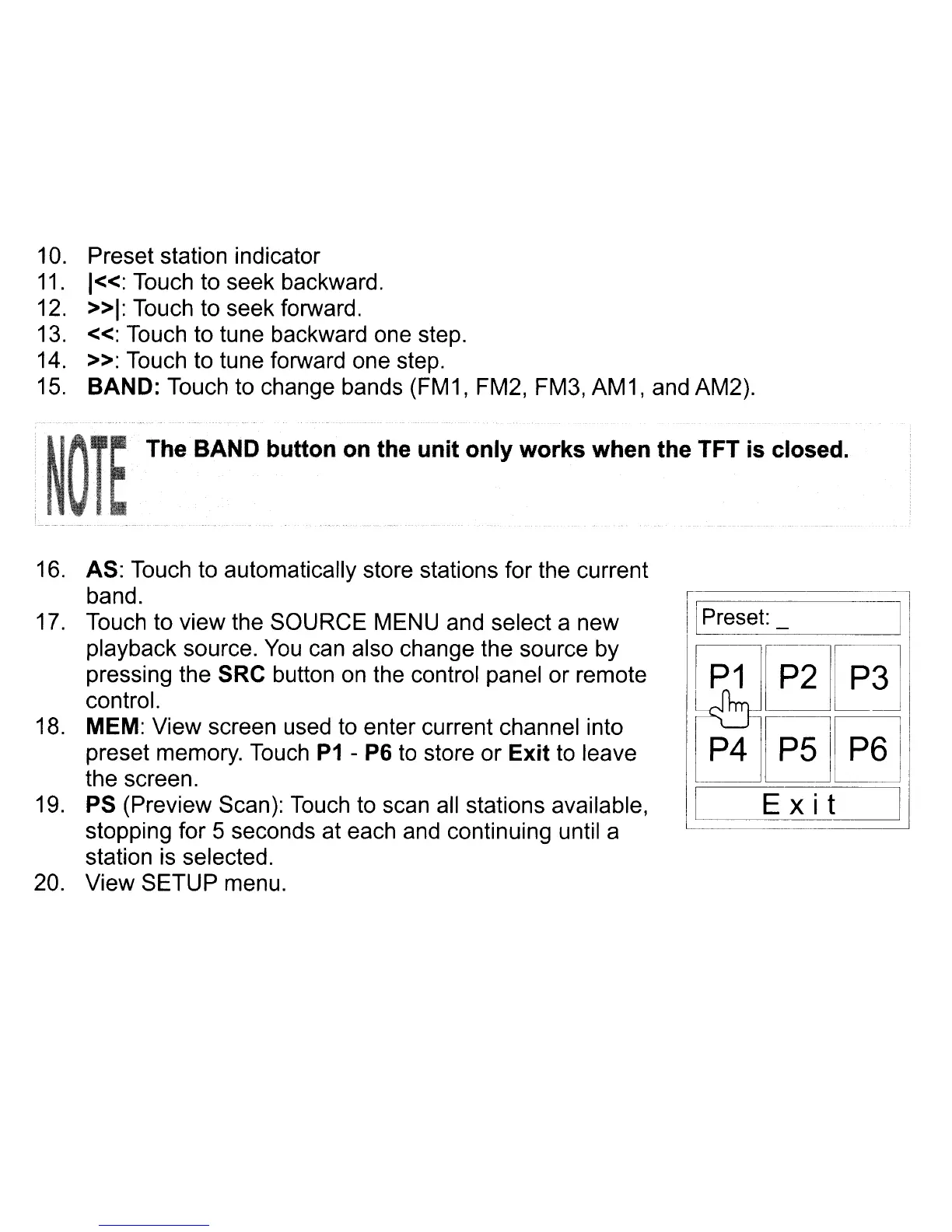
MEM: View screen used
to
enter current channel into
preset memory.
Touch
P1
- P6
to
store or Exit
to
leave
the screen.
19.
PS (Preview Scan): Touch
to
scan
all
stations available,
stopping for 5 seconds at each and continuing until a
station
is
selected.
20. View SETUP menu.
!
II
Preset:_
I
i~§J~~
P4~§l
I
Ex
i t
I
[



 To Next Page