the digital channel configuration wizard.
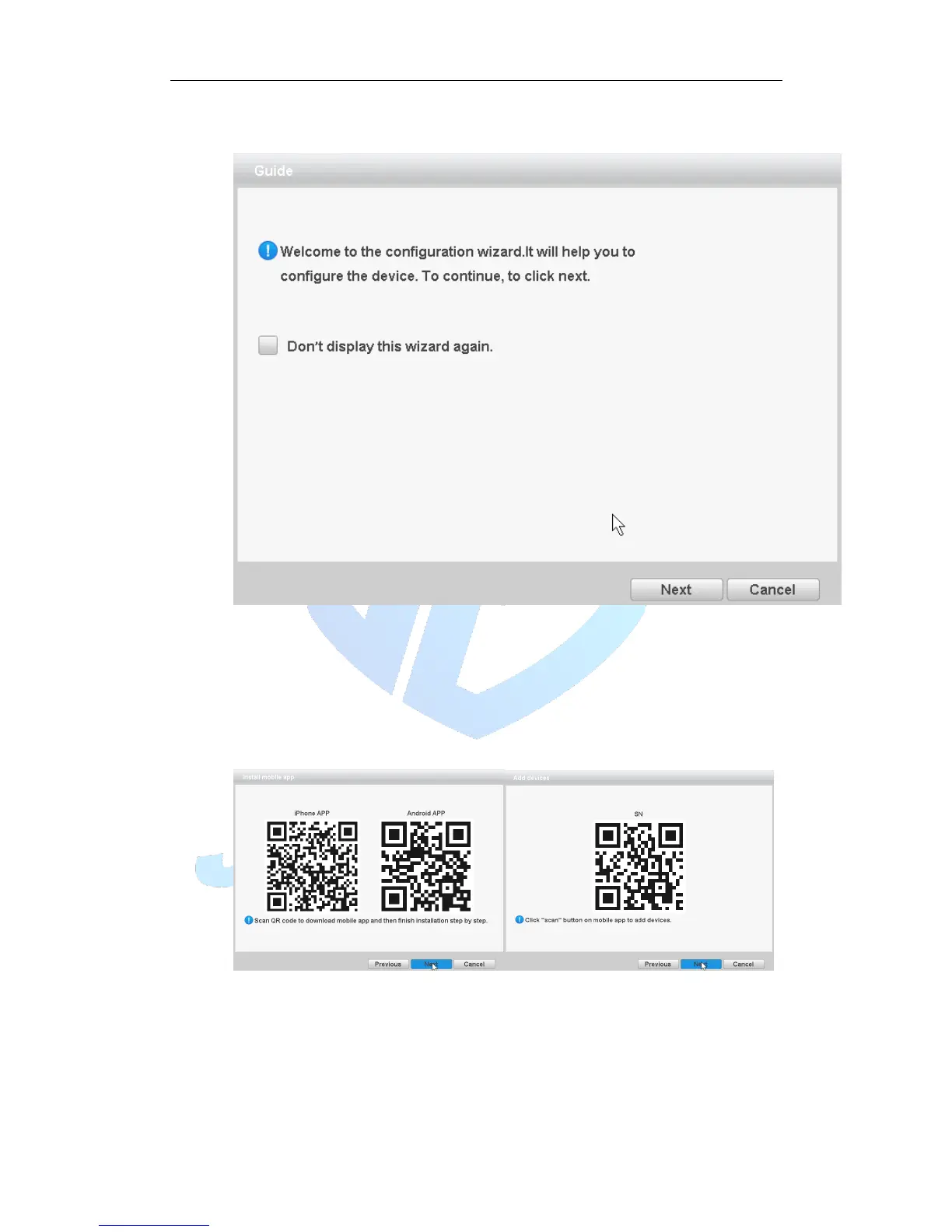
Boot wizard:
Figure 3.4 Boot wizard interface
[Do not Display] select the highlighted ■ expressed after reboot, no longer
automatically pop up boot wizard.
[Next] enter the digital channel configuration wizard interface.
[Cancel] to save the settings and exit this screen wizard interface.
QR Code
Figure 3.5 QR code interface
Mode selection:



 To Next Page