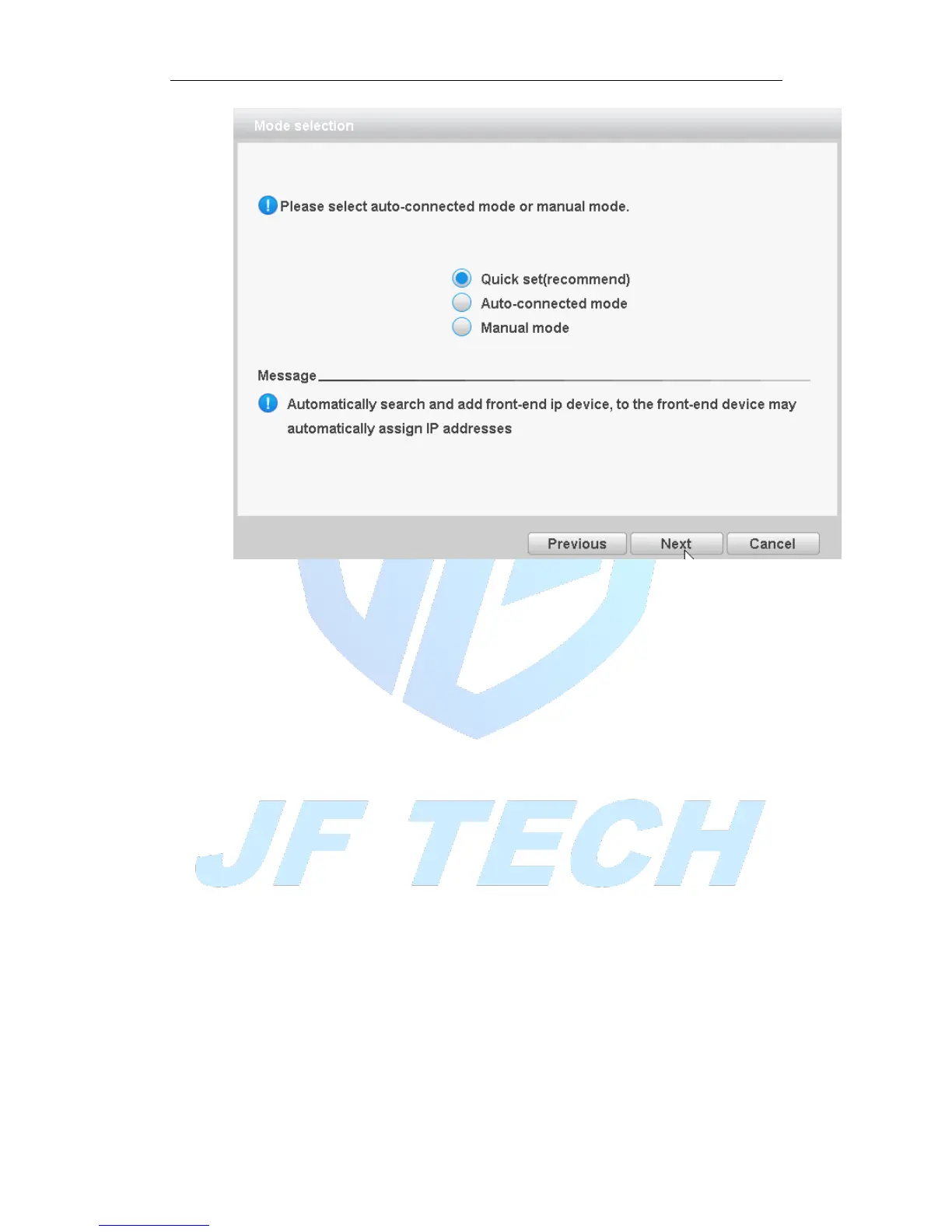
Figure 3.6 mode selection
Click “Next” on the figure 3.4, will pop up APP and SN QR code, and then click next to
pop up mode selection. Select the manual mode to enter the digital channel
configuration wizard which as shown in Figure 3.7, you can set shortcuts for digital
channels; select ad hoc network mode, the device will automatically modify the LAN IP
address of the front-end equipment, digital channels and front-end devices connect
automatically.
NOTE: If you have the front-end cannot be modified under the networking mode is
recommended since set up a separate LAN.
Digital Channel Configuration Wizard:
NOTE: After using this function, the parameters in the configuration of all digital
channels will be updated, please caution.



 To Next Page